Articles
Long reads, essays and documentation. The extension and the Android app read the page as it is shown to you; a link pasted into the web app is read for you by Google's Gemini.
Web pages
Beta · open to everyone
Capture a long article, a PDF or a public YouTube link. Marrow Trove gives you a TL;DR and a Gist, remembers the source, and lets you Keep what is worth it as Markdown you own.
Free with your own Gemini key. No account, nothing to install.
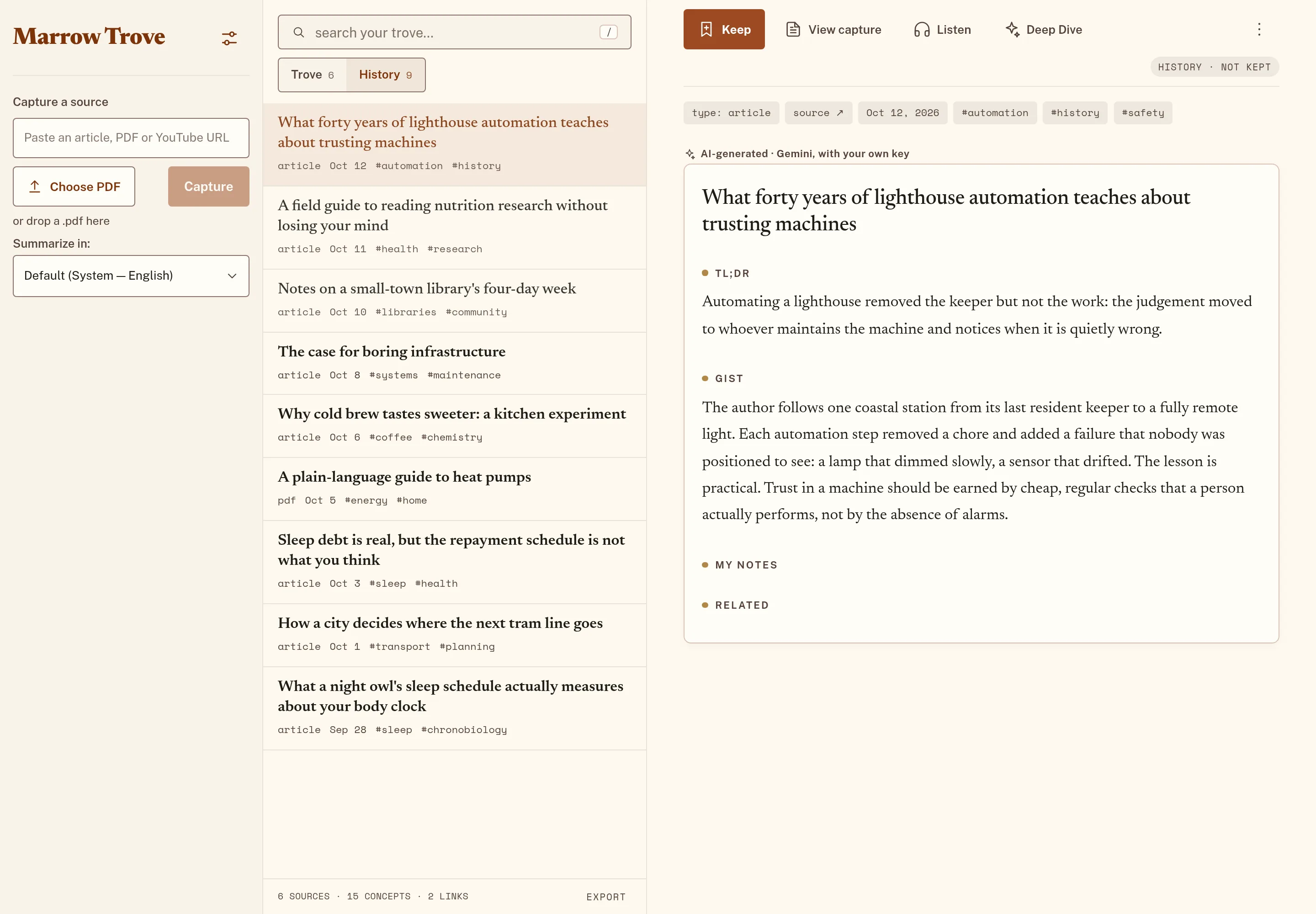
TL;DR
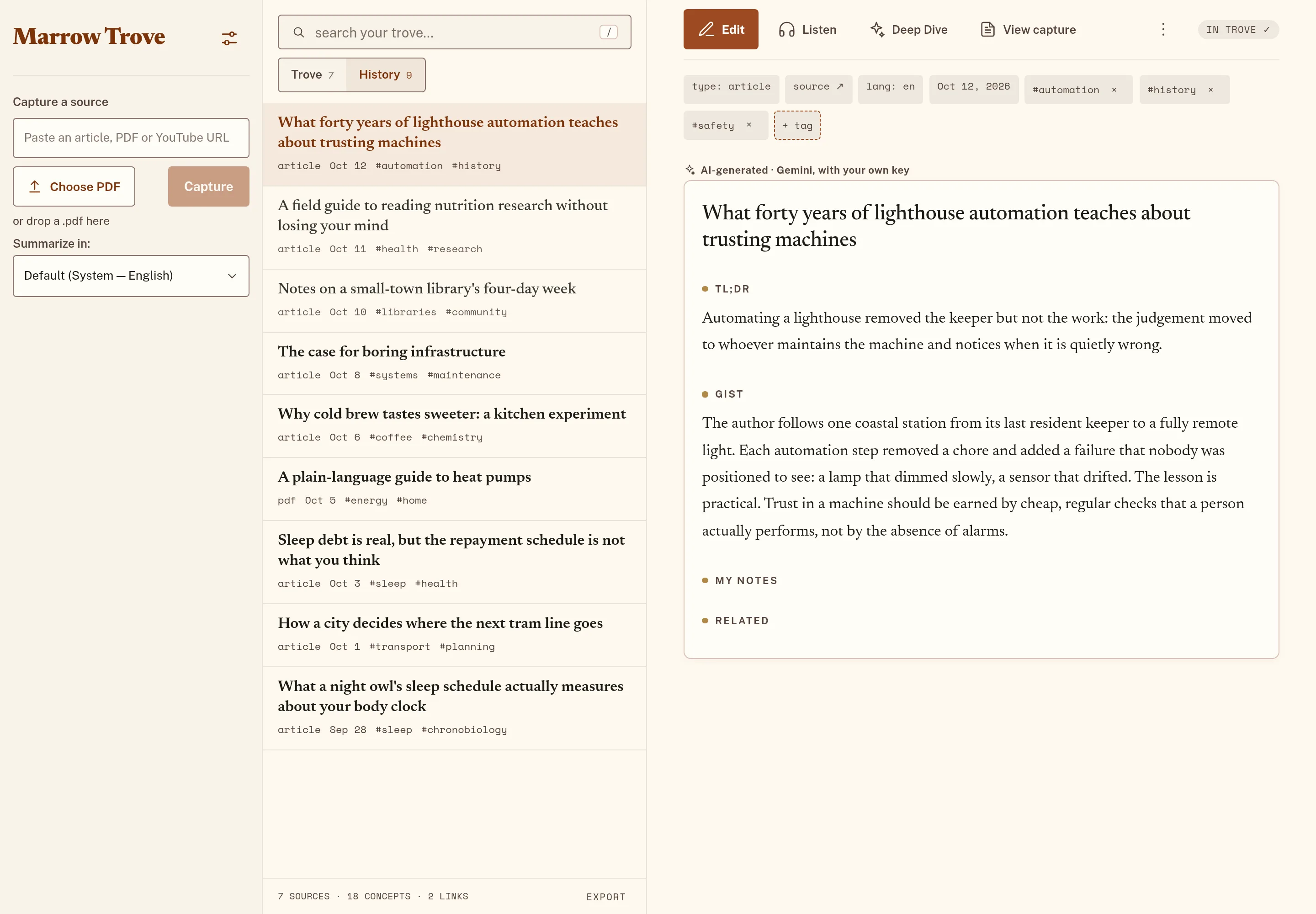
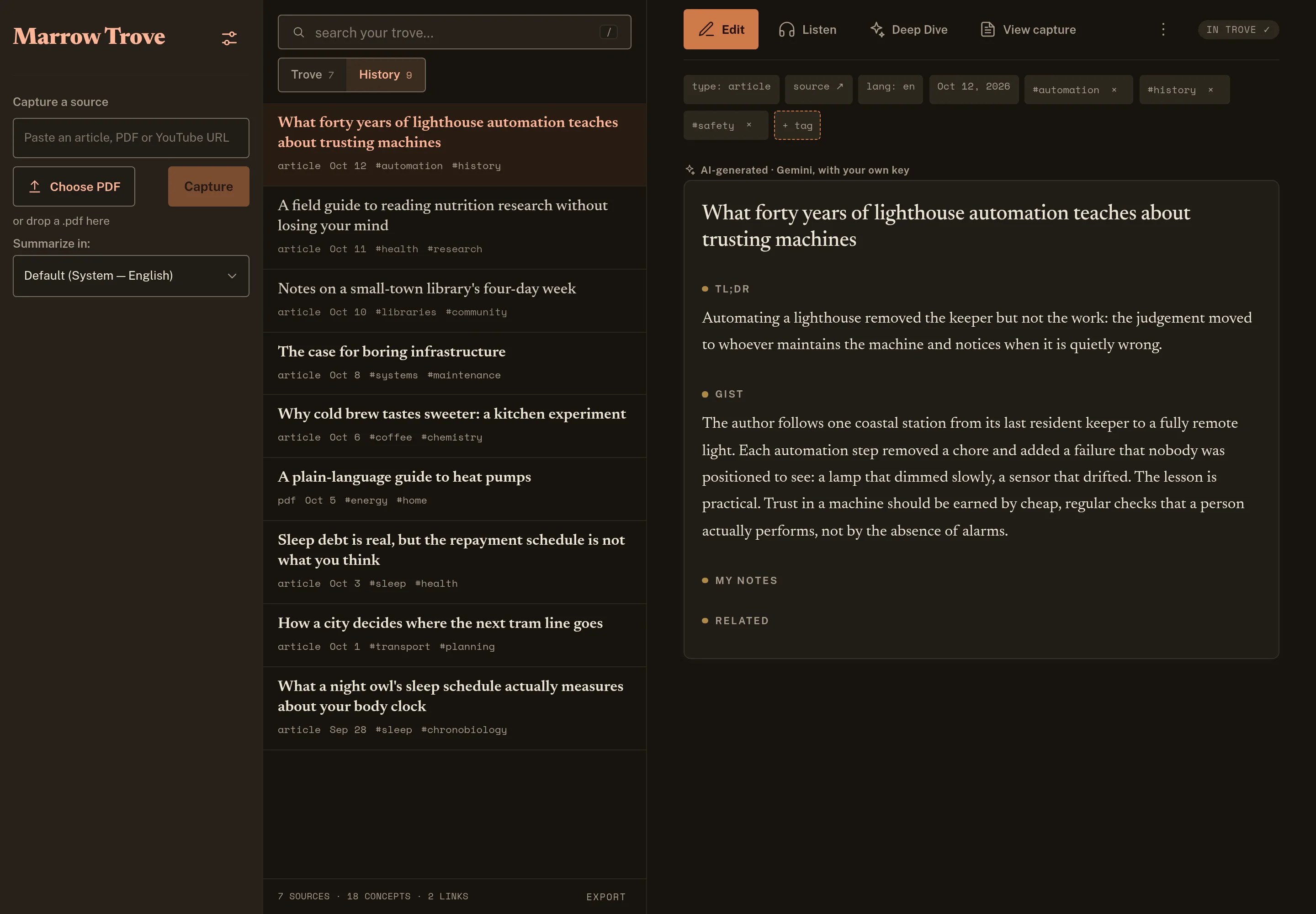
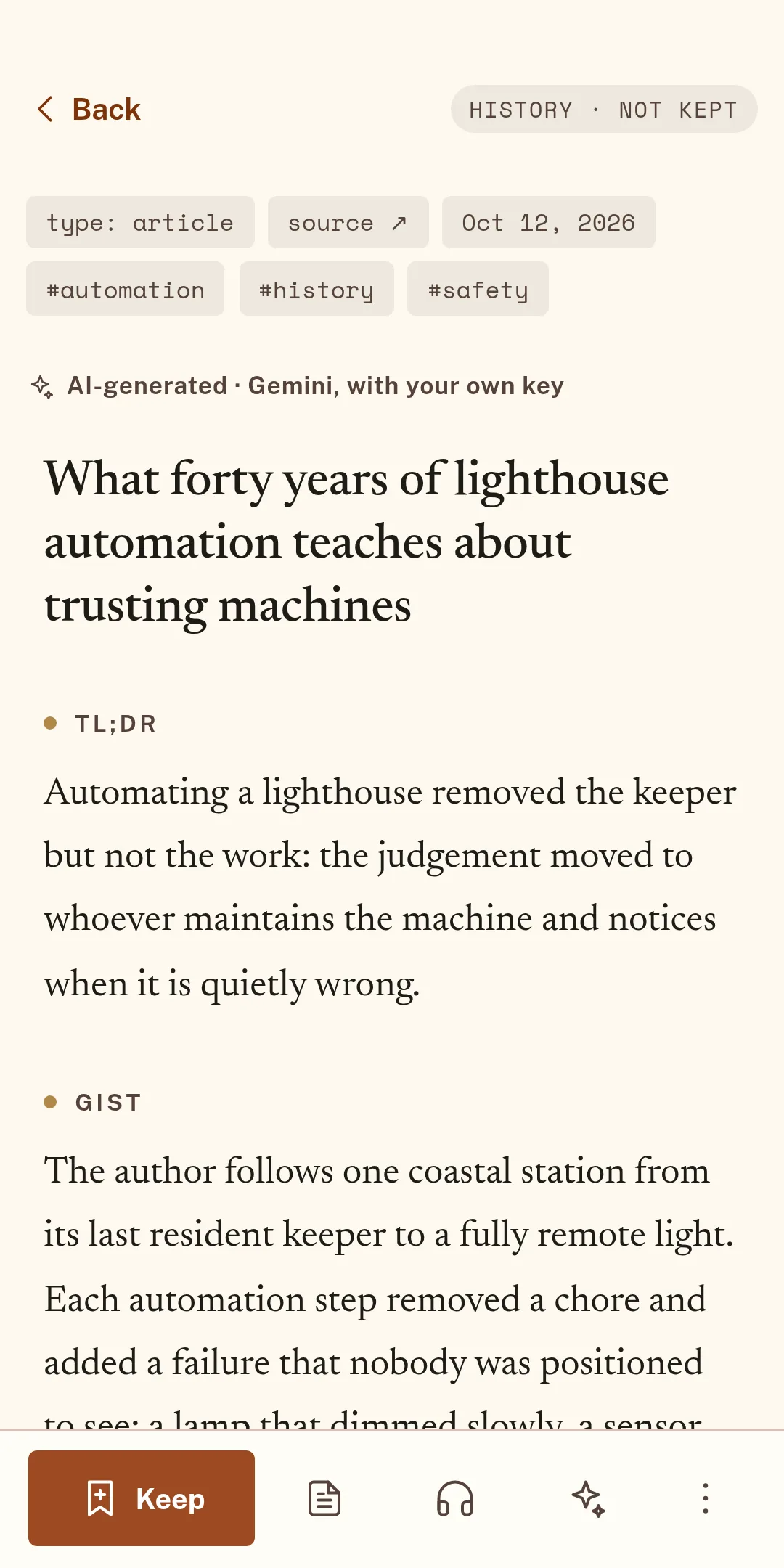
Automating a lighthouse removed the keeper but not the work: the judgement moved to whoever maintains the machine and notices when it is quietly wrong.
Gist
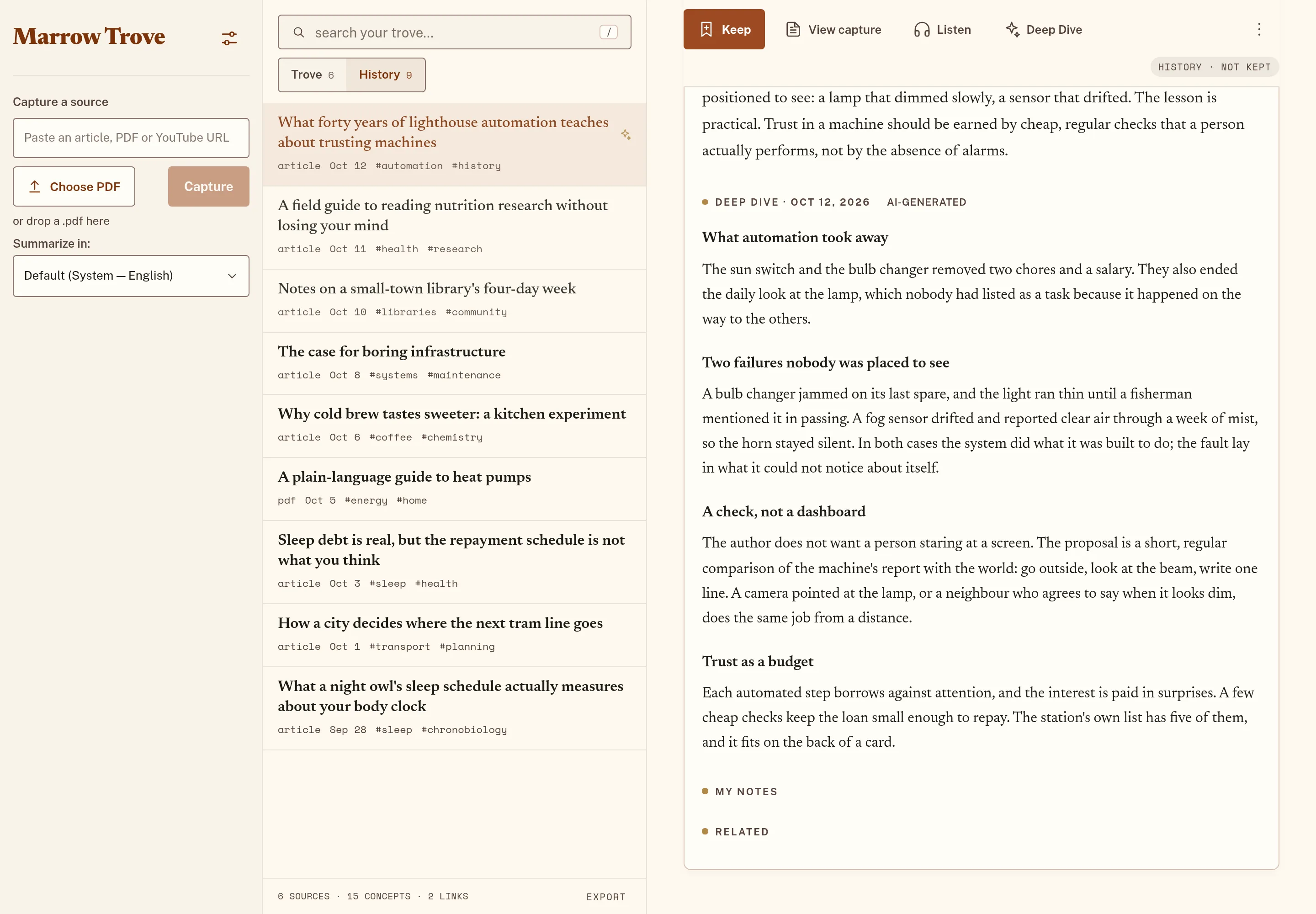
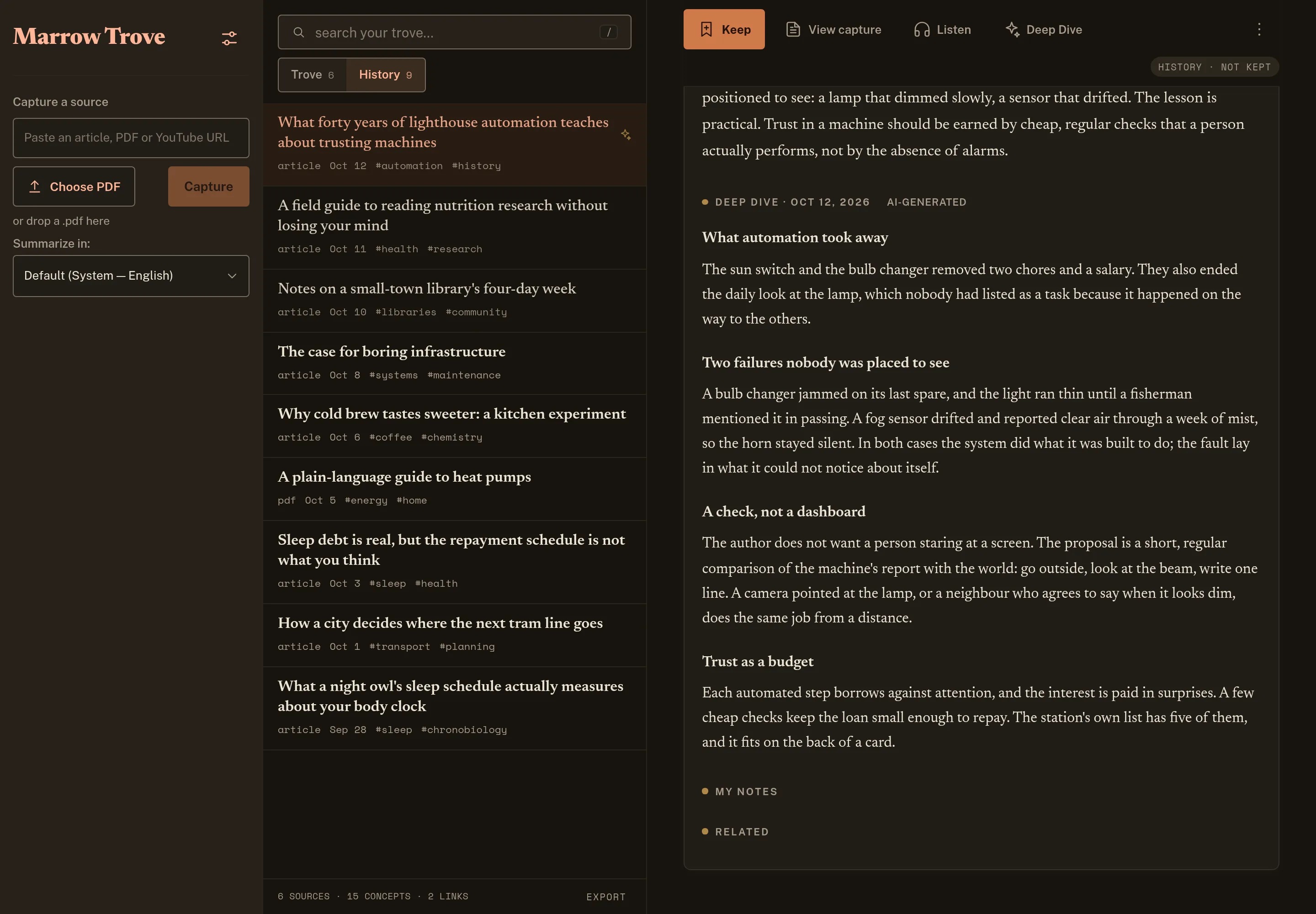
The author follows one coastal station from its last resident keeper to a fully remote light. Each automation step removed a chore and added a failure that nobody was positioned to see: a lamp that dimmed slowly, a sensor that drifted. The lesson is practical. Trust in a machine should be earned by cheap, regular checks that a person actually performs, not by the absence of alarms.
What forty years of lighthouse automation teaches about trusting machines
A link
Get the point
Listen
The problem
A long read, an hour-long talk, a sixty-page report: you cannot know which part is worth having until you have spent the time. So the tabs pile up, and so do the saved-for-later lists nobody returns to.
Marrow Trove turns that around. You see the point first, then decide what deserves your attention, and what deserves a place in your notes.
A long article: the few lines worth having come first.A public YouTube link is summarized by Google's Gemini, with an outline whose times link back to the video.A PDF with real text is read on your device and summarized the same way.
How it works
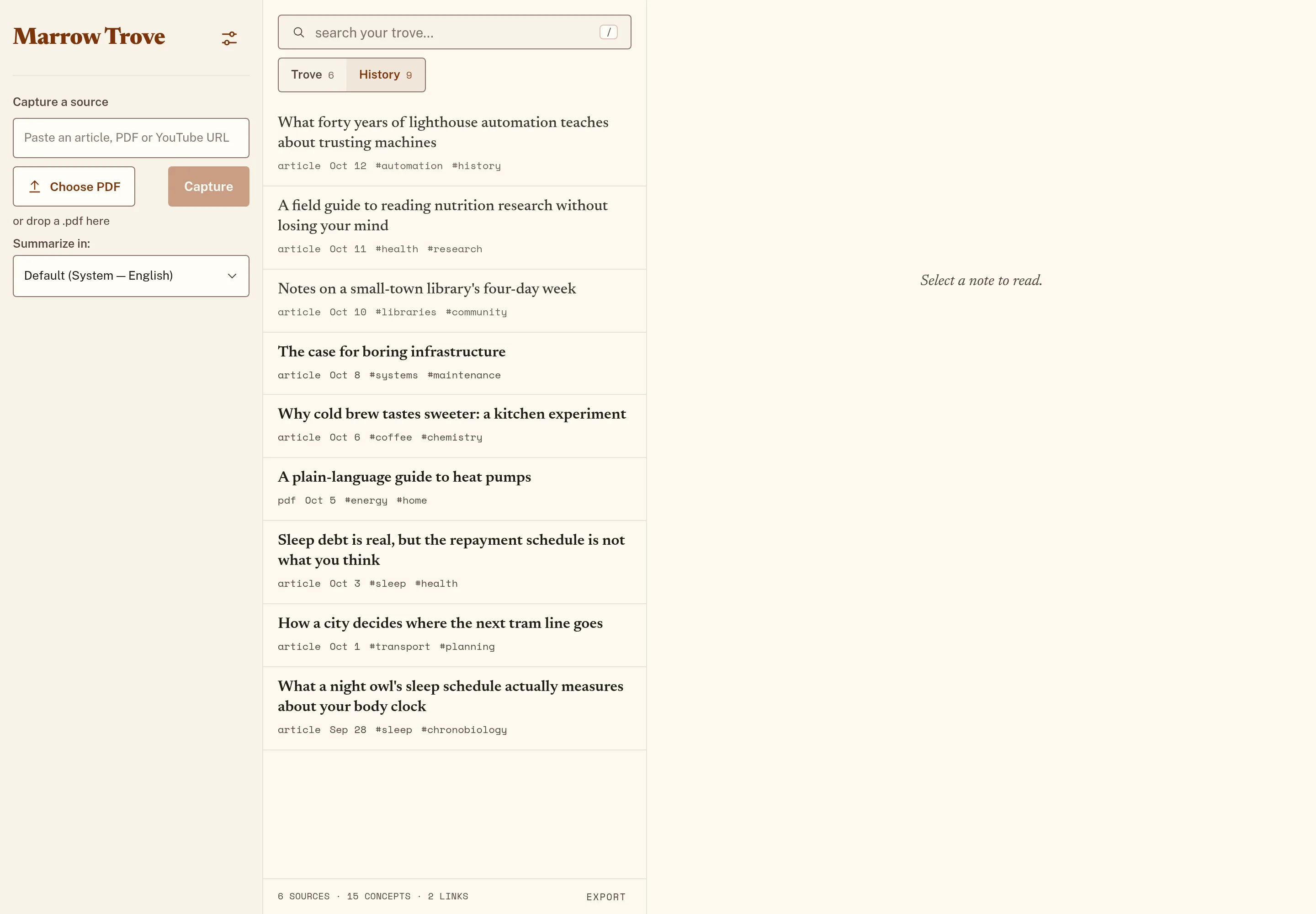
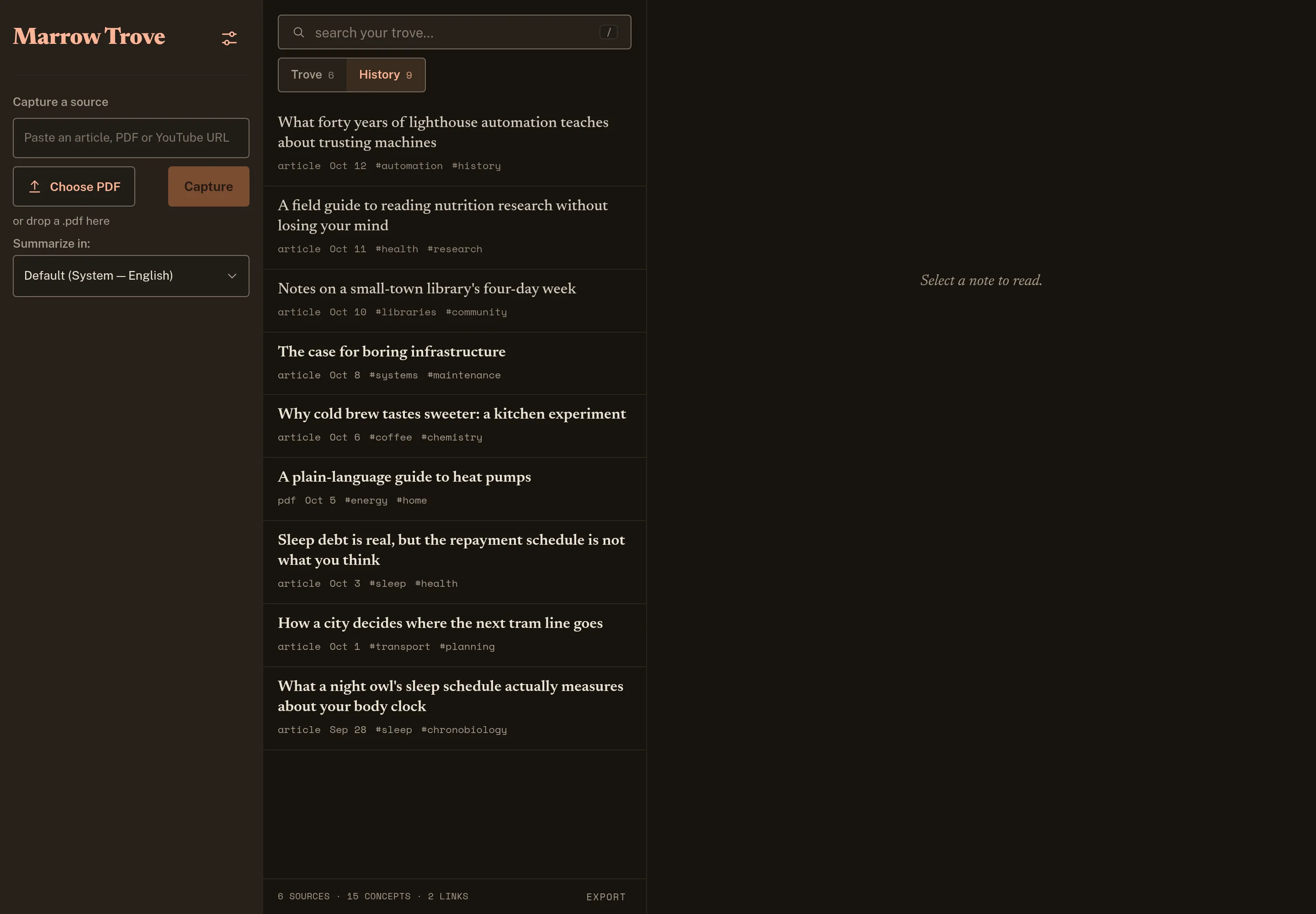
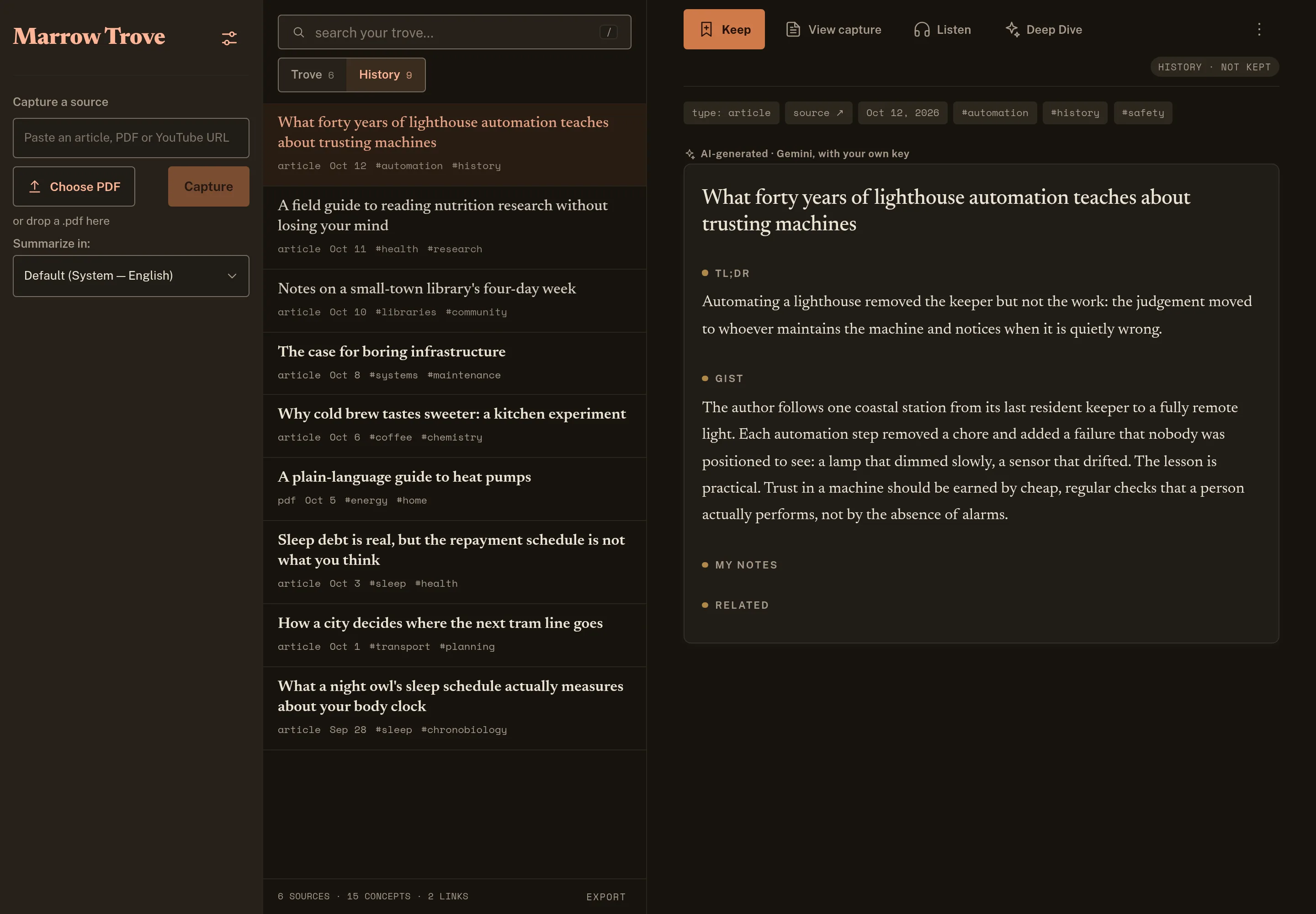
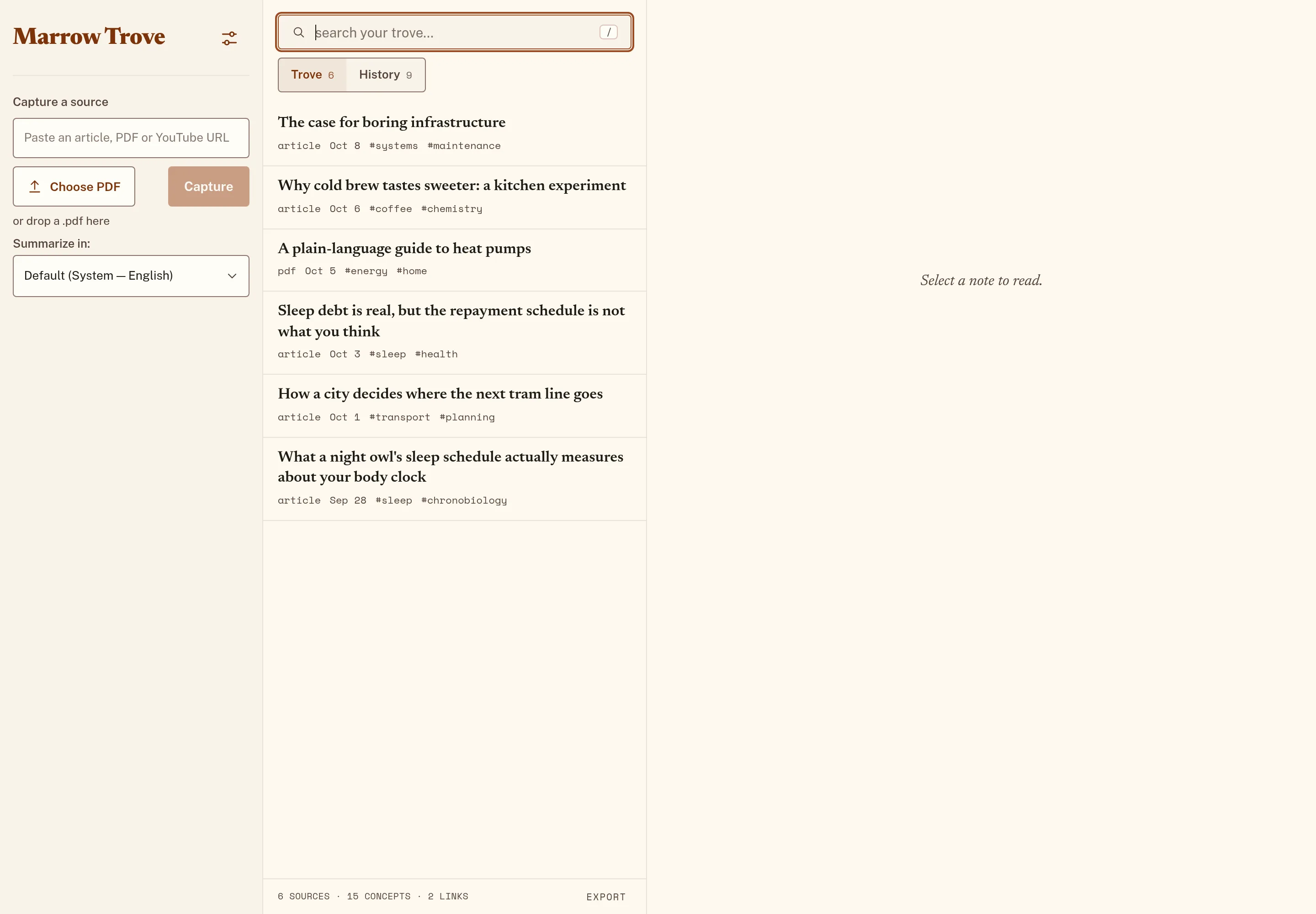
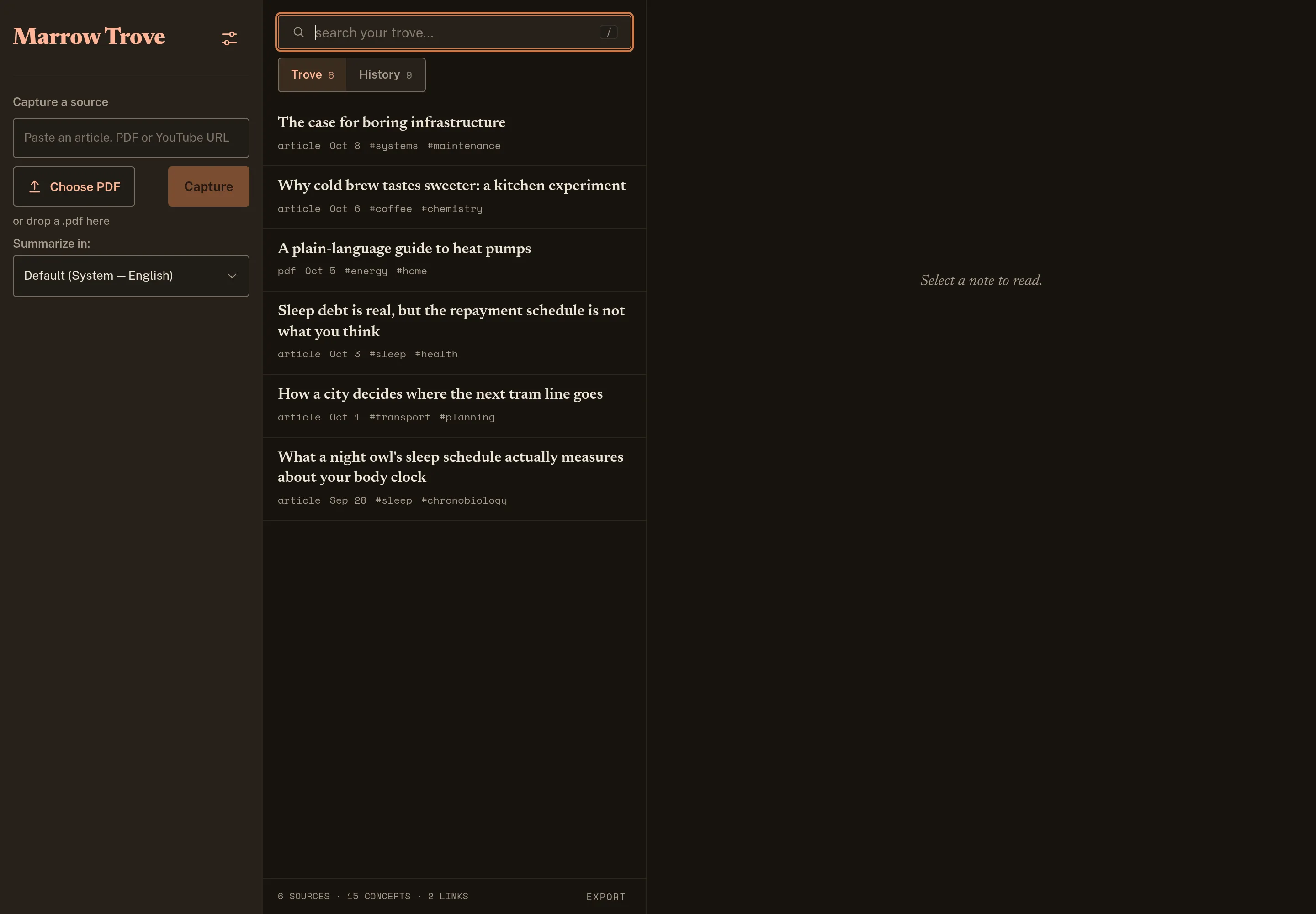
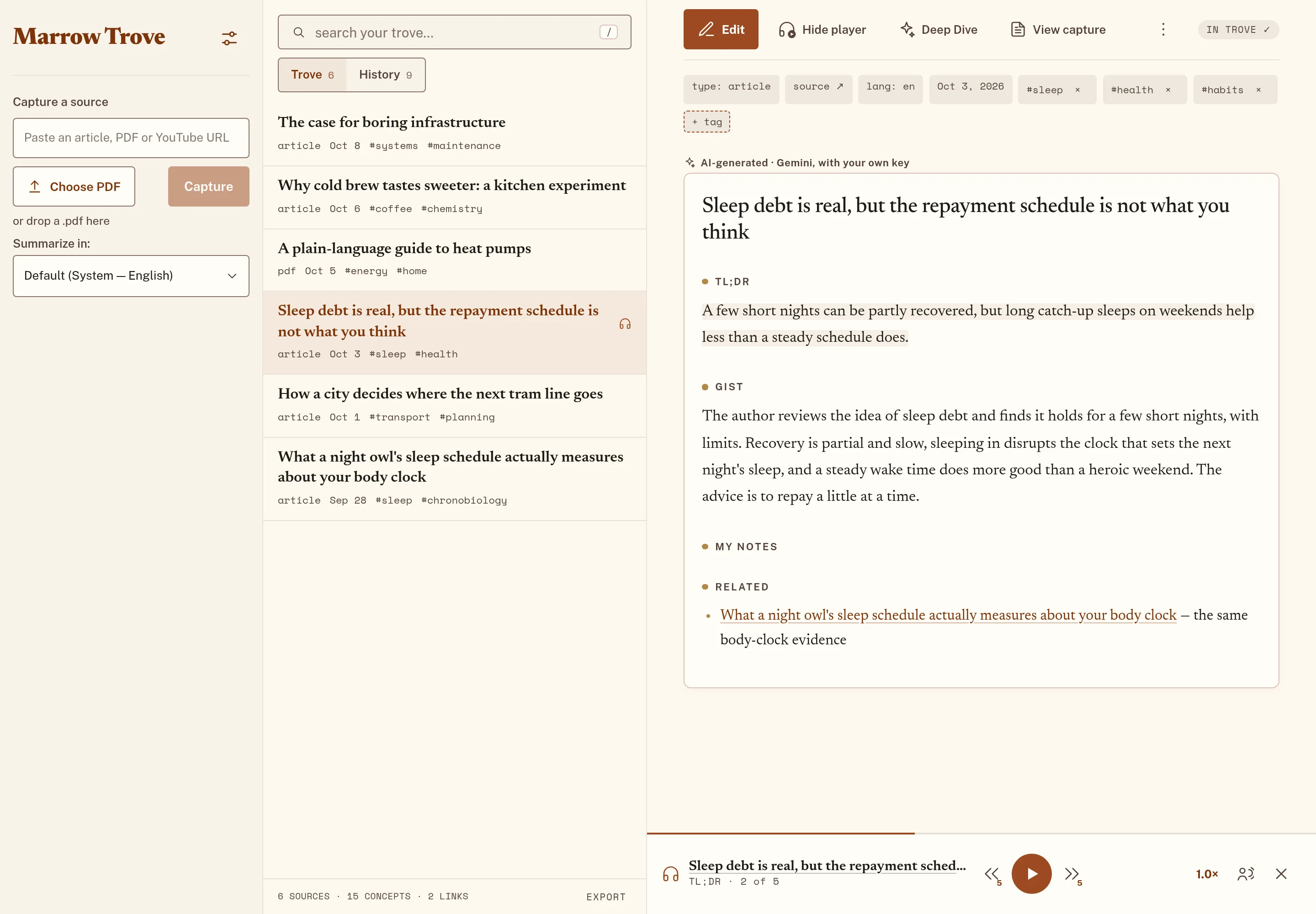
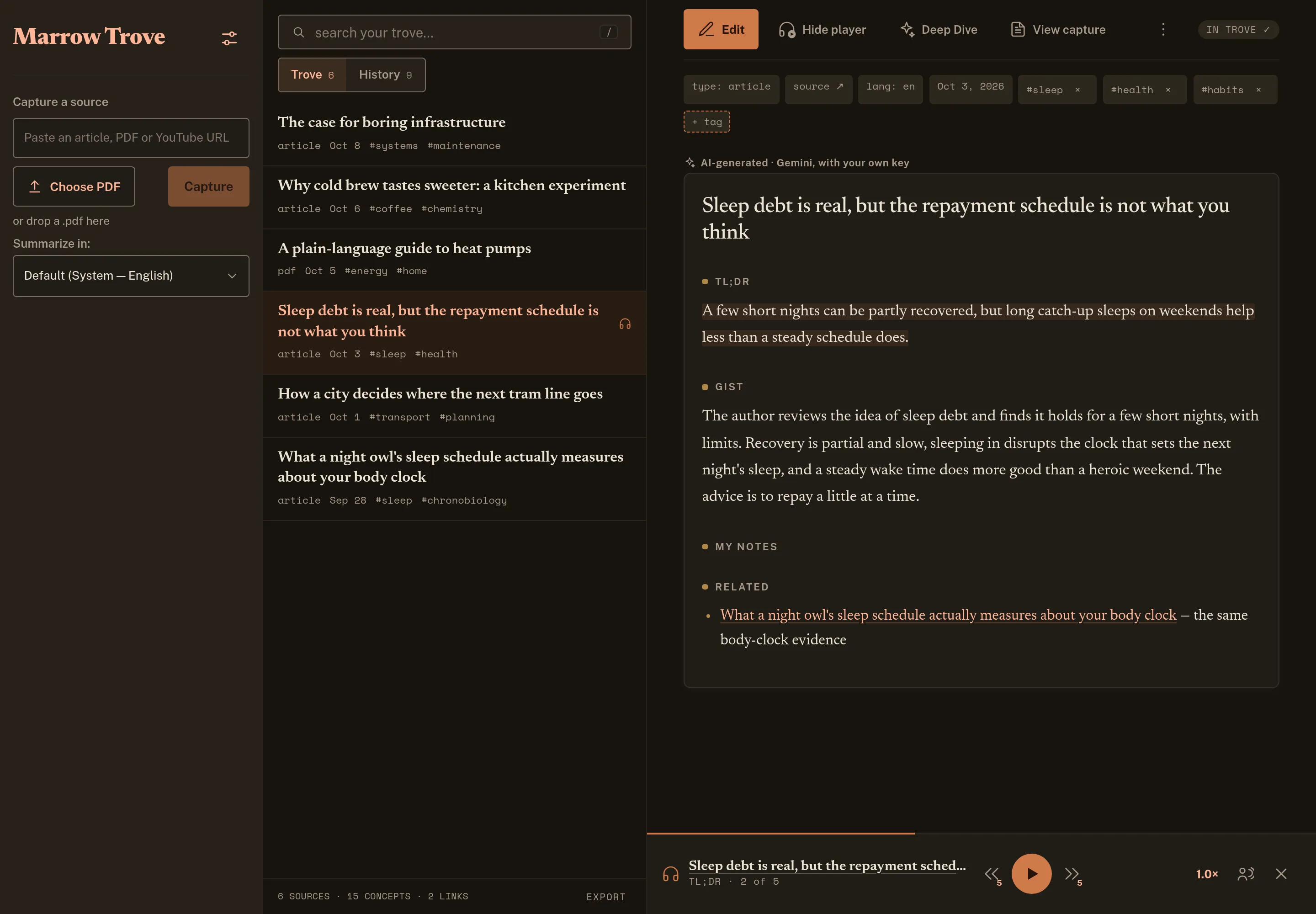
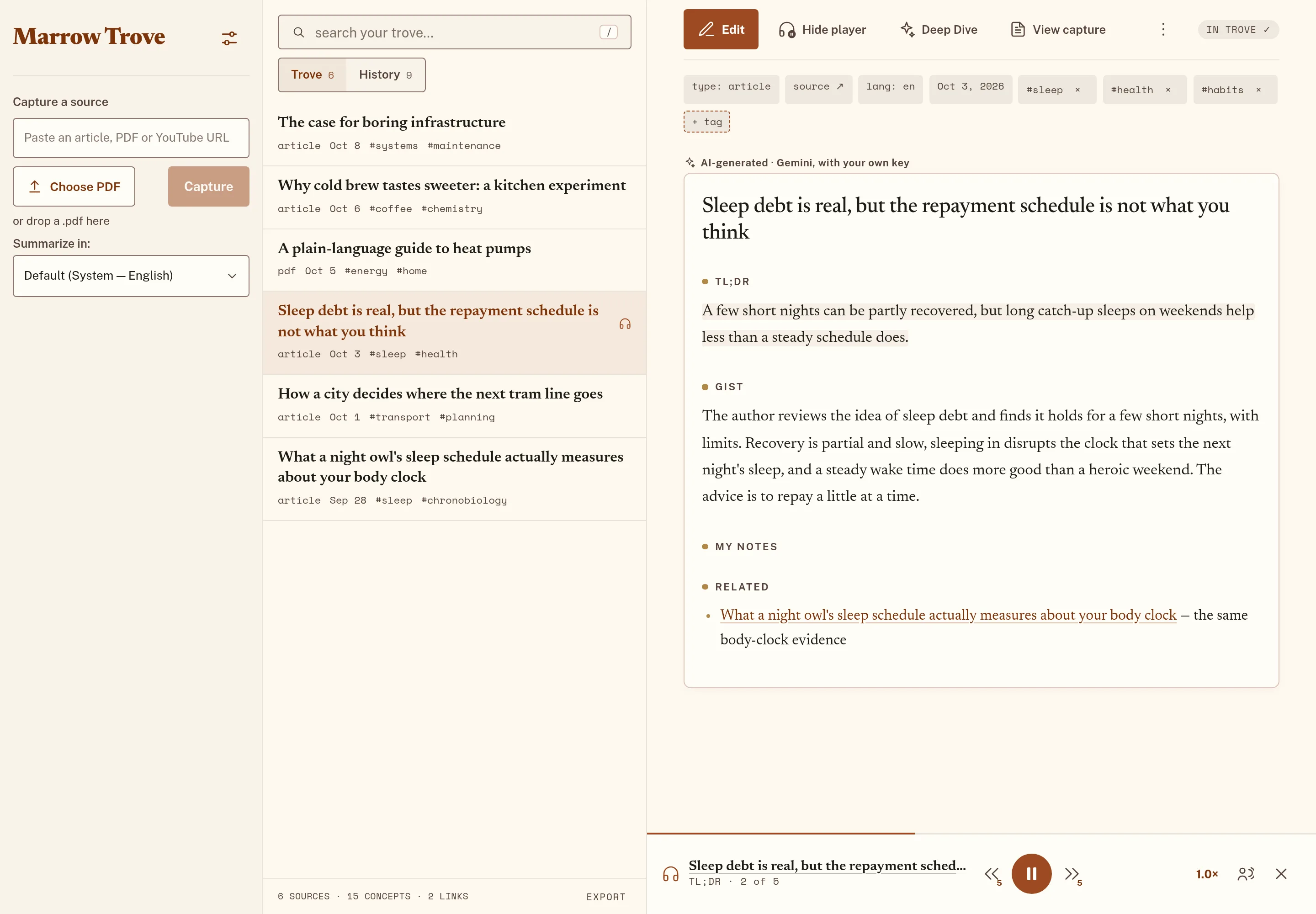
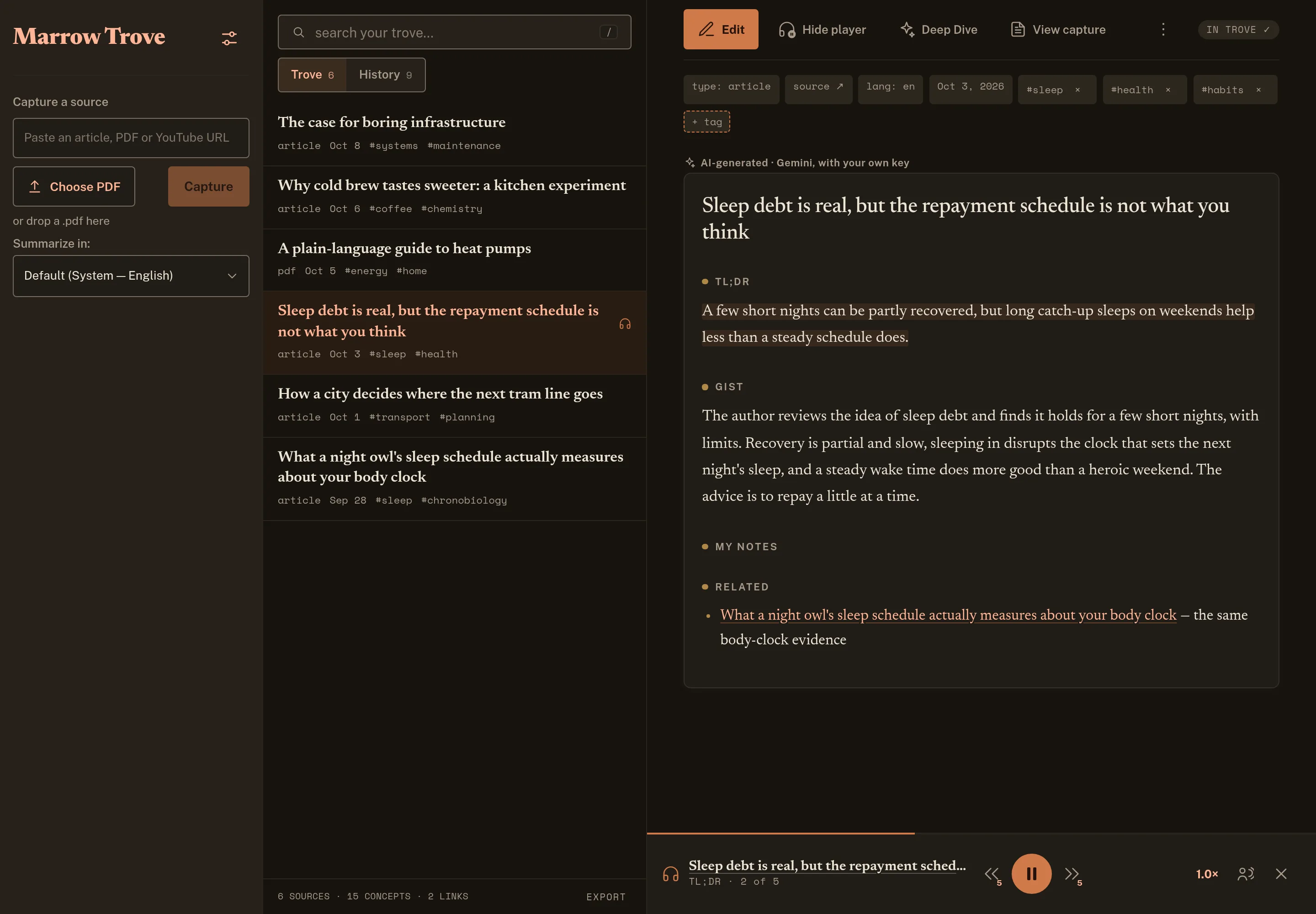
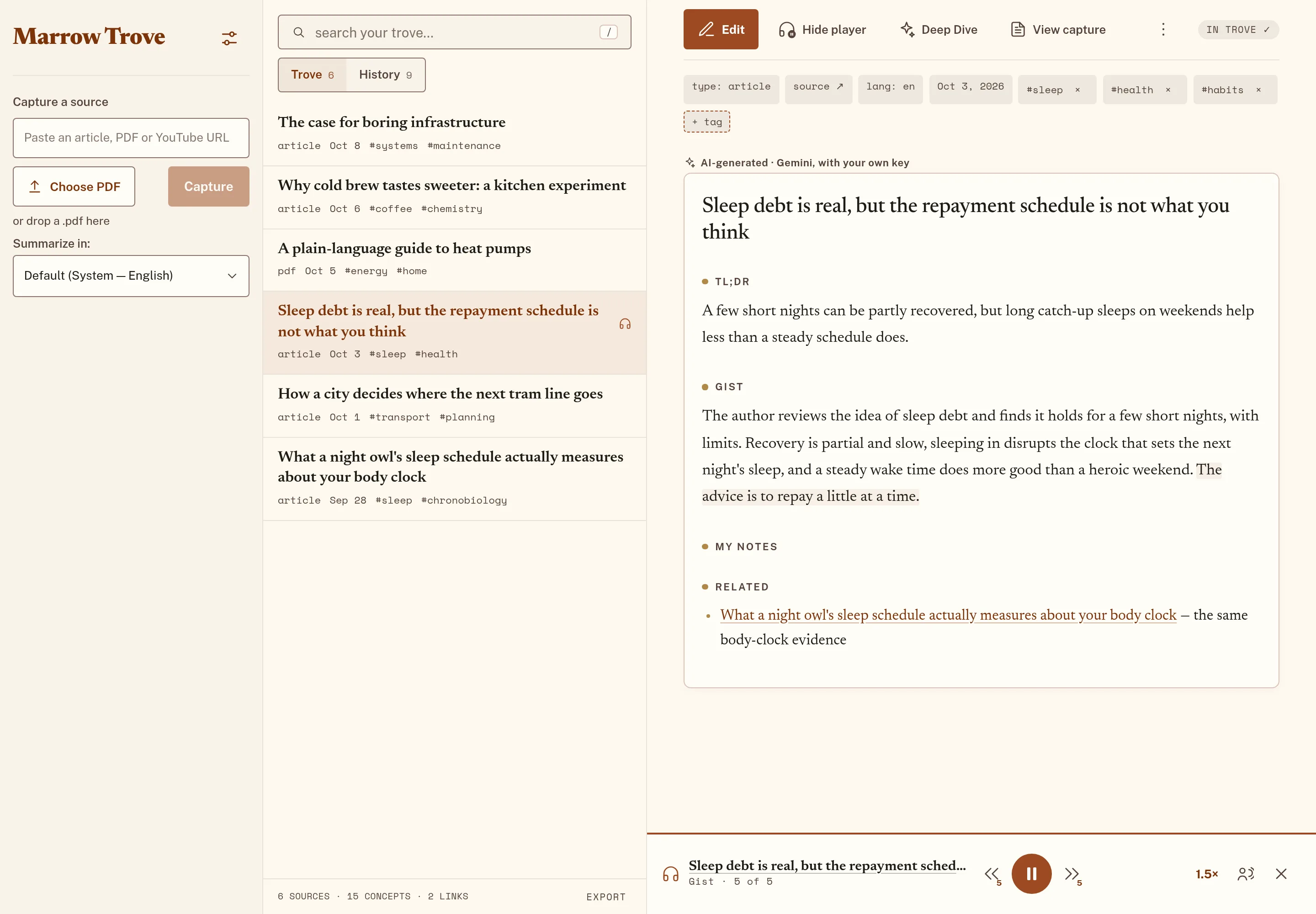
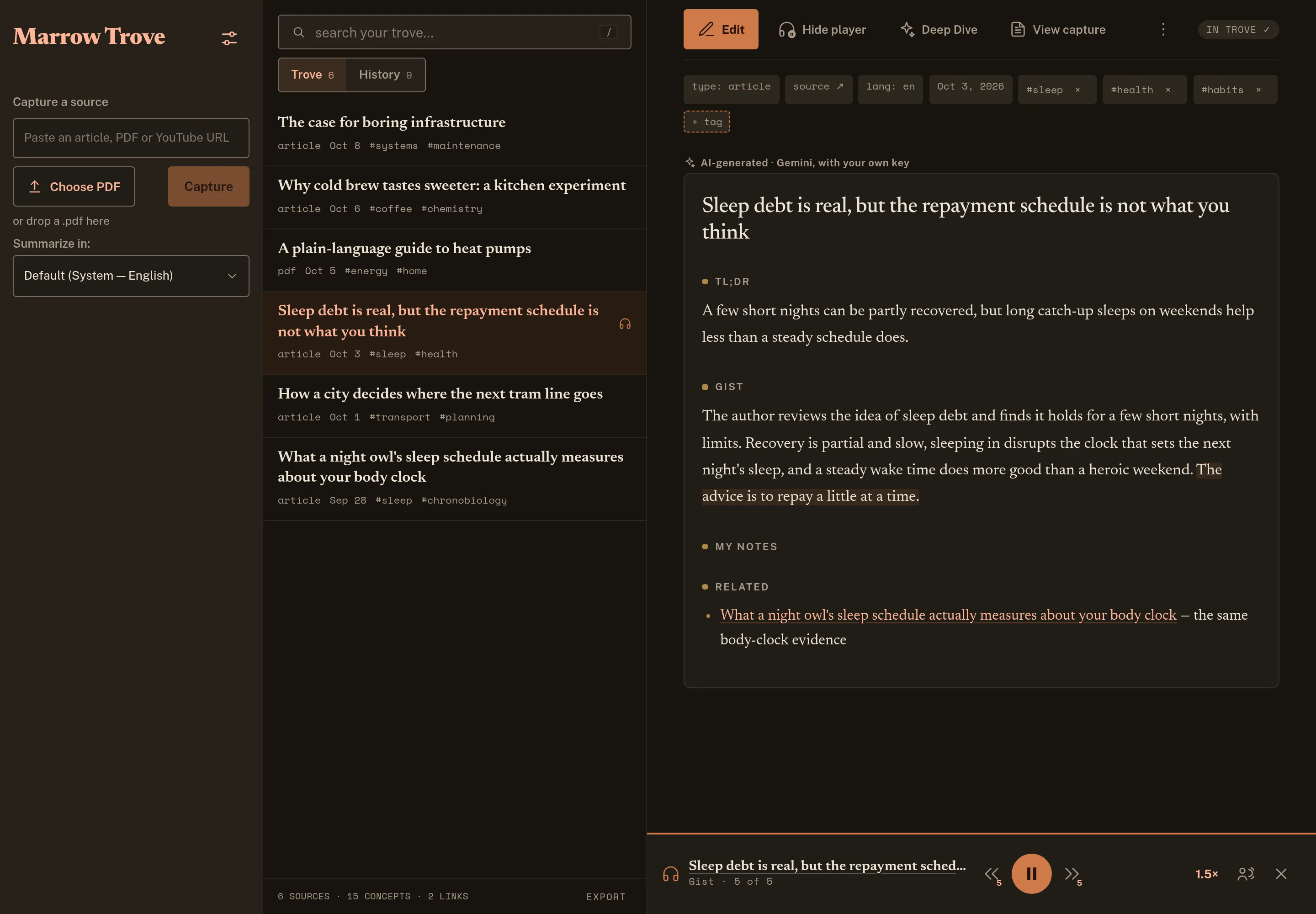
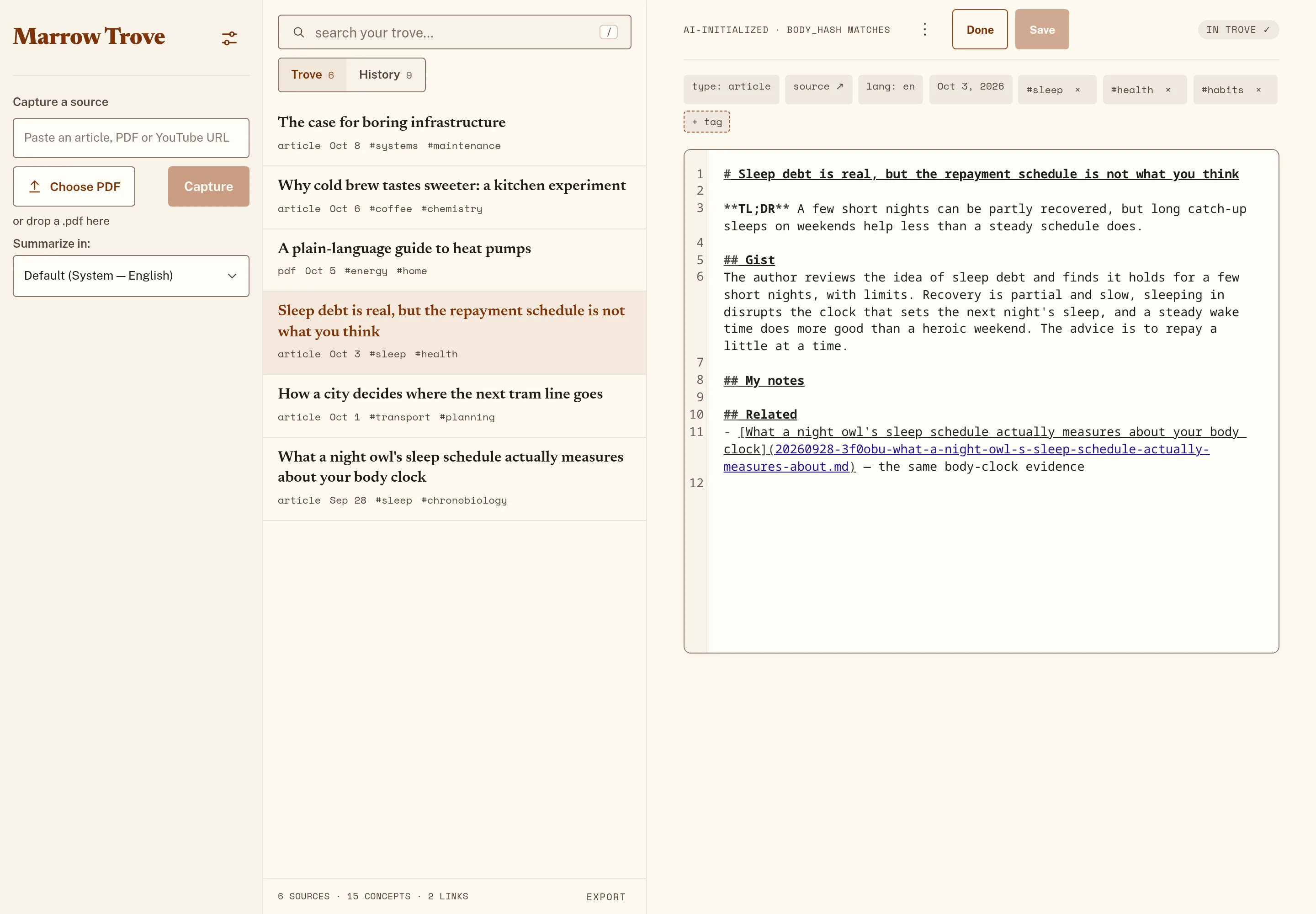
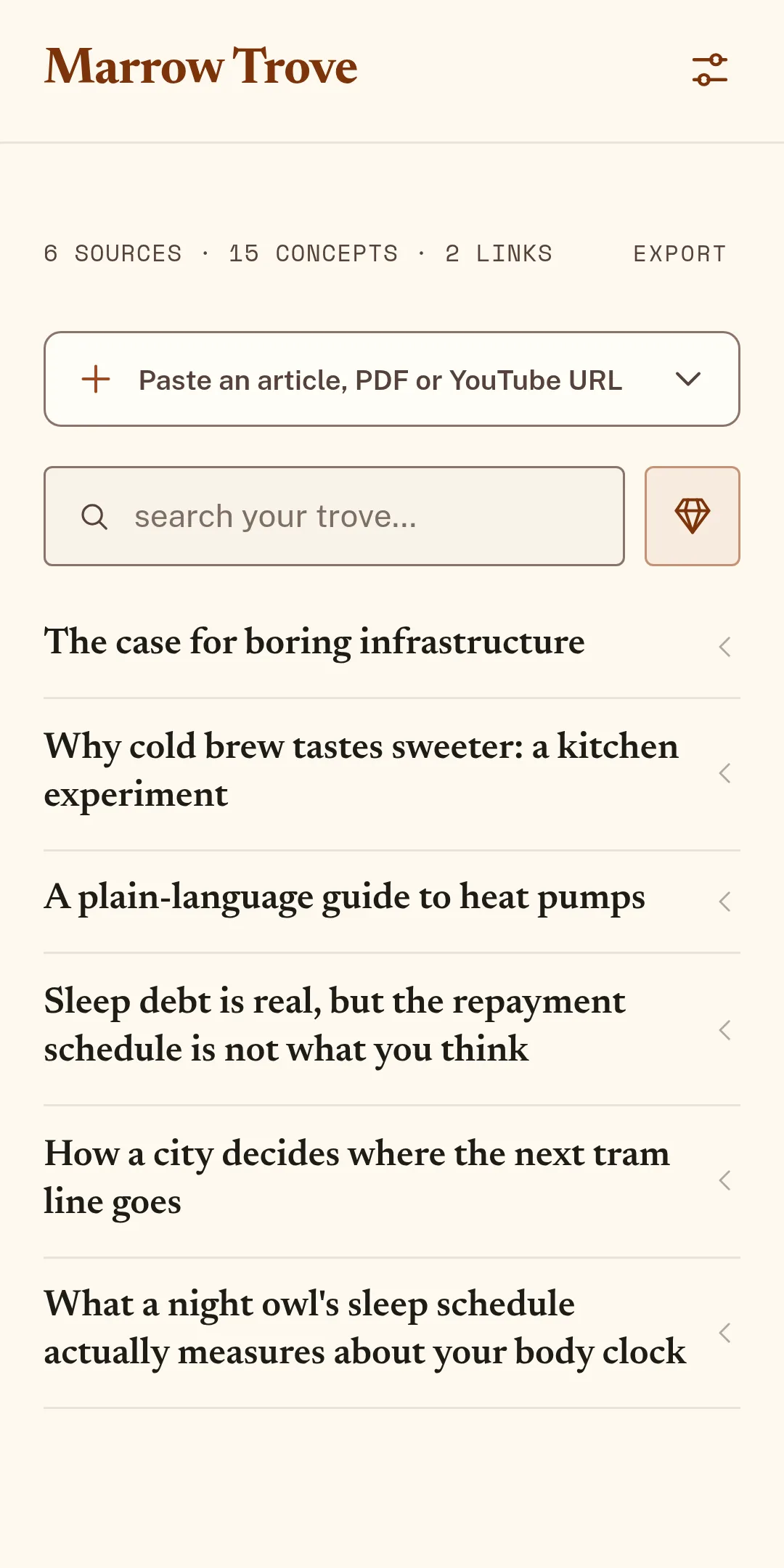
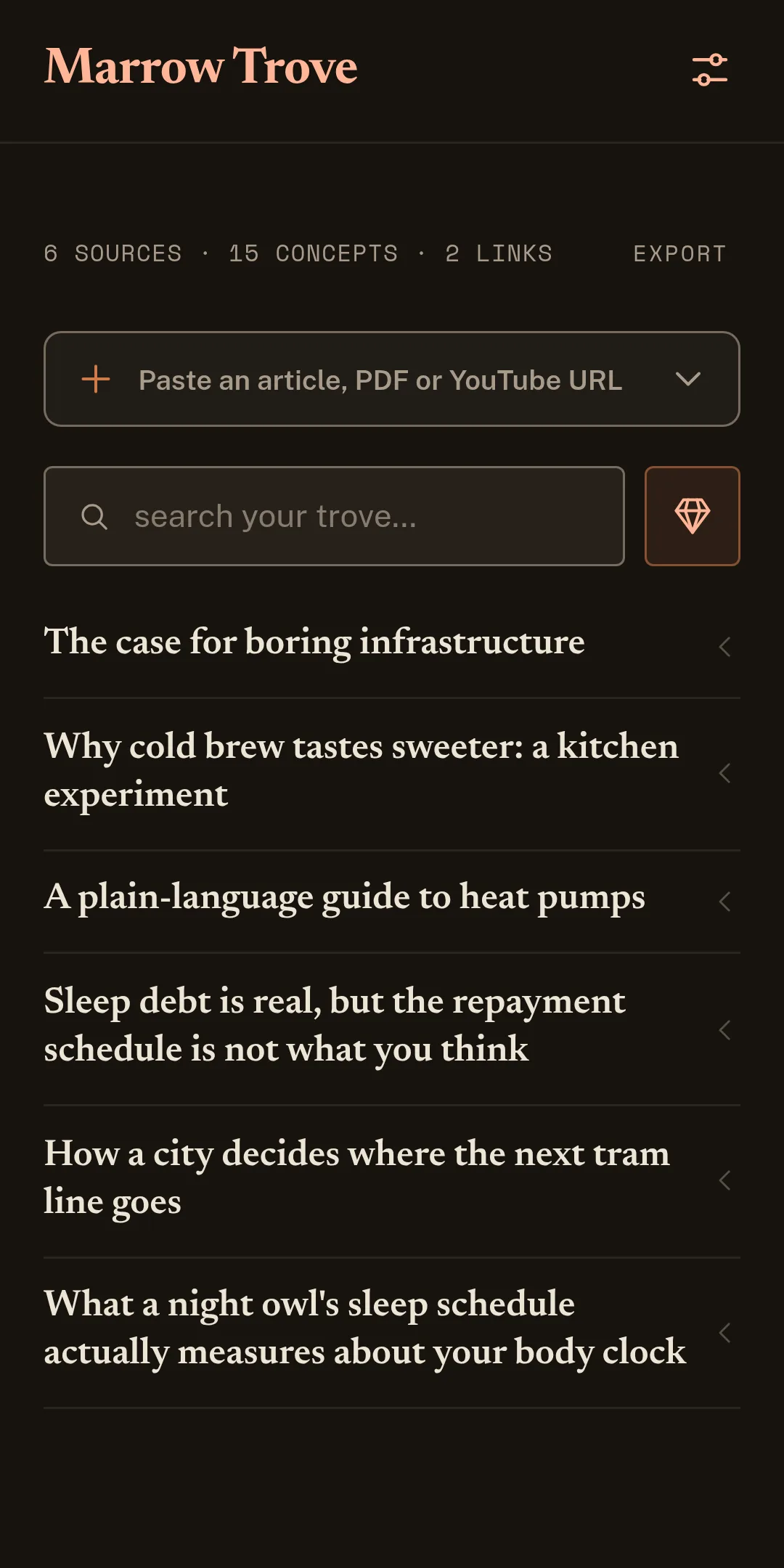
Six steps, and you can stop after the second. These are screens of the app itself, with an invented demo library.
Capture
Click the Marrow Trove button in Chrome on the page in front of you, or paste a link into the web app, drop a PDF, or share from another app on Android. Marrow Trove reads the source and takes it from there.
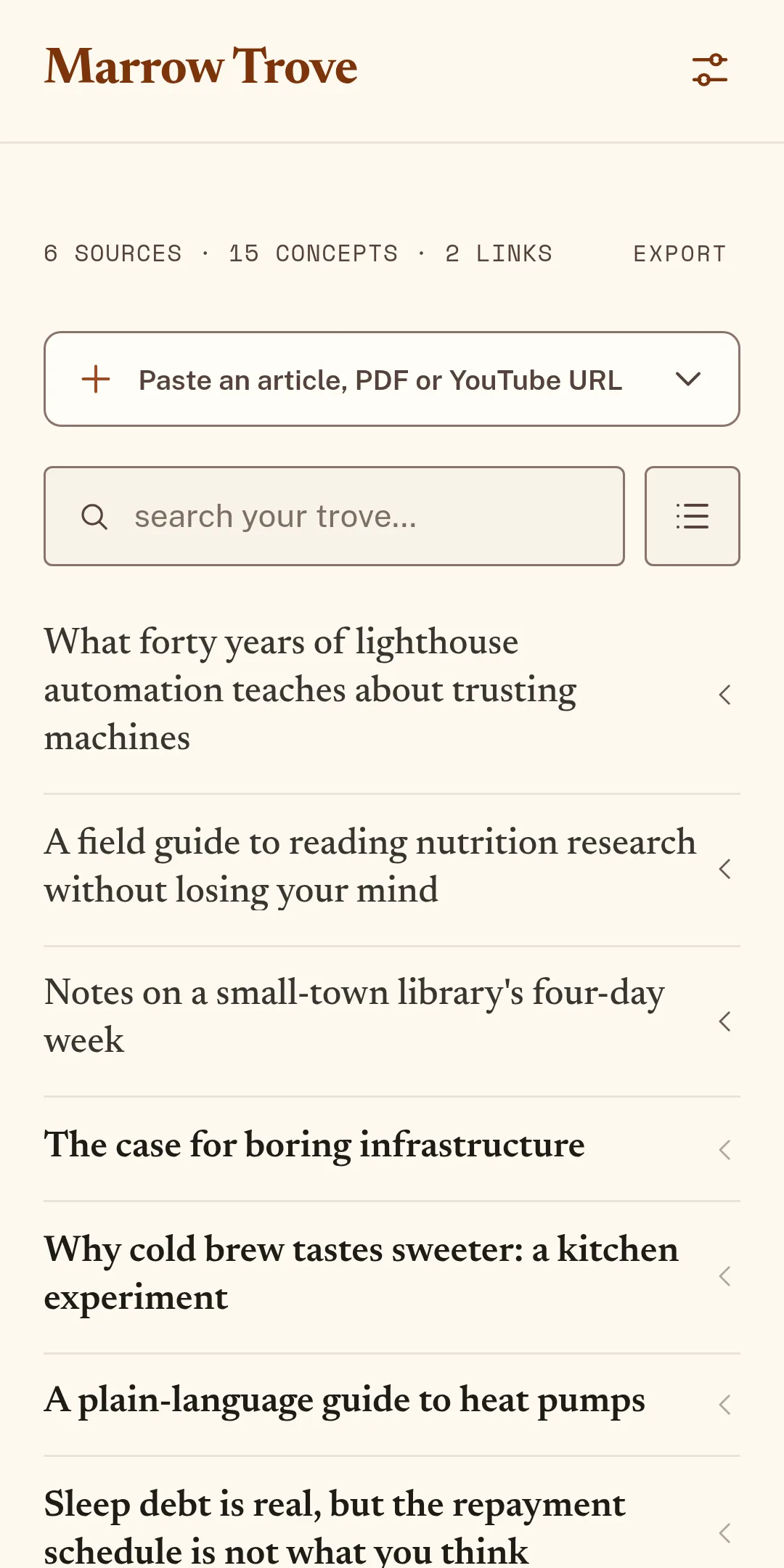
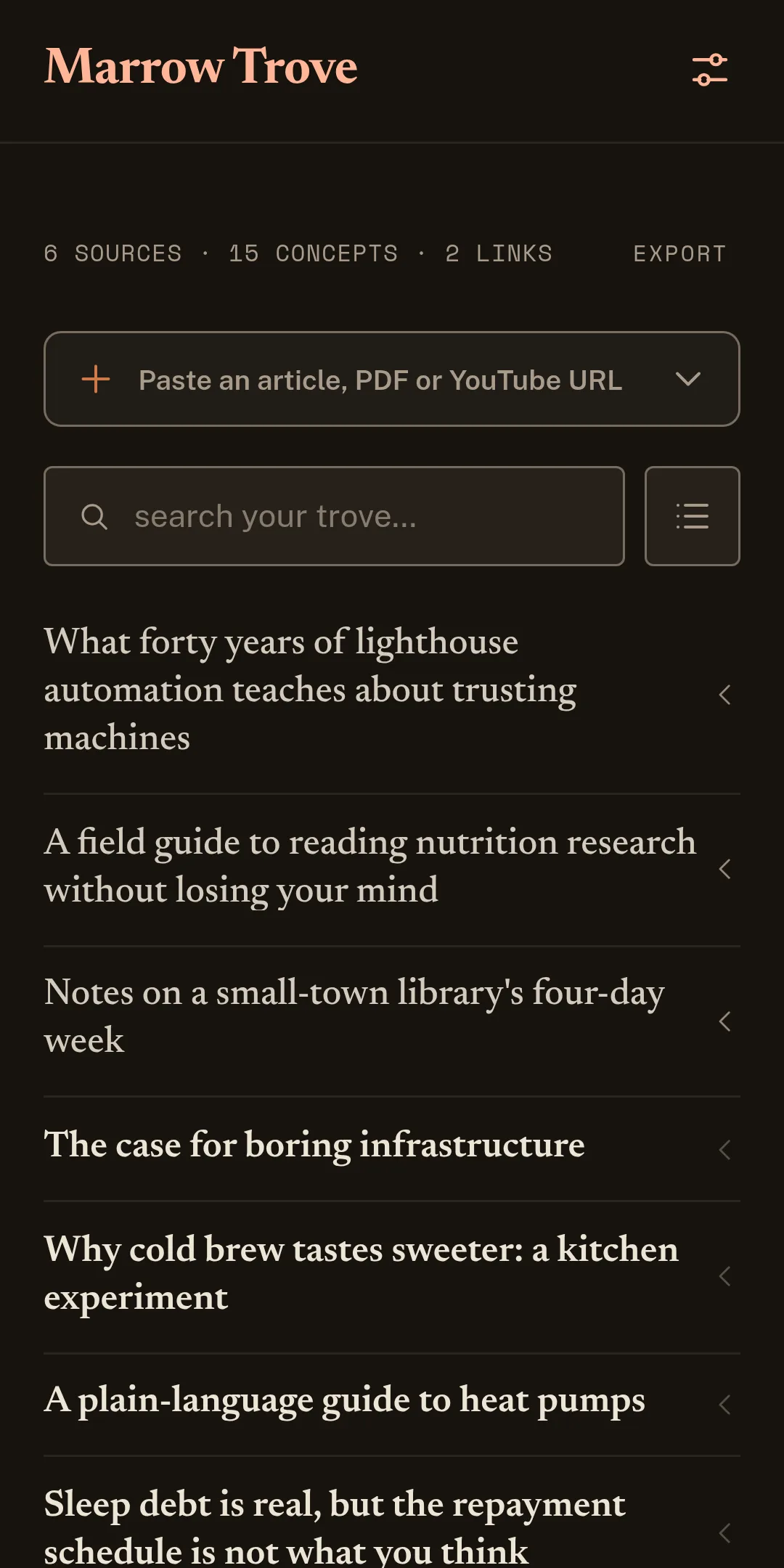
TL;DR and Gist, Deep Dive on request
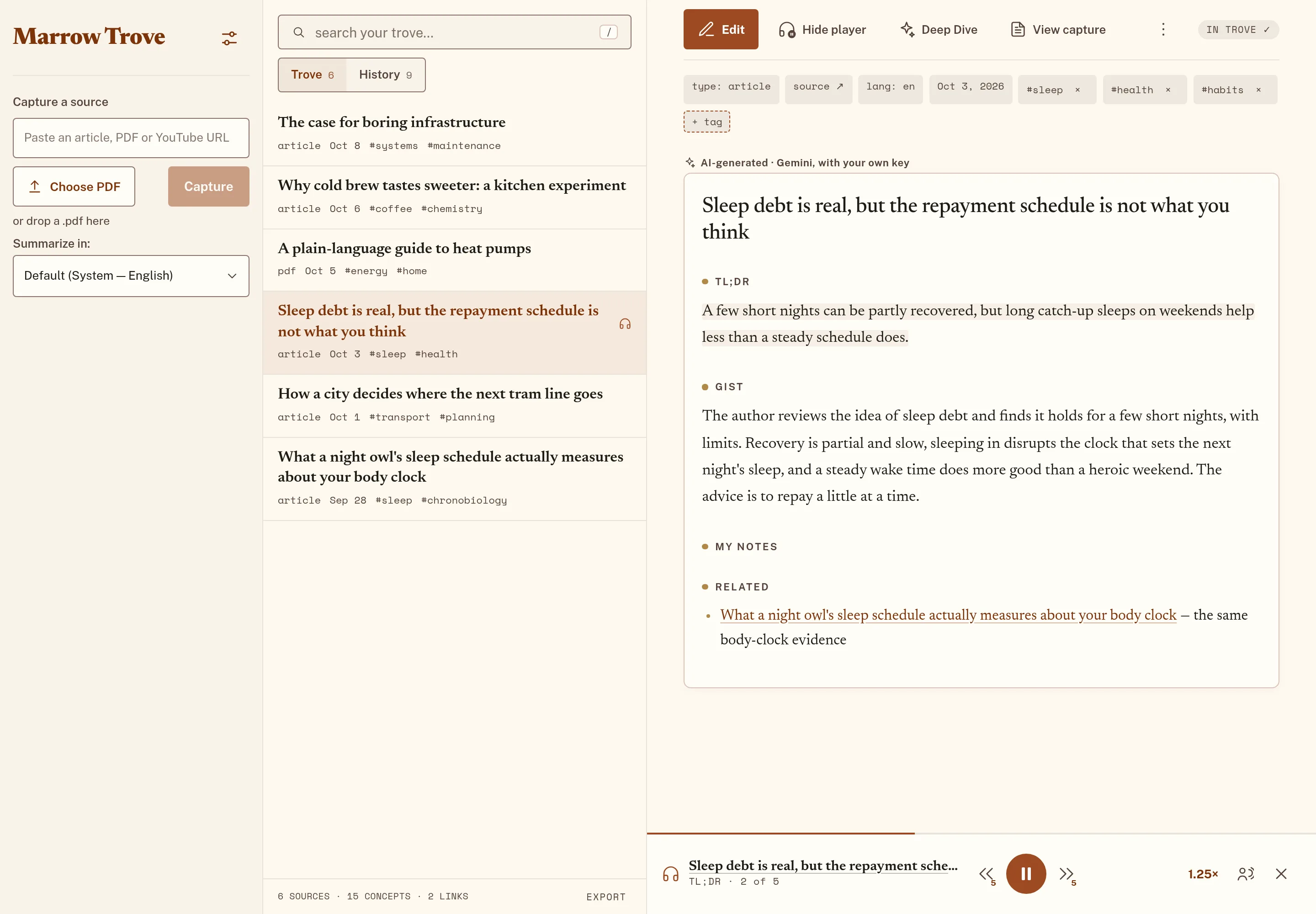
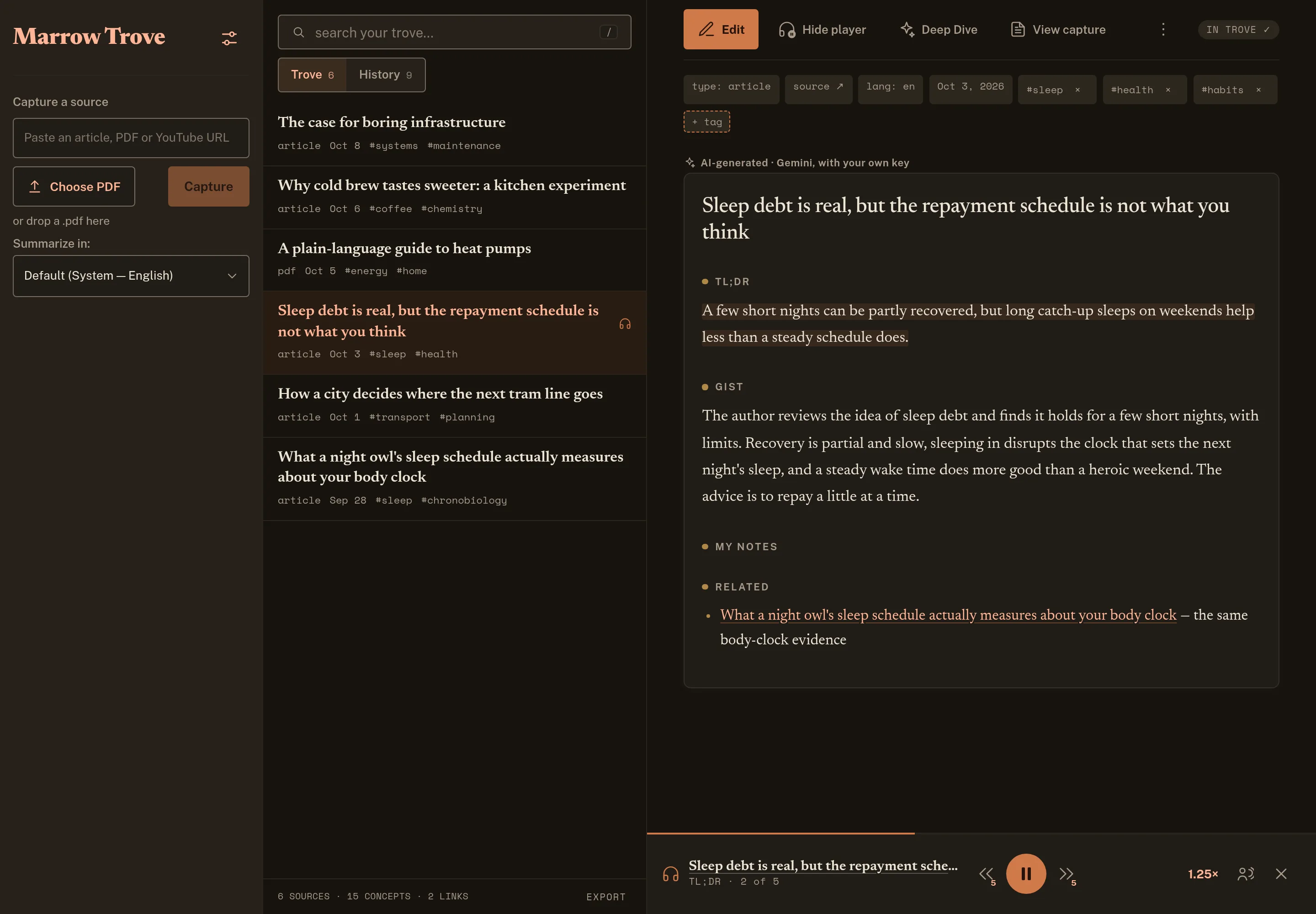
A short TL;DR, then the Gist: enough to decide whether the source deserves your time, before you spend it. When you want more, Deep Dive writes a longer, structured read of the same article.
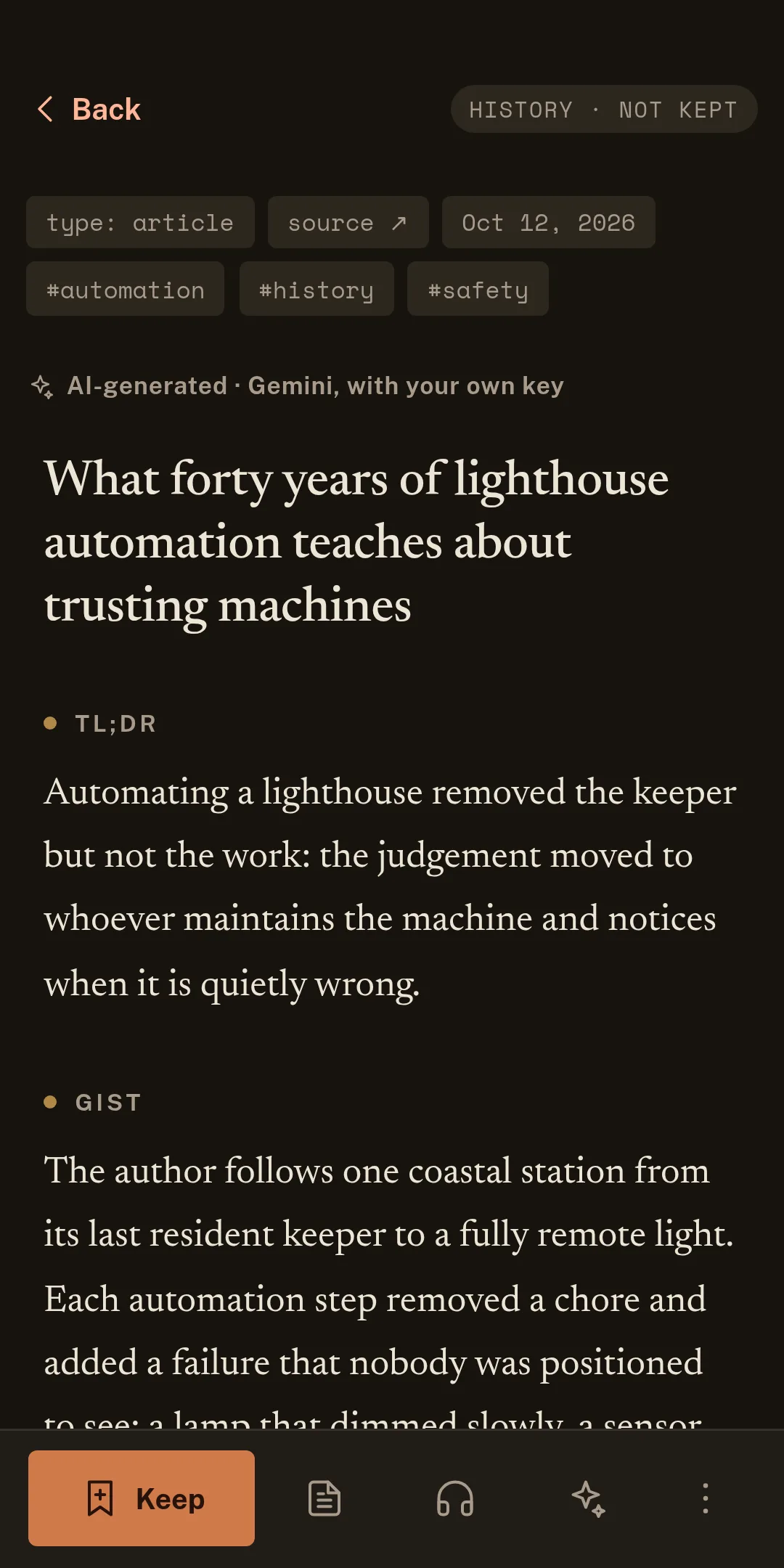
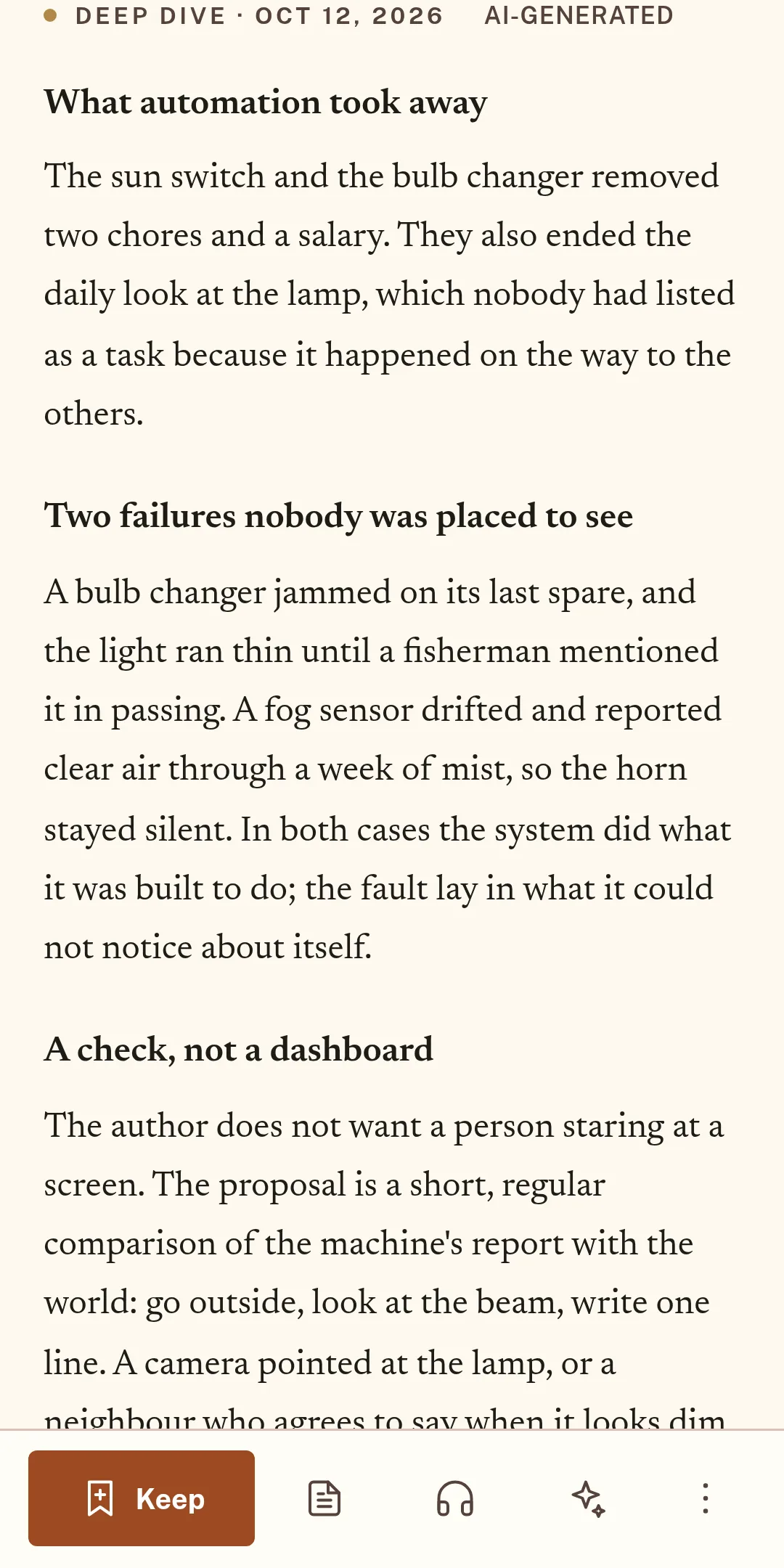
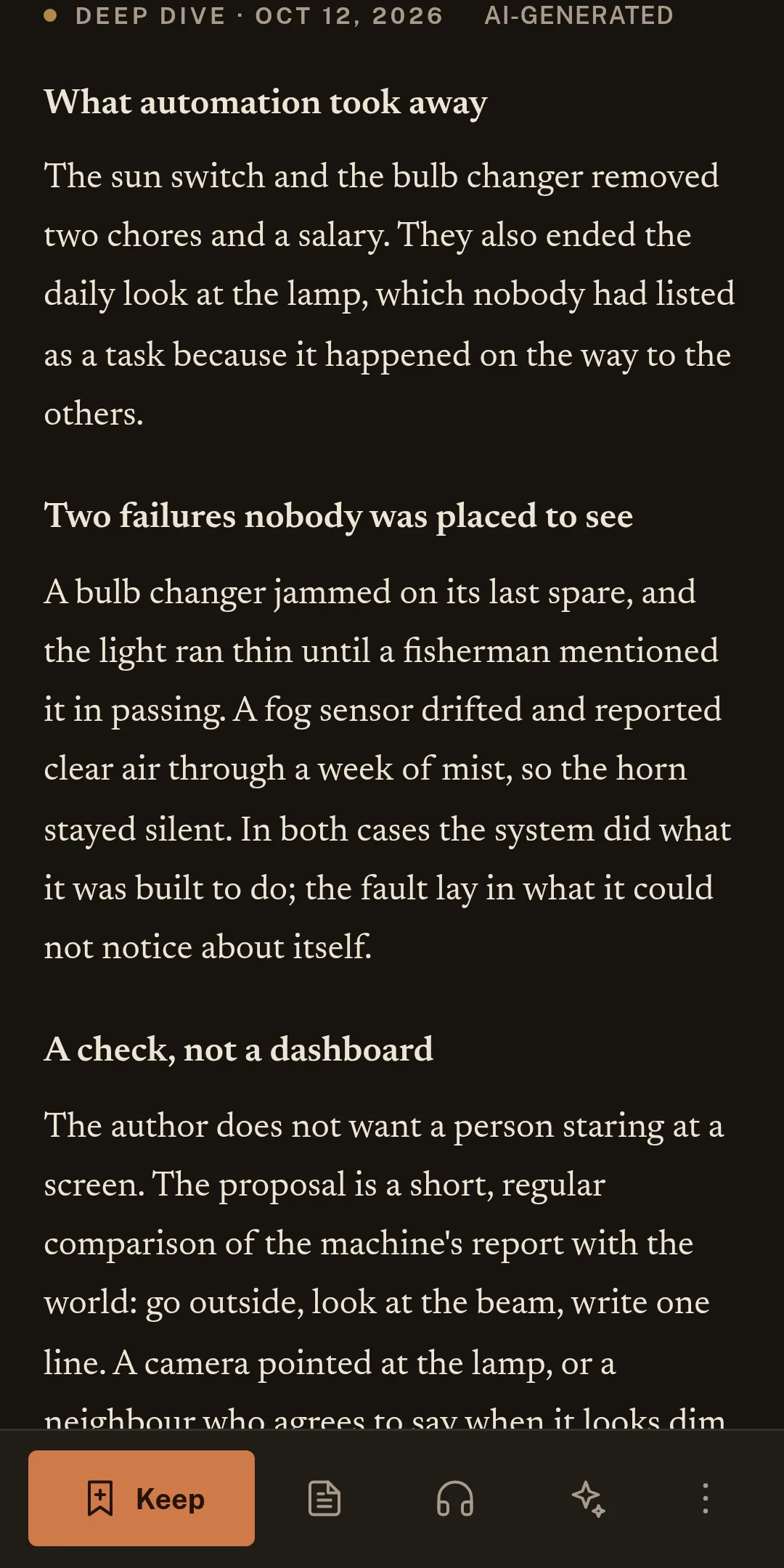
History and Keep
Every capture lands in History, so nothing slips away. Keep moves the good ones into your Trove as notes, linked to related things you kept before.
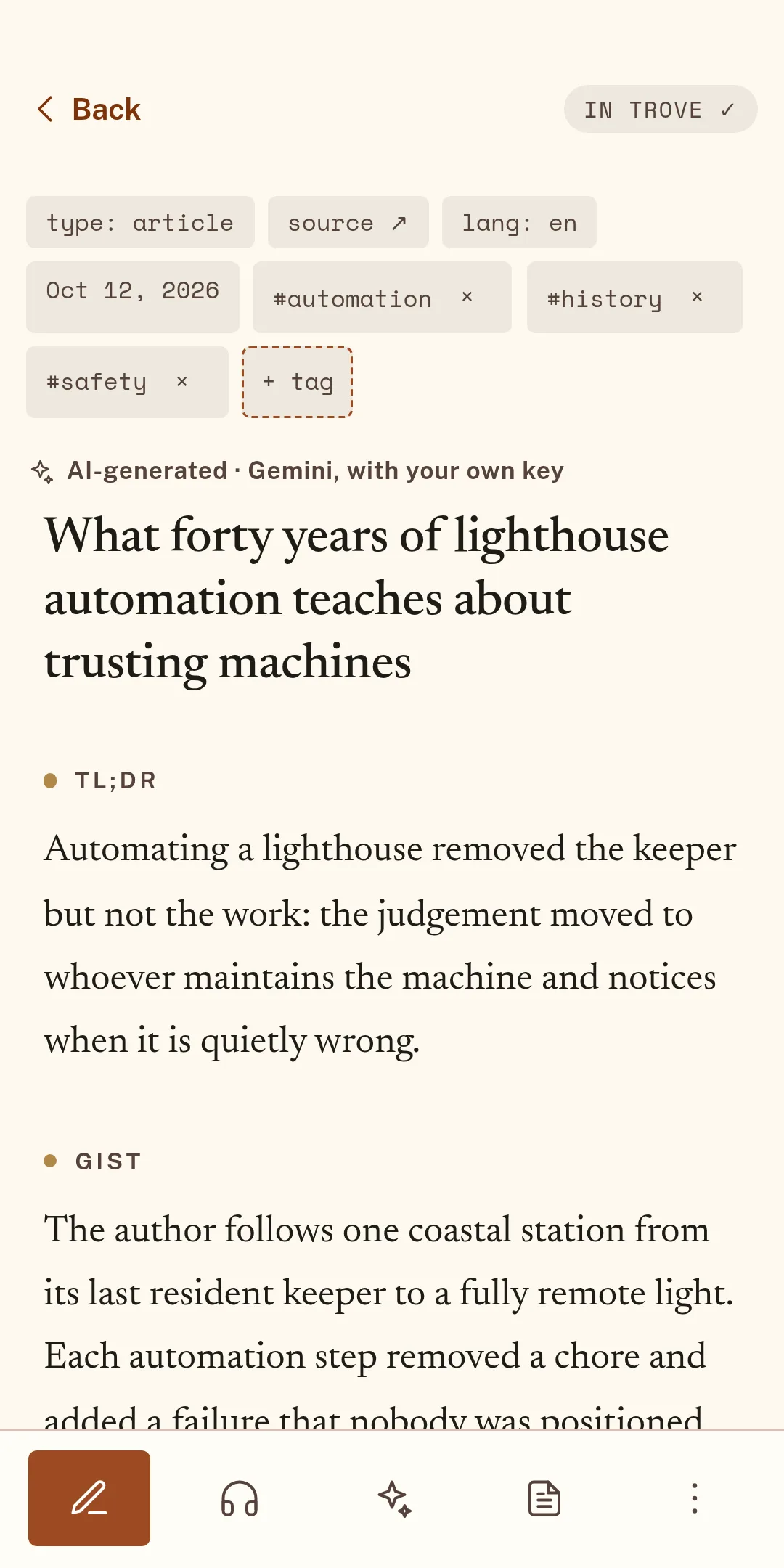
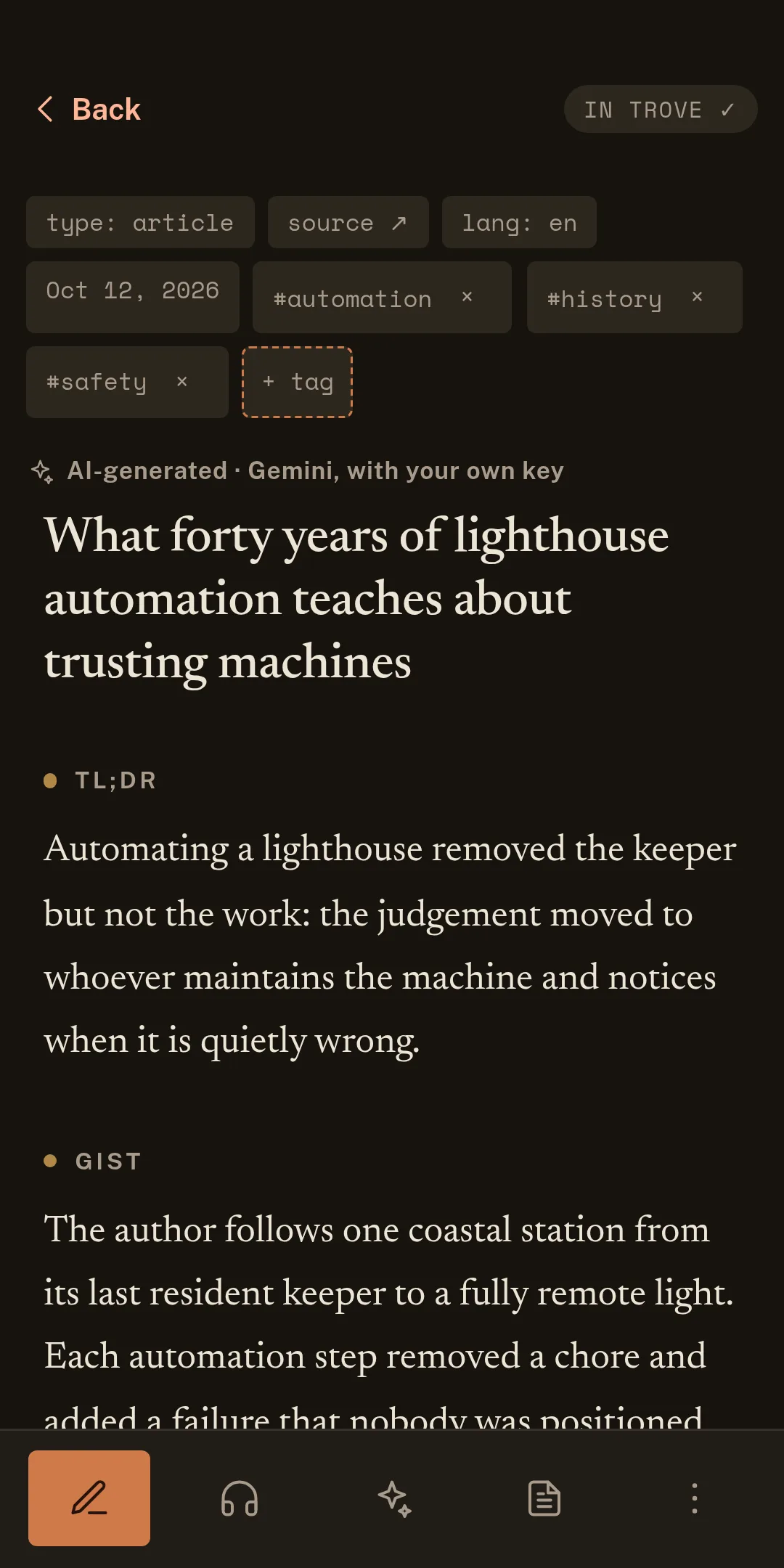
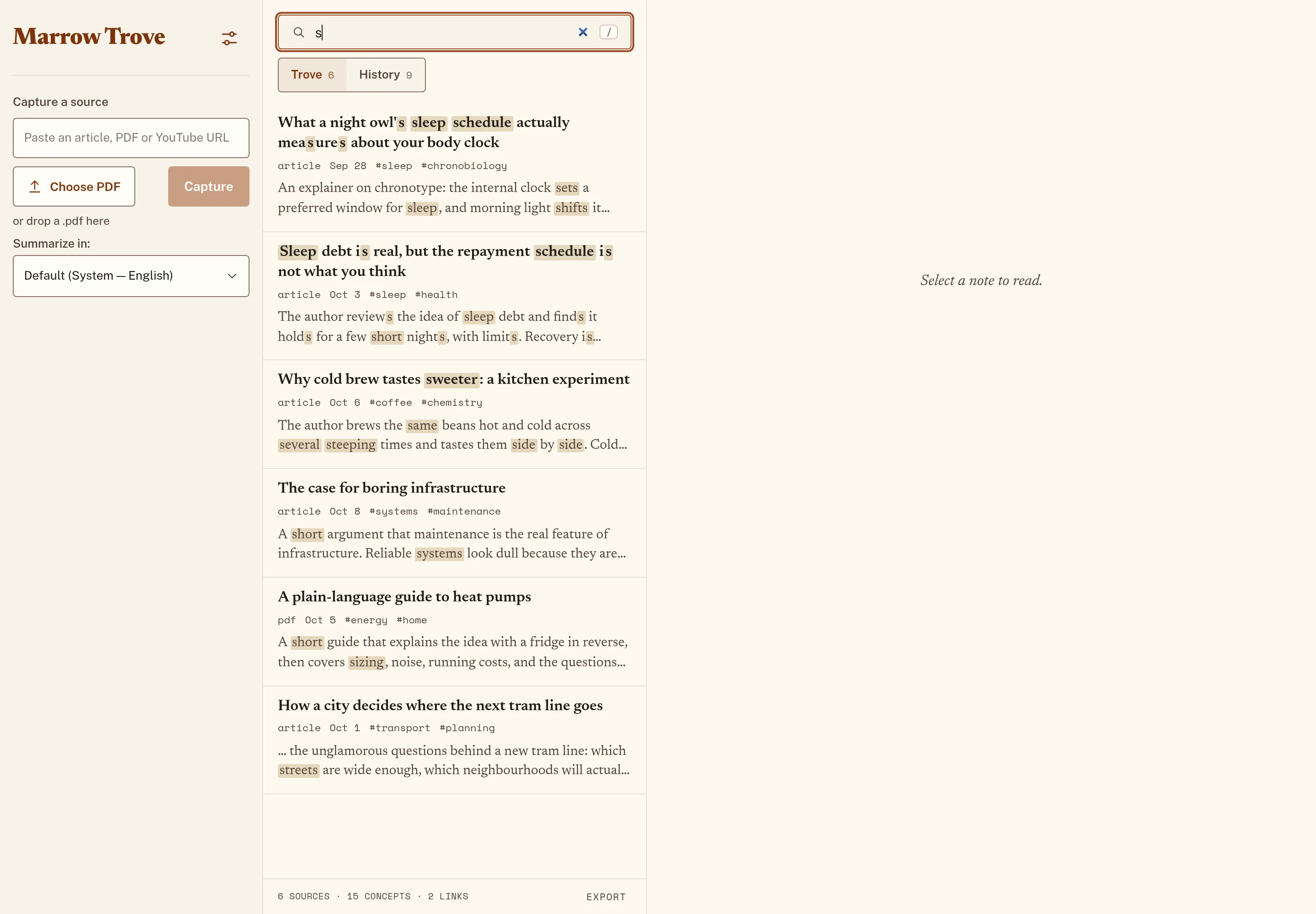
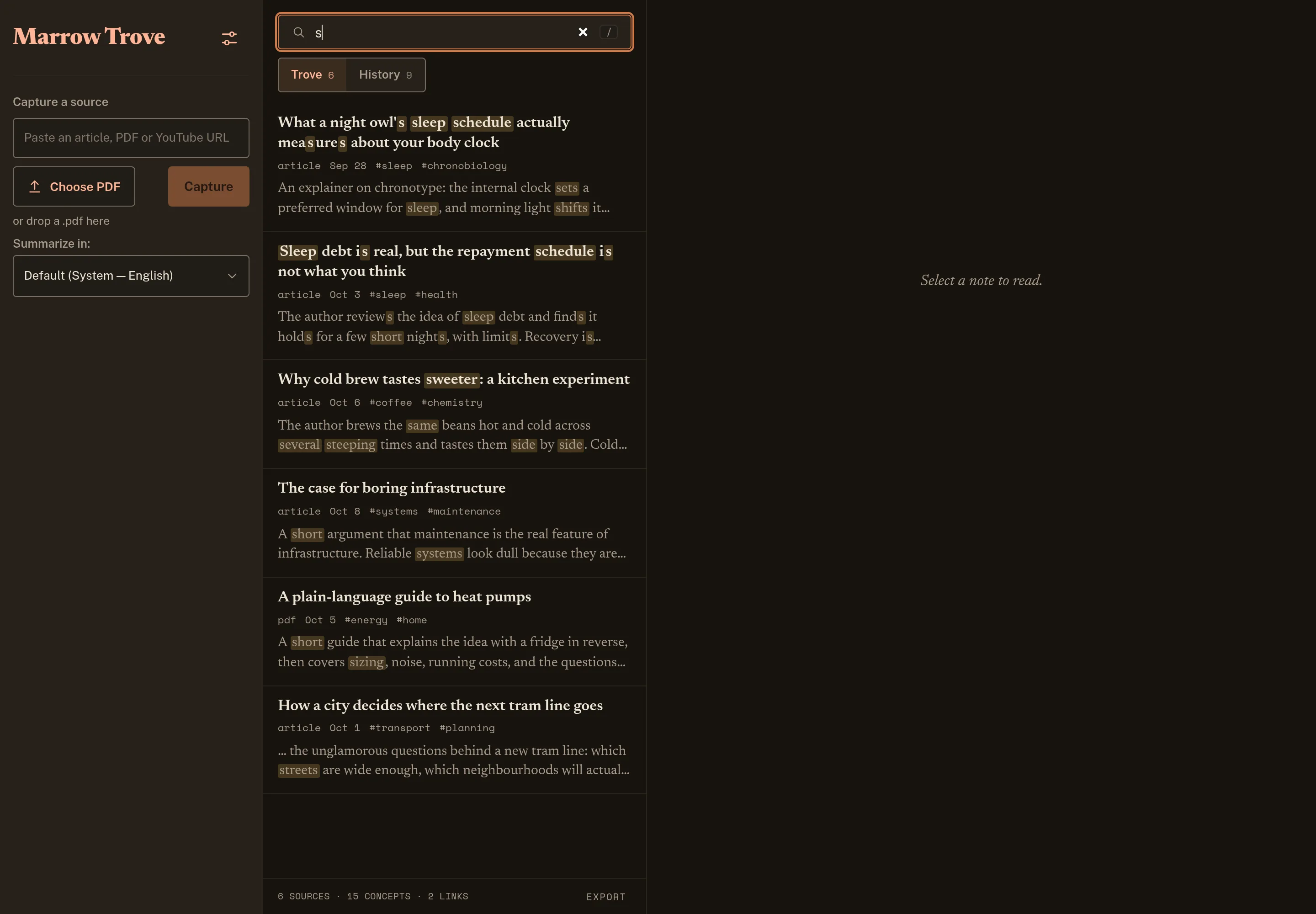
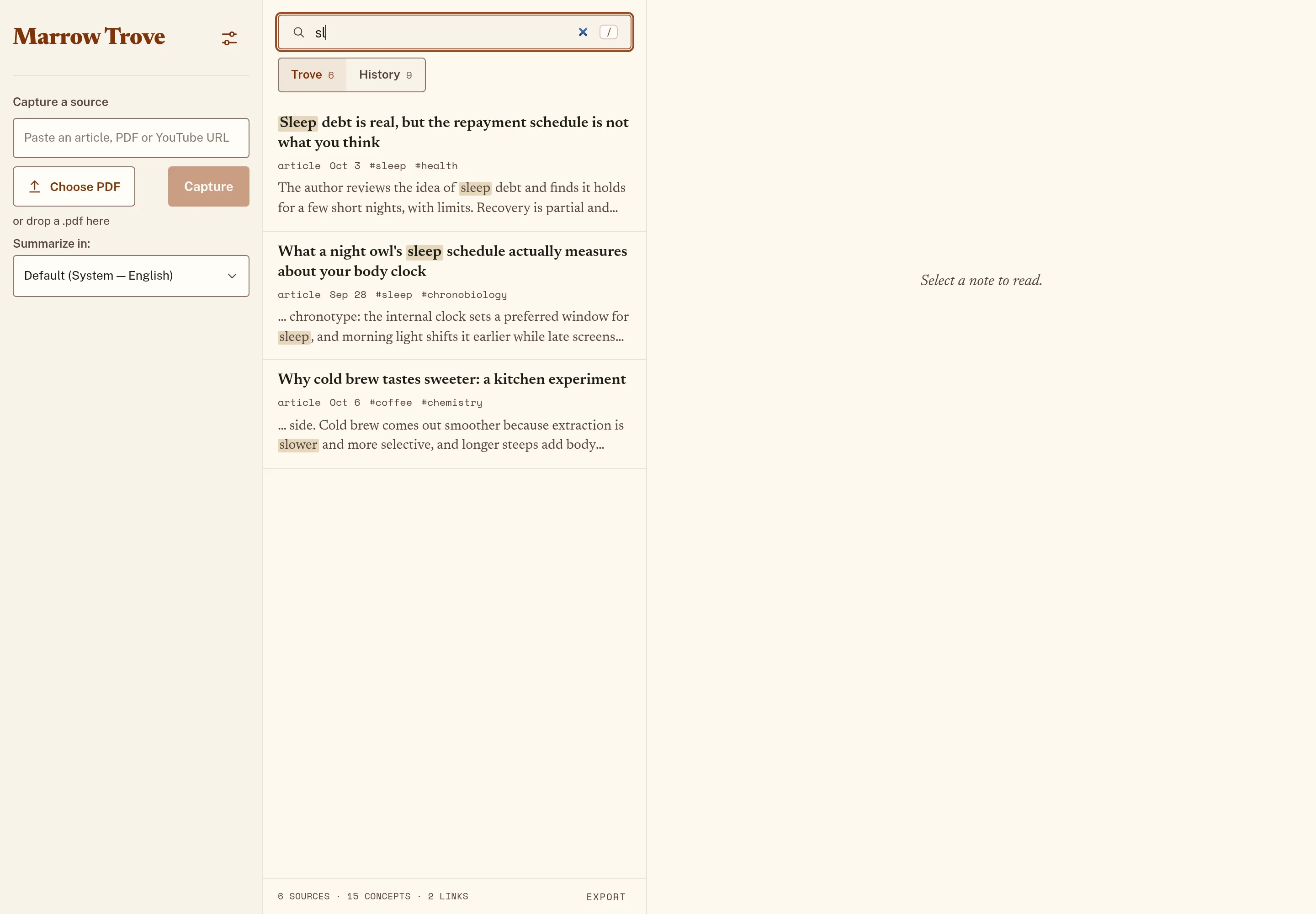
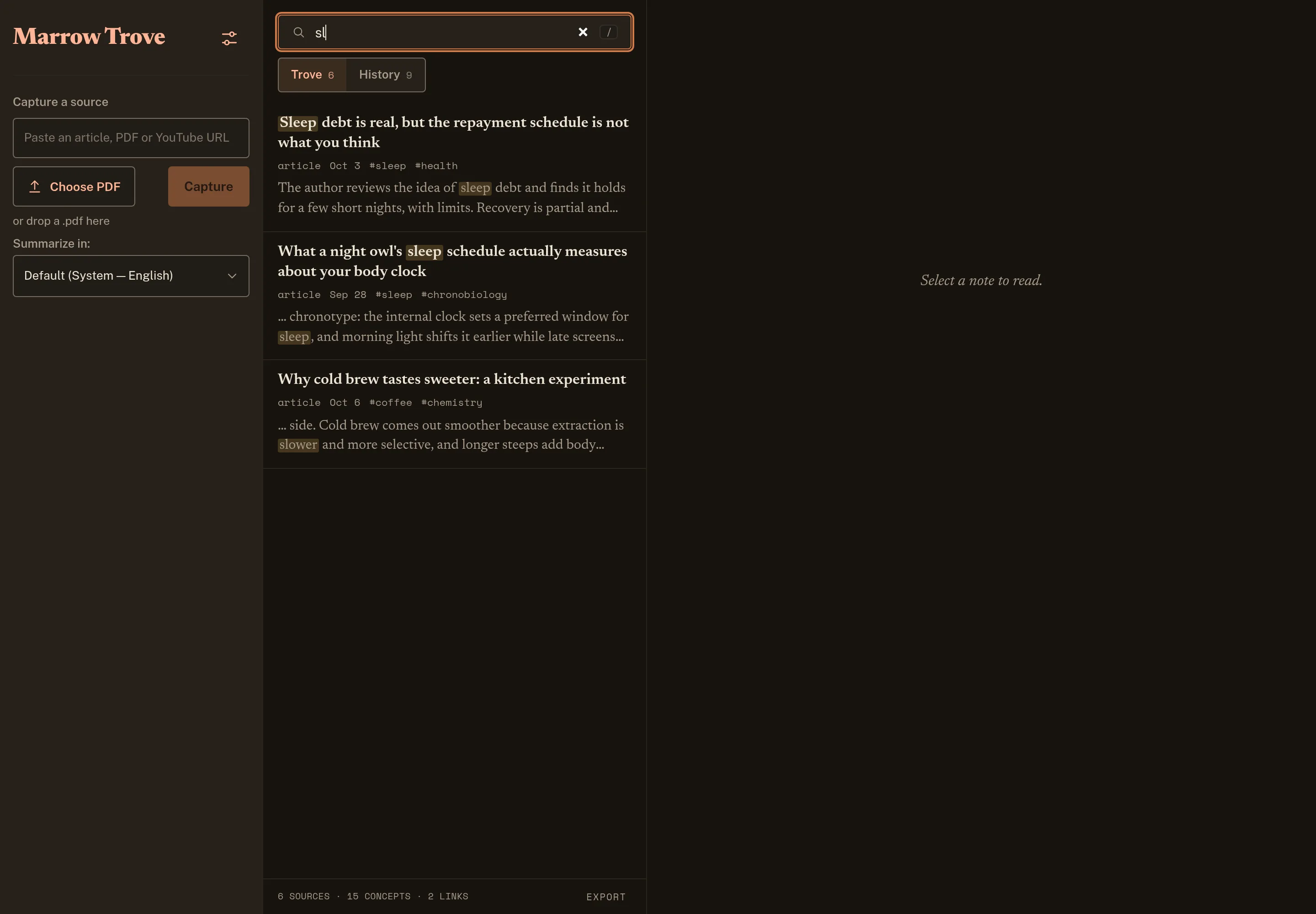
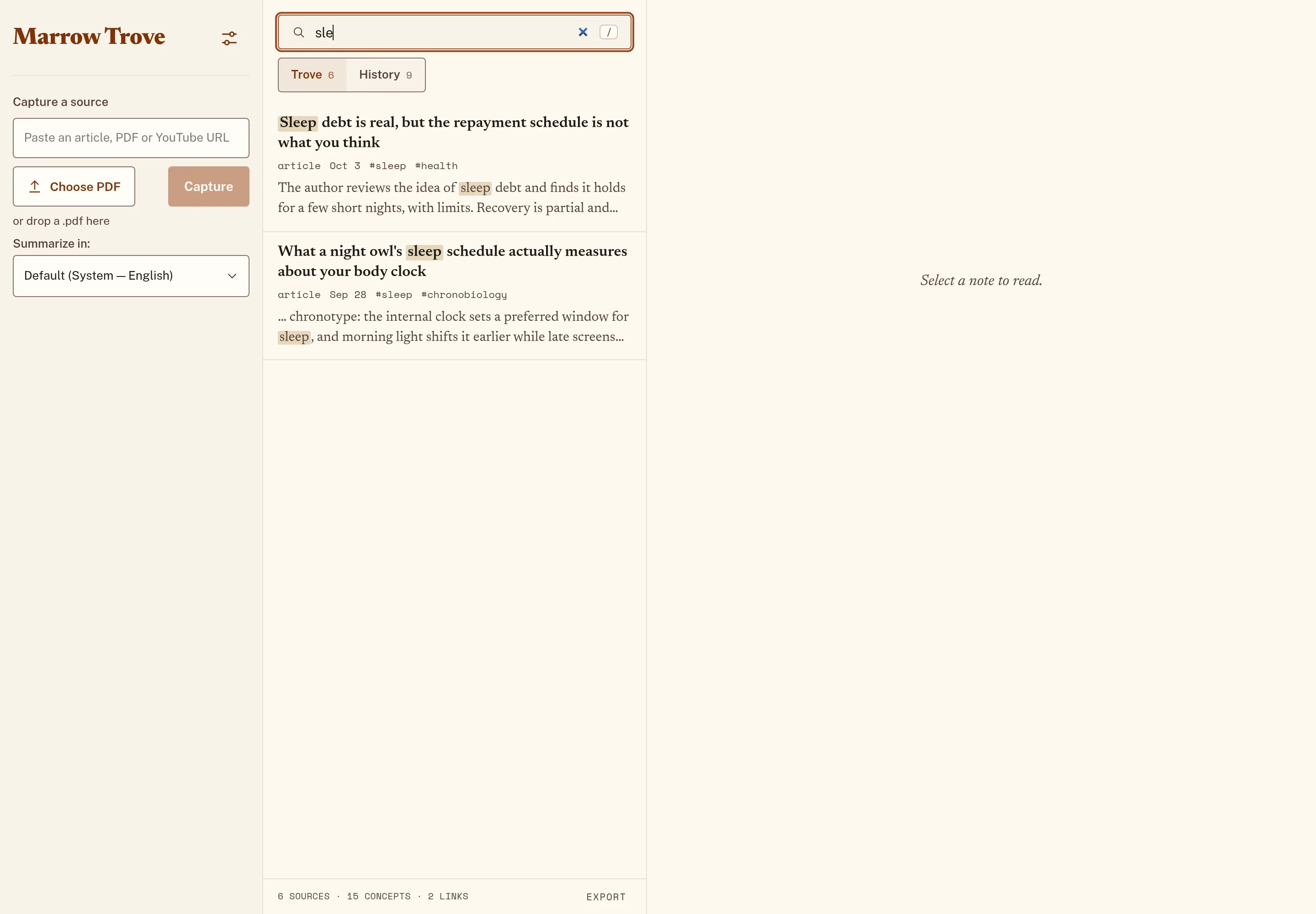
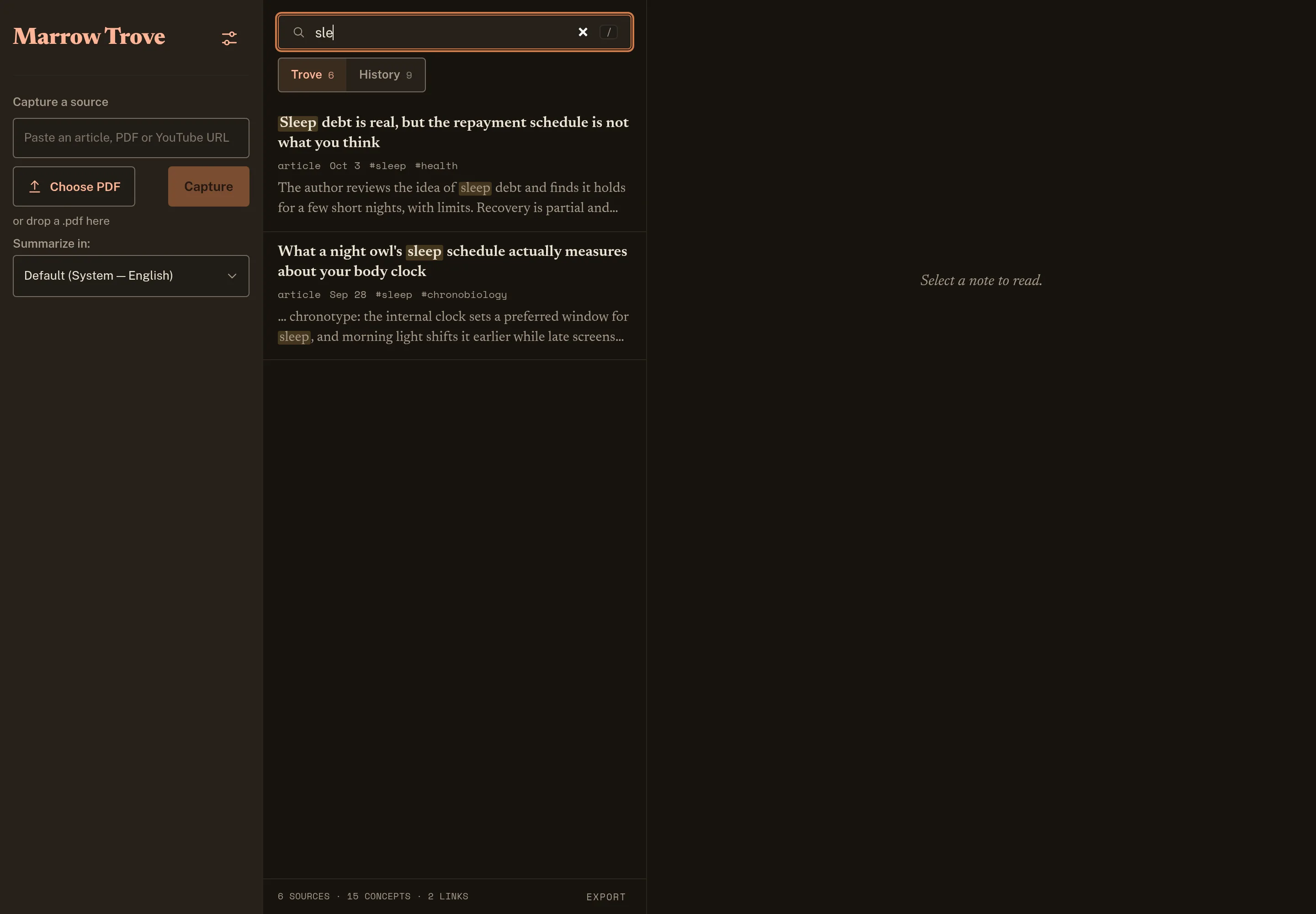
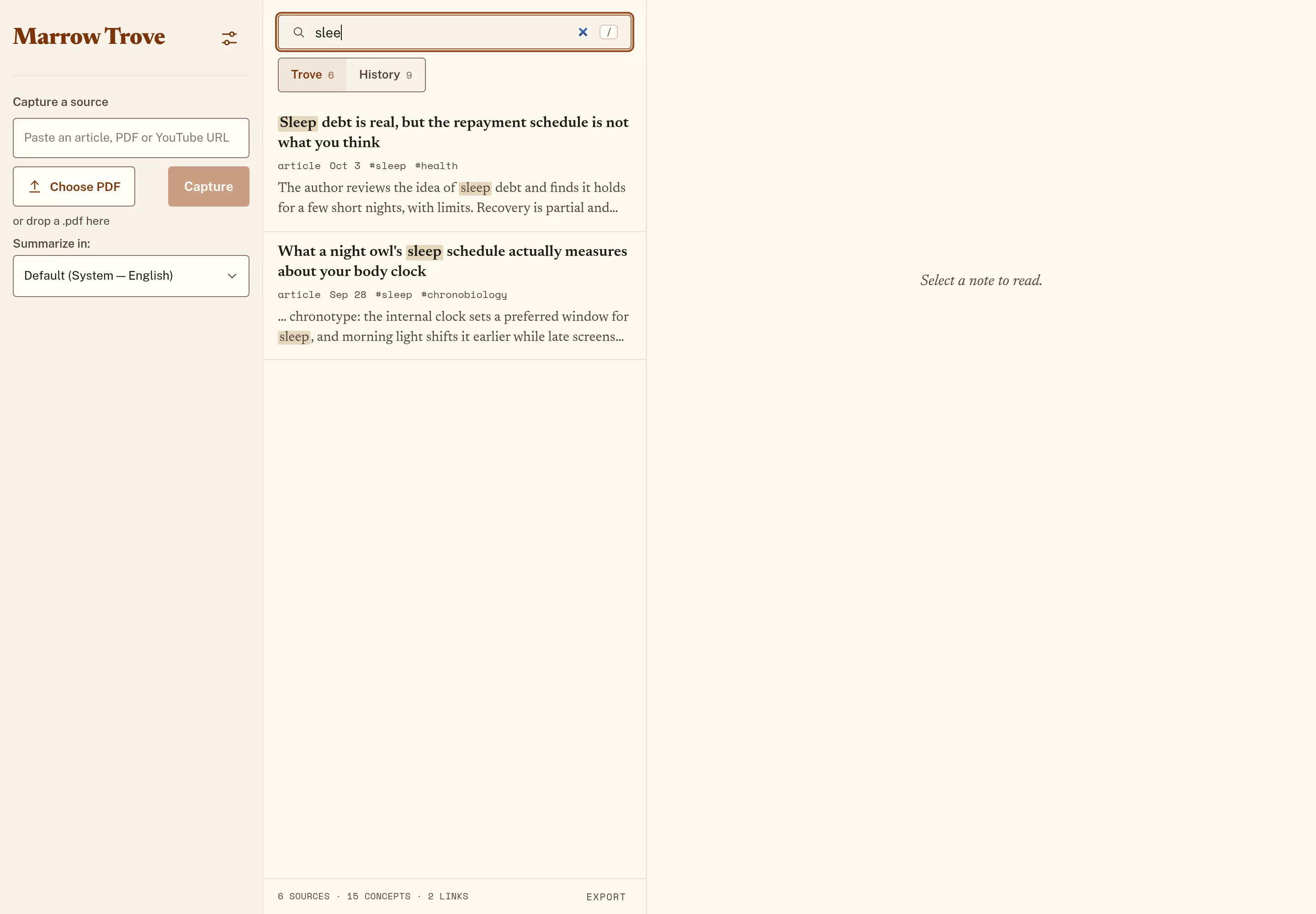
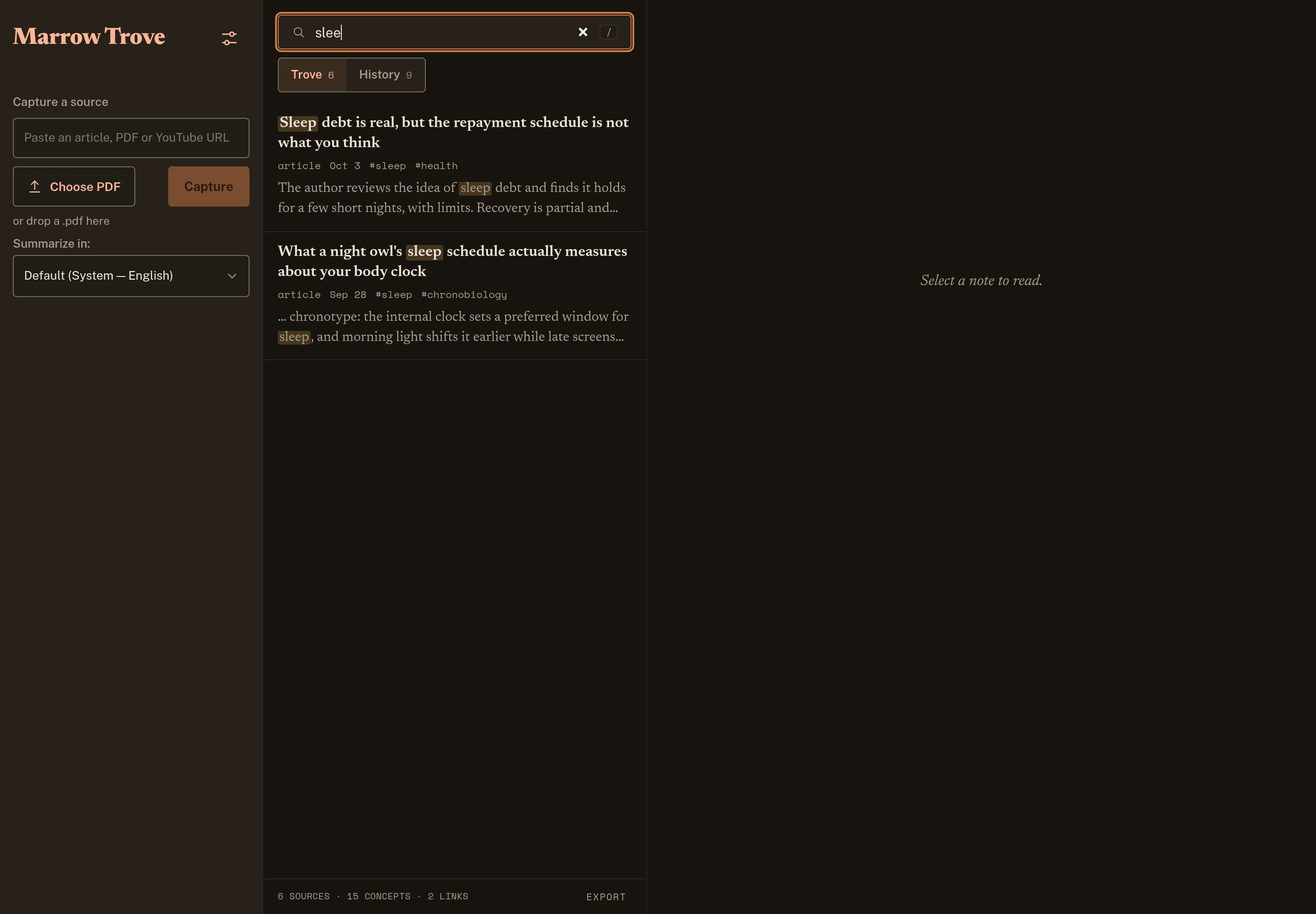
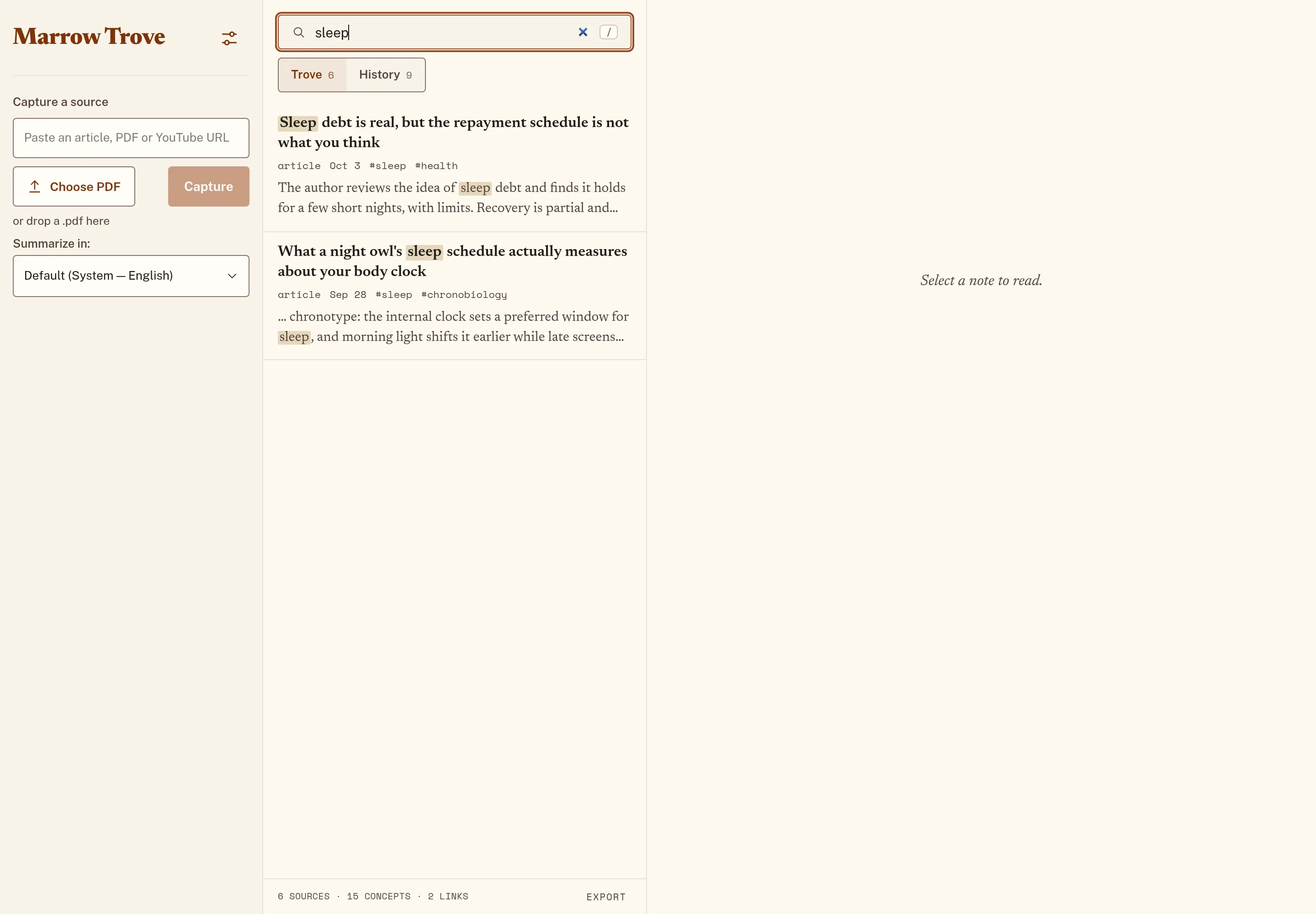
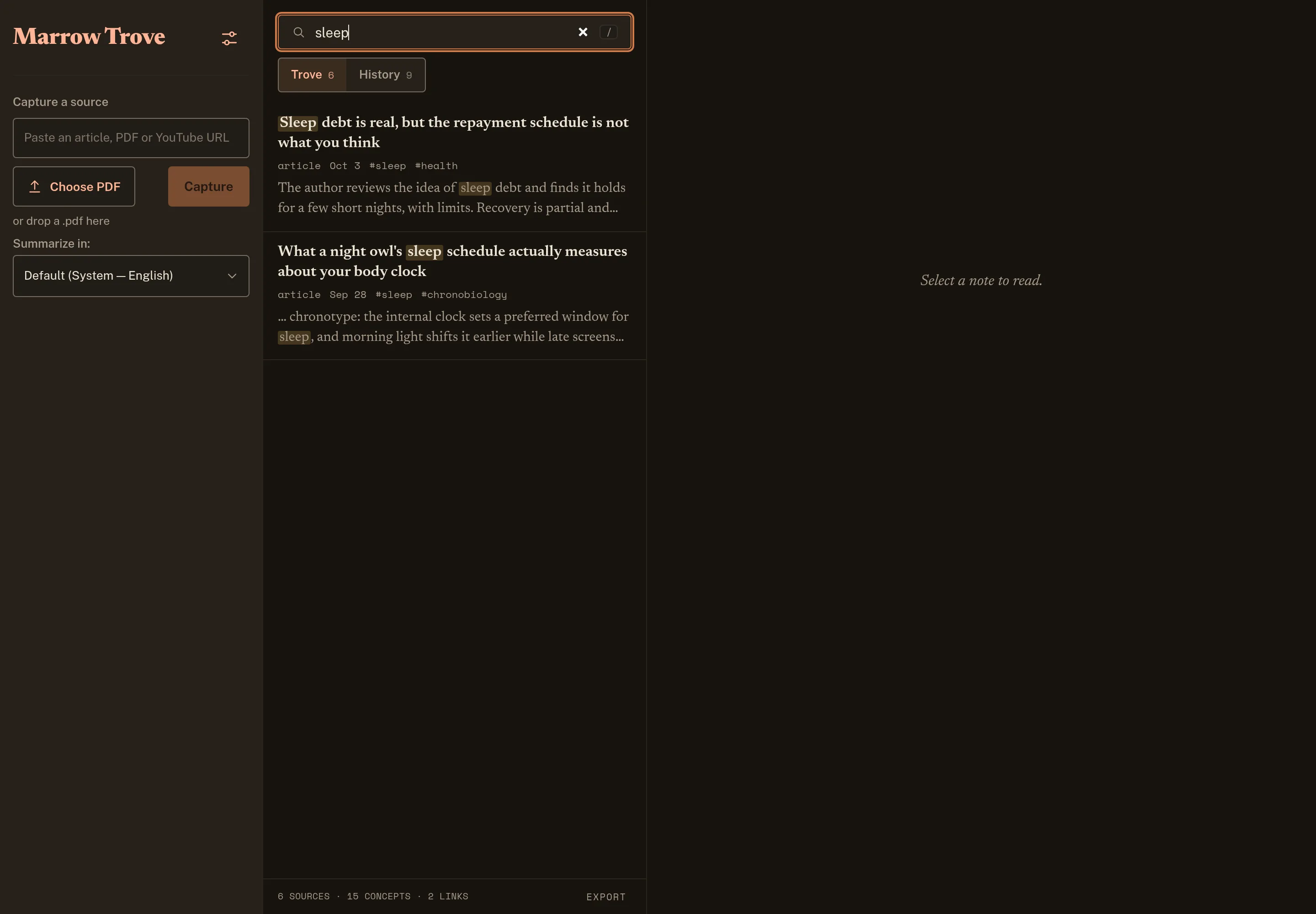
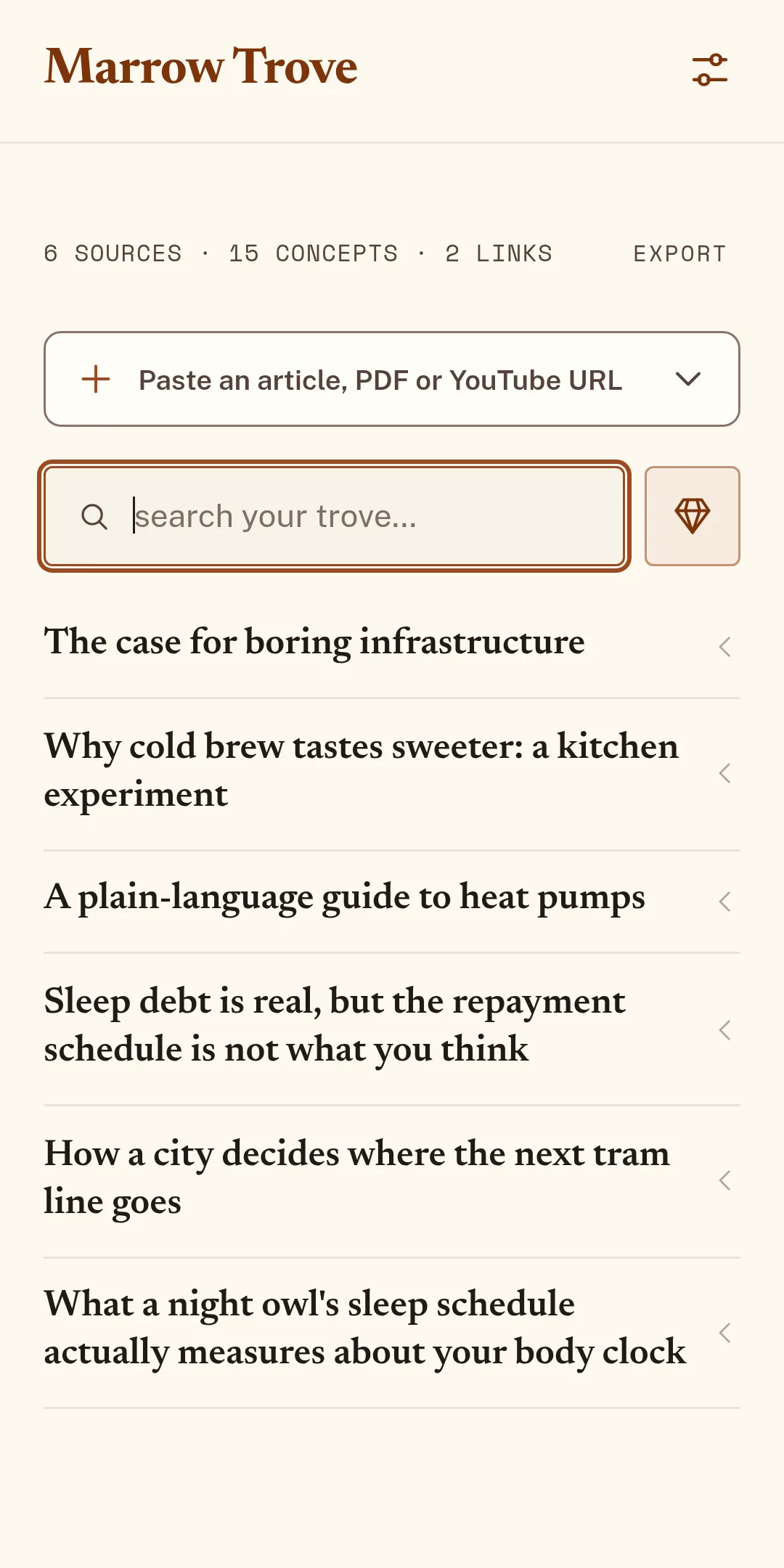
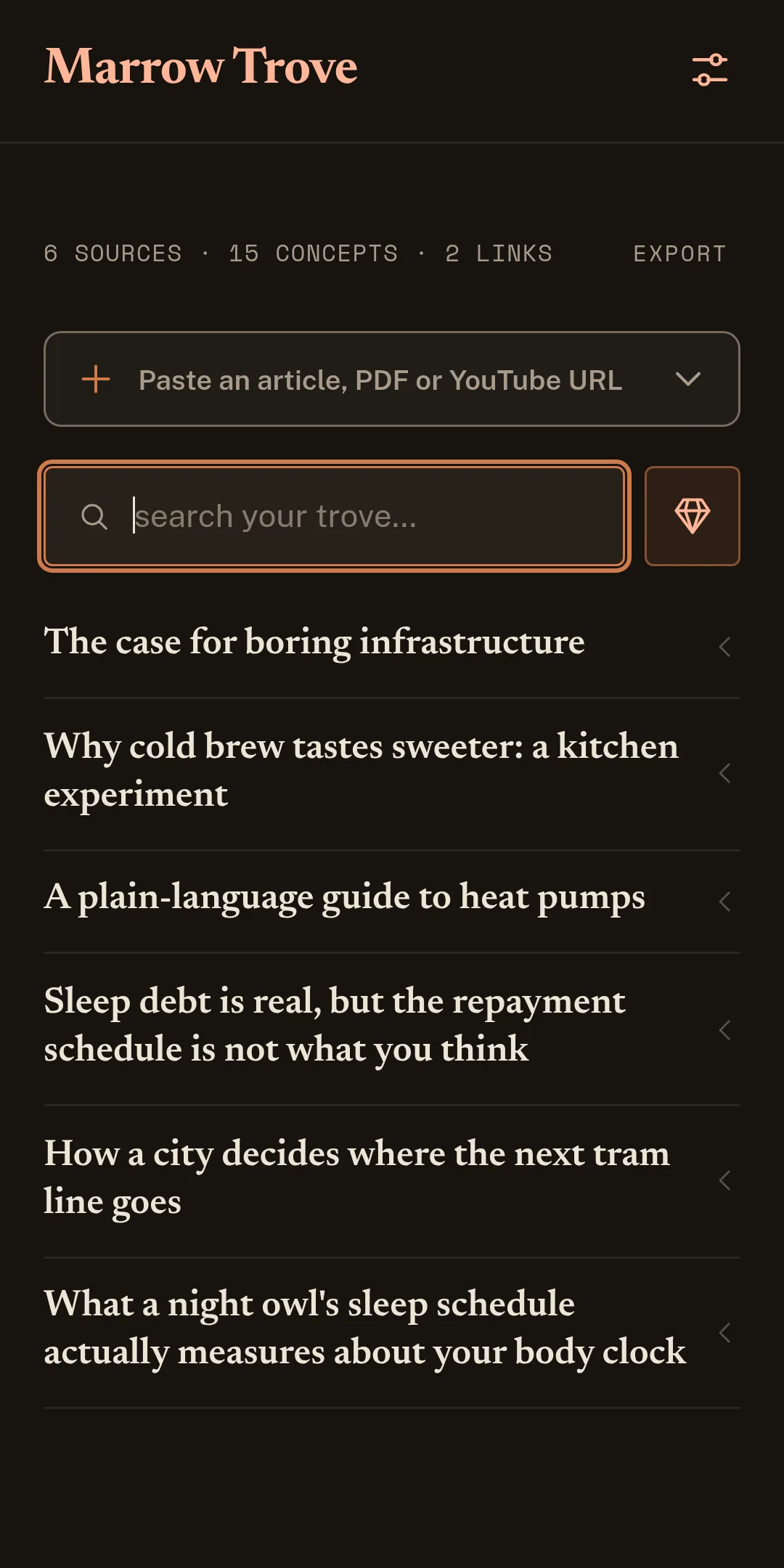
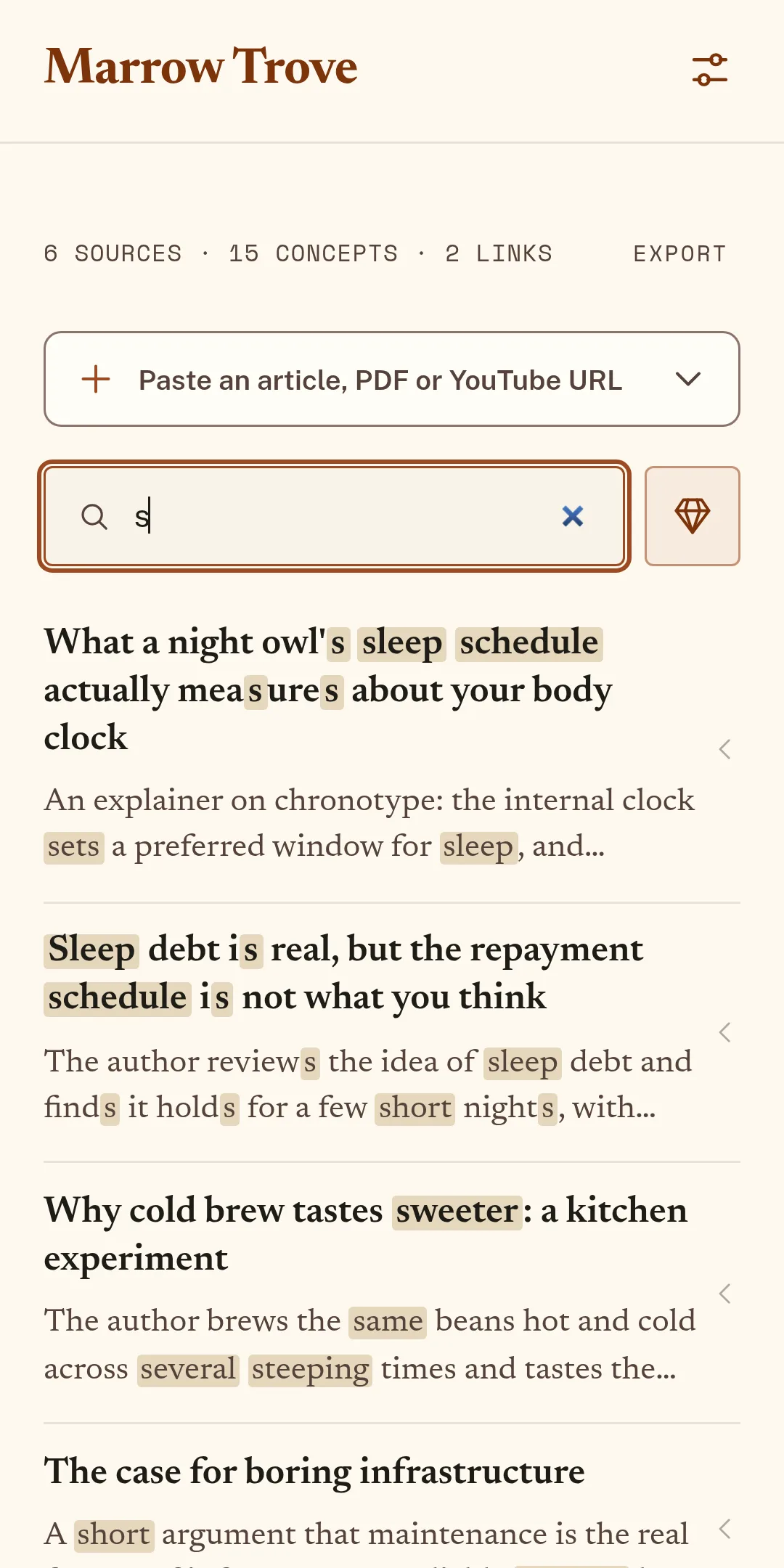
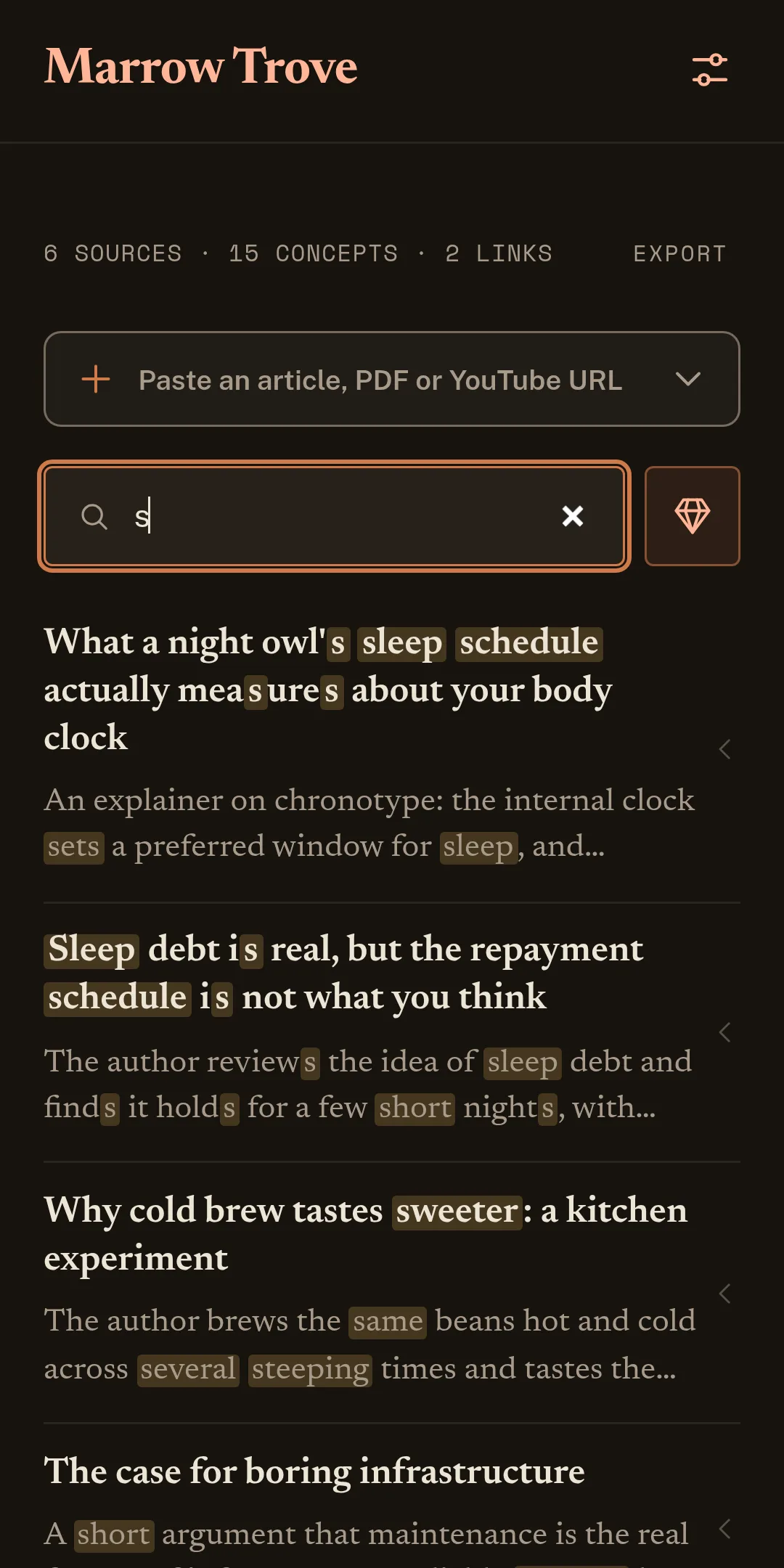
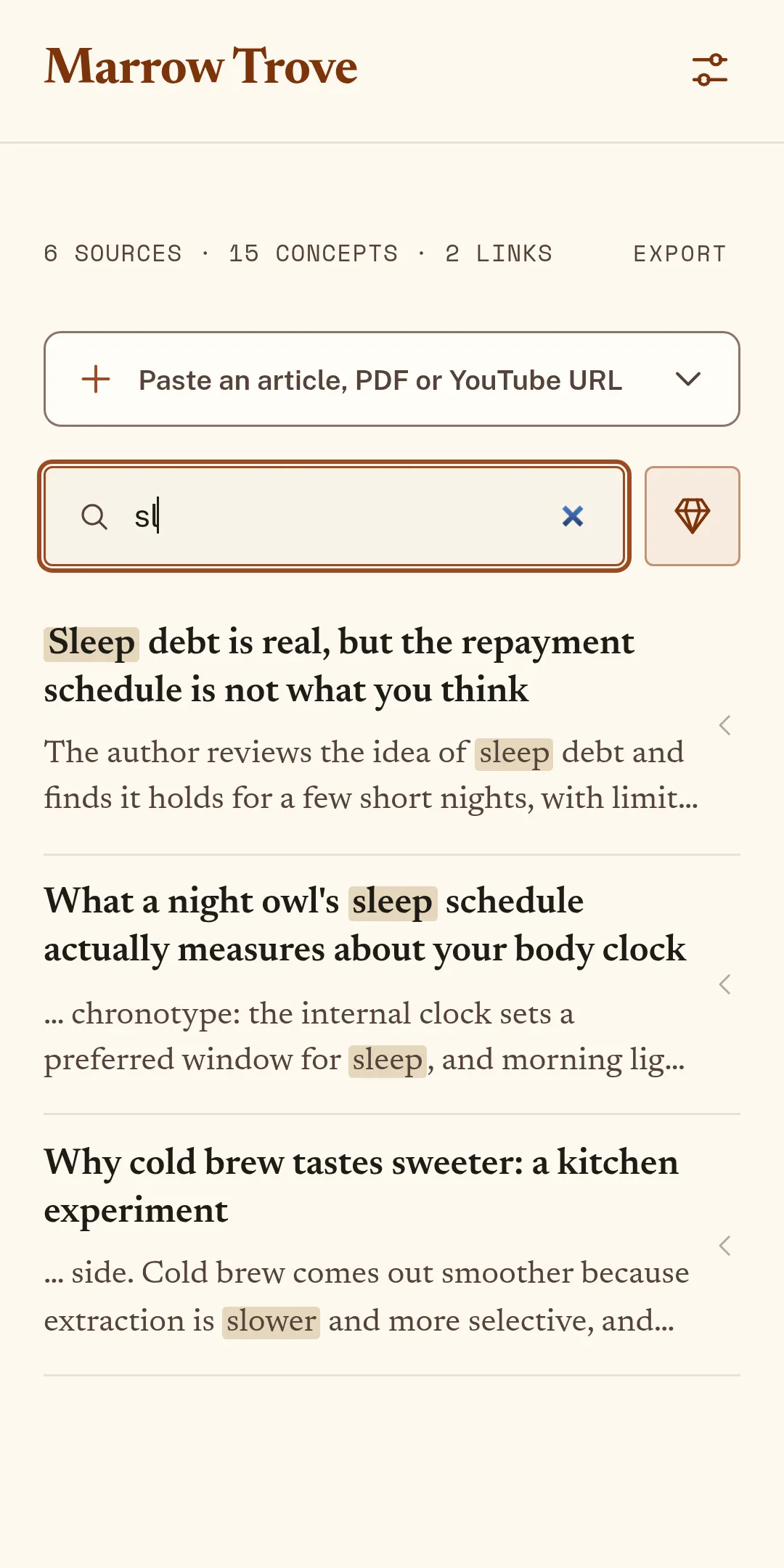
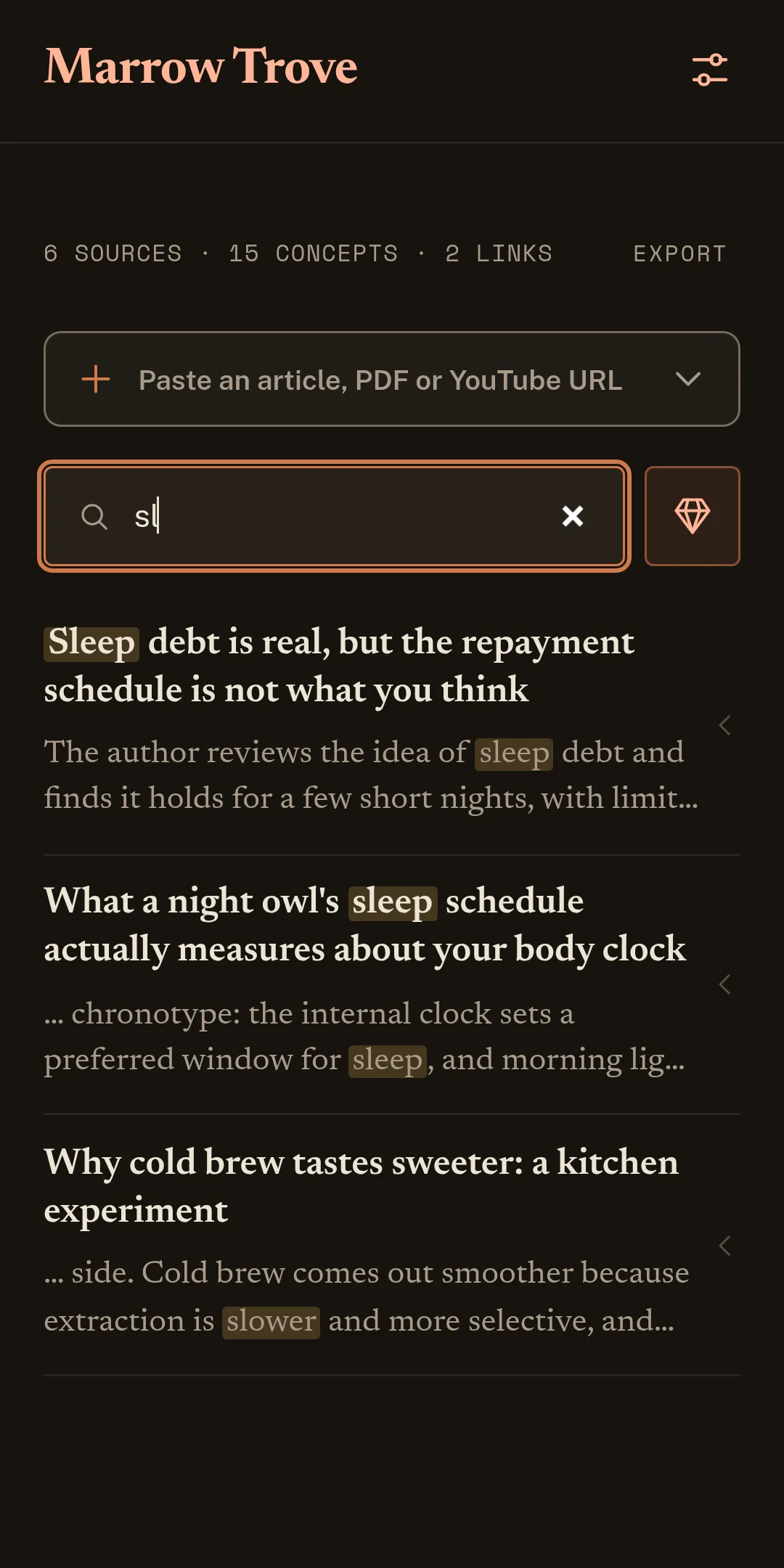
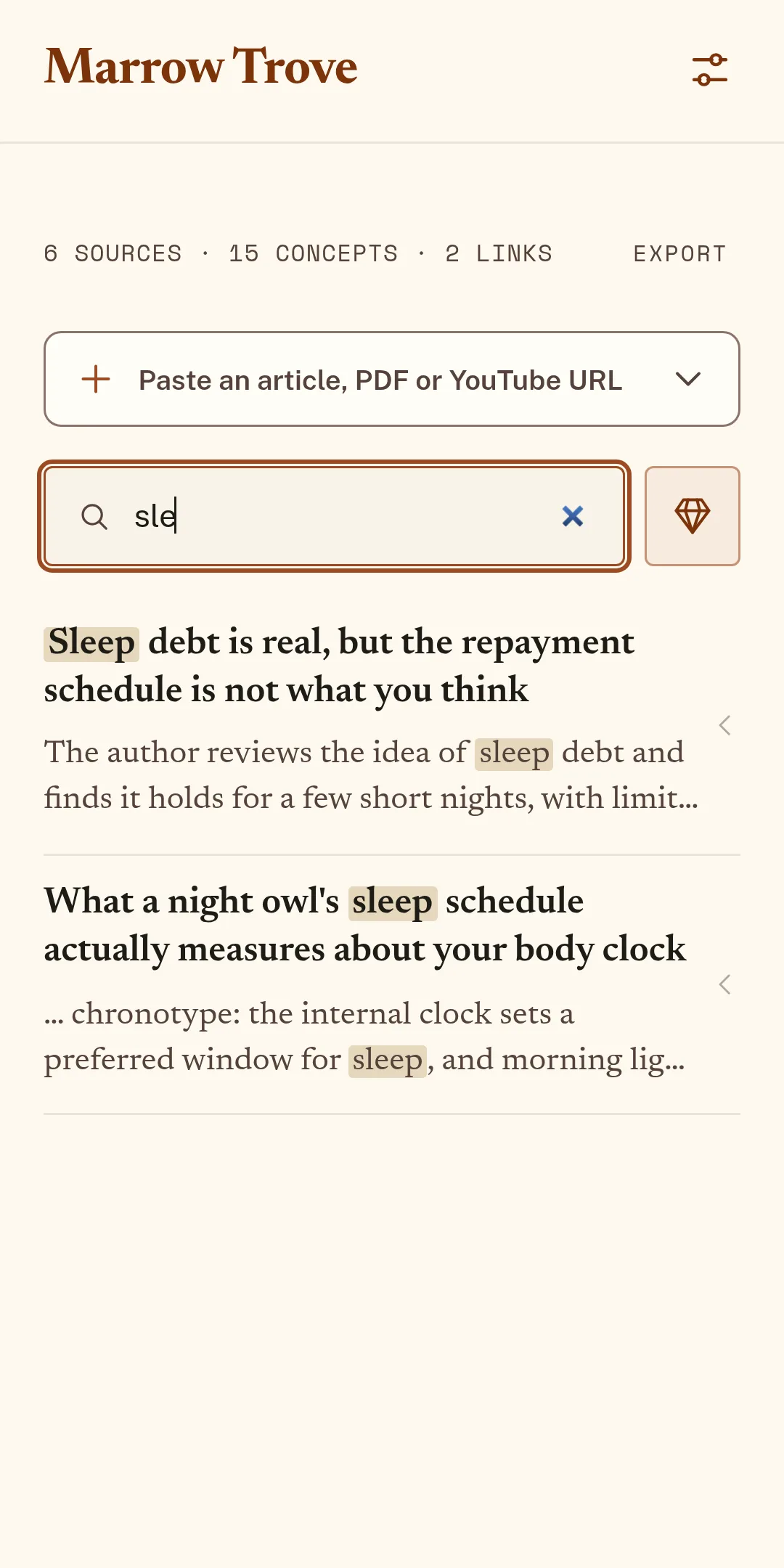
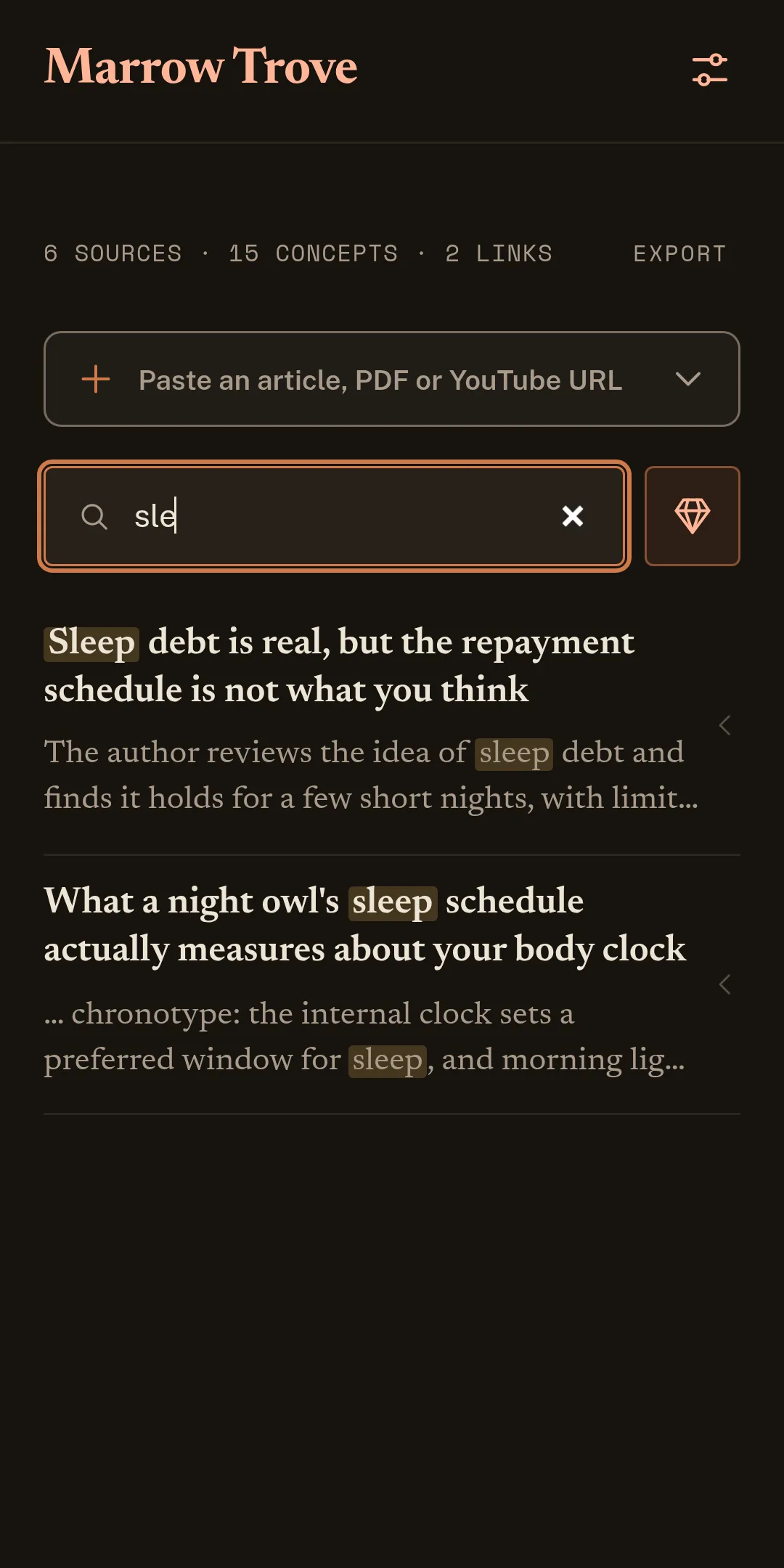
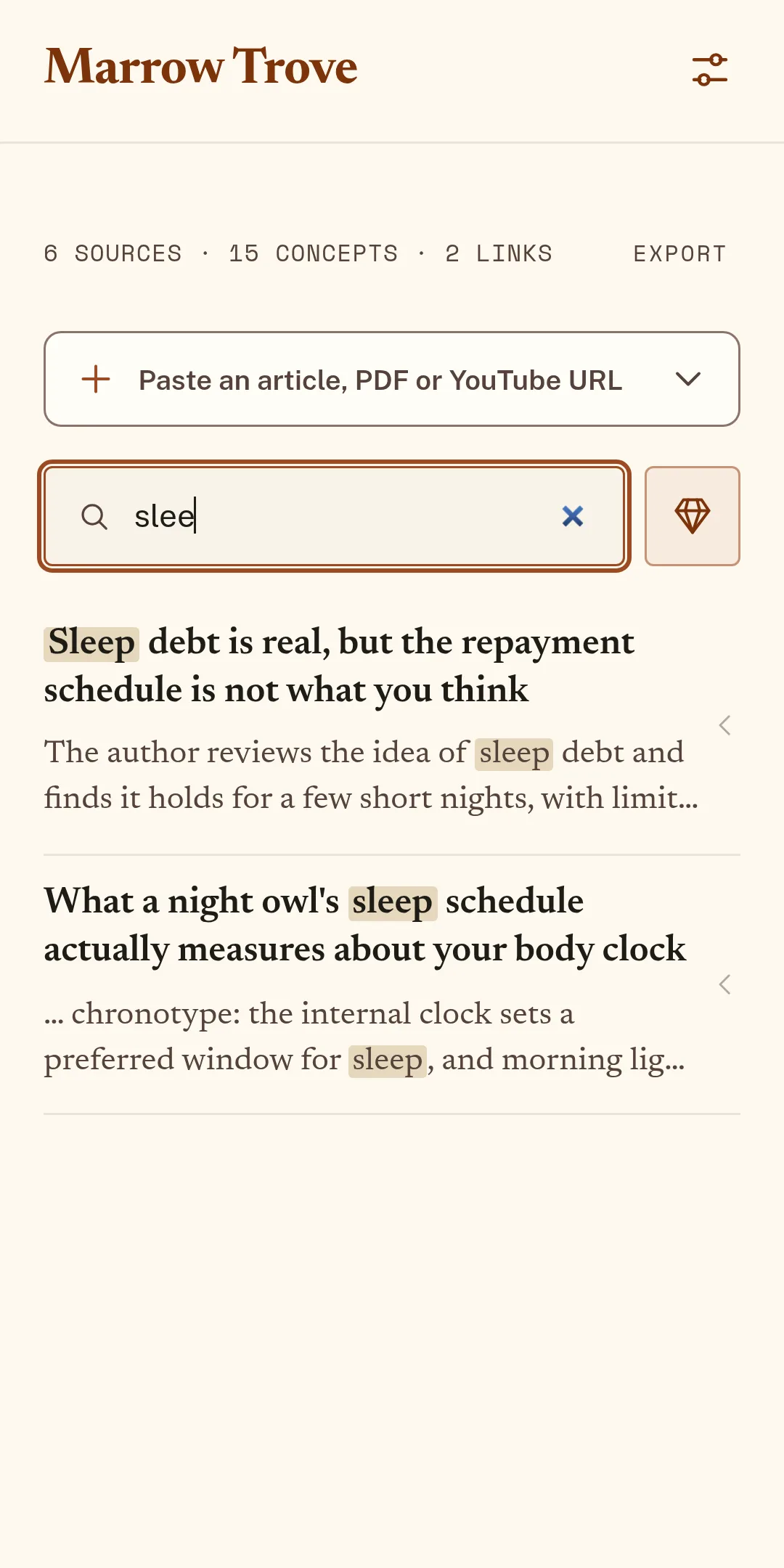
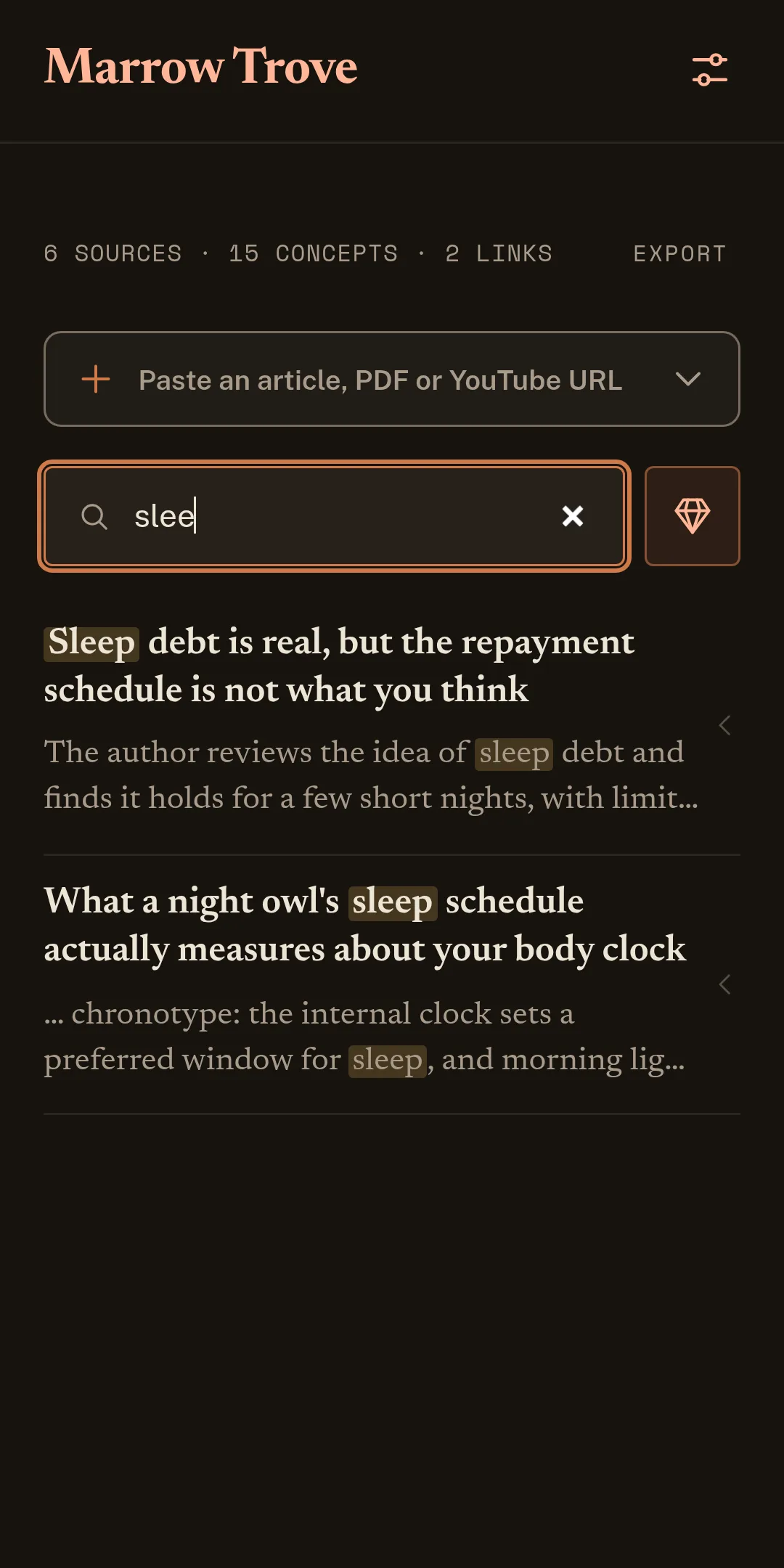
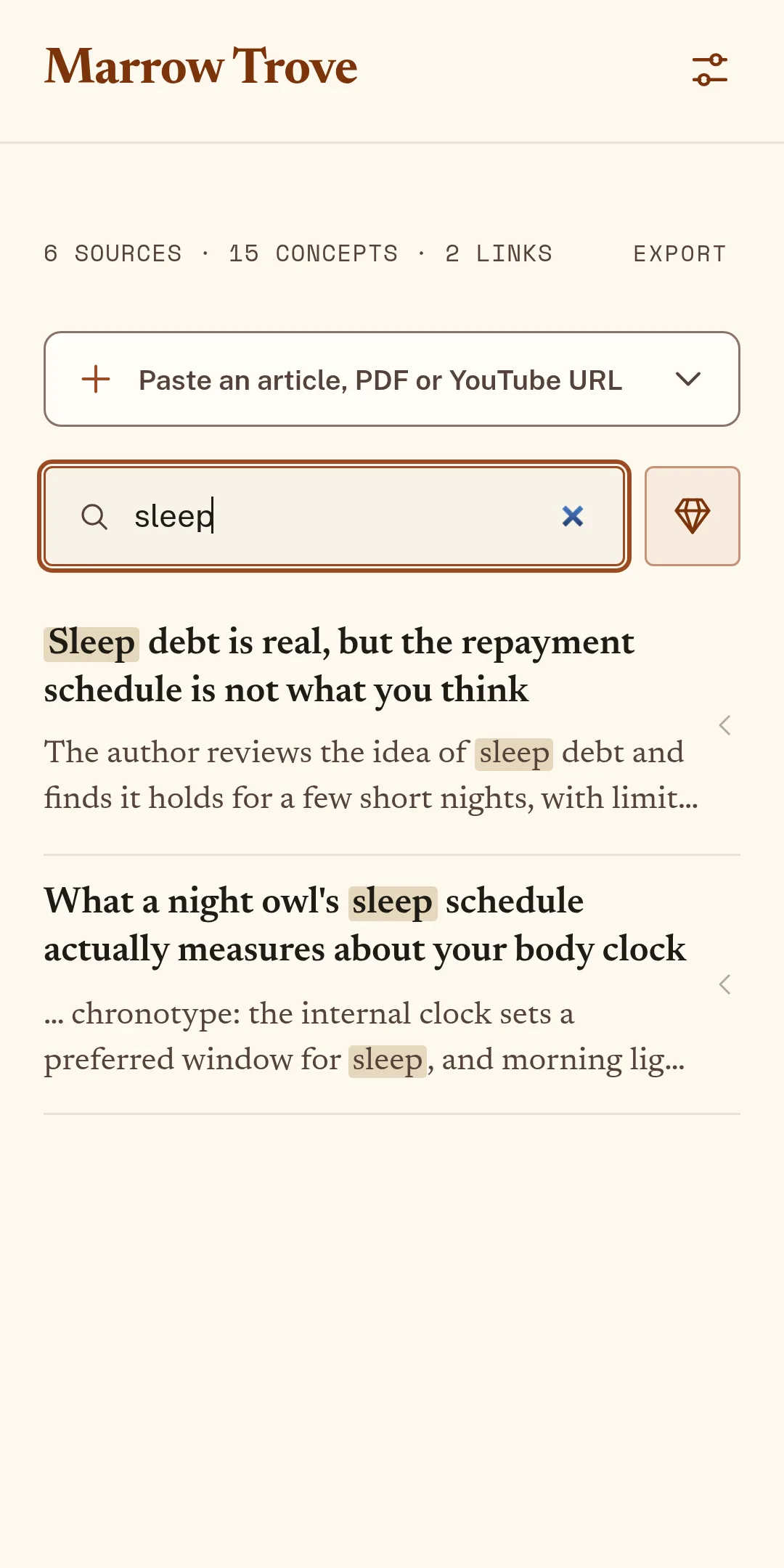
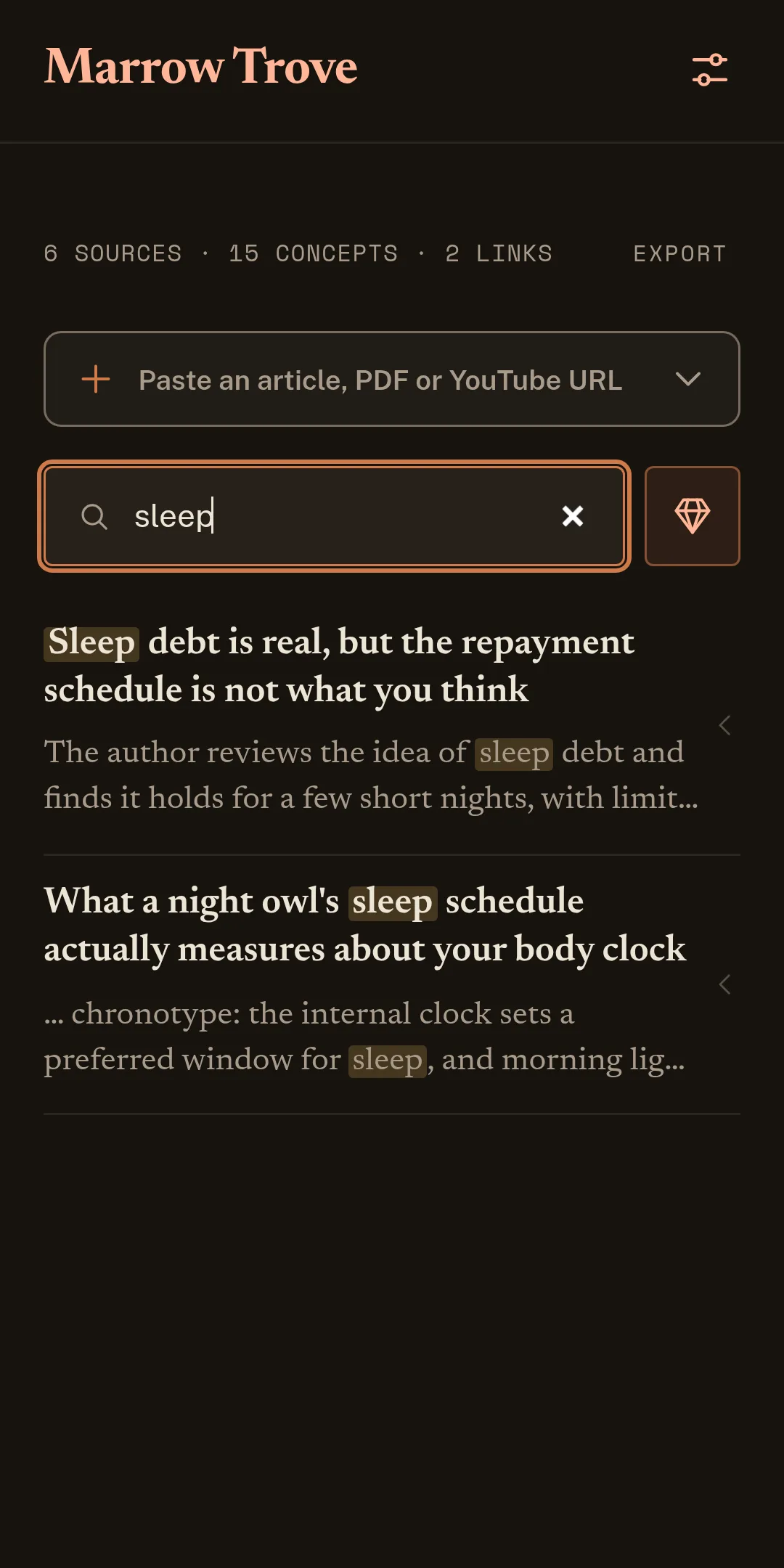
Search
Weeks later, a search across titles, tags and summaries brings it right back.
Listen
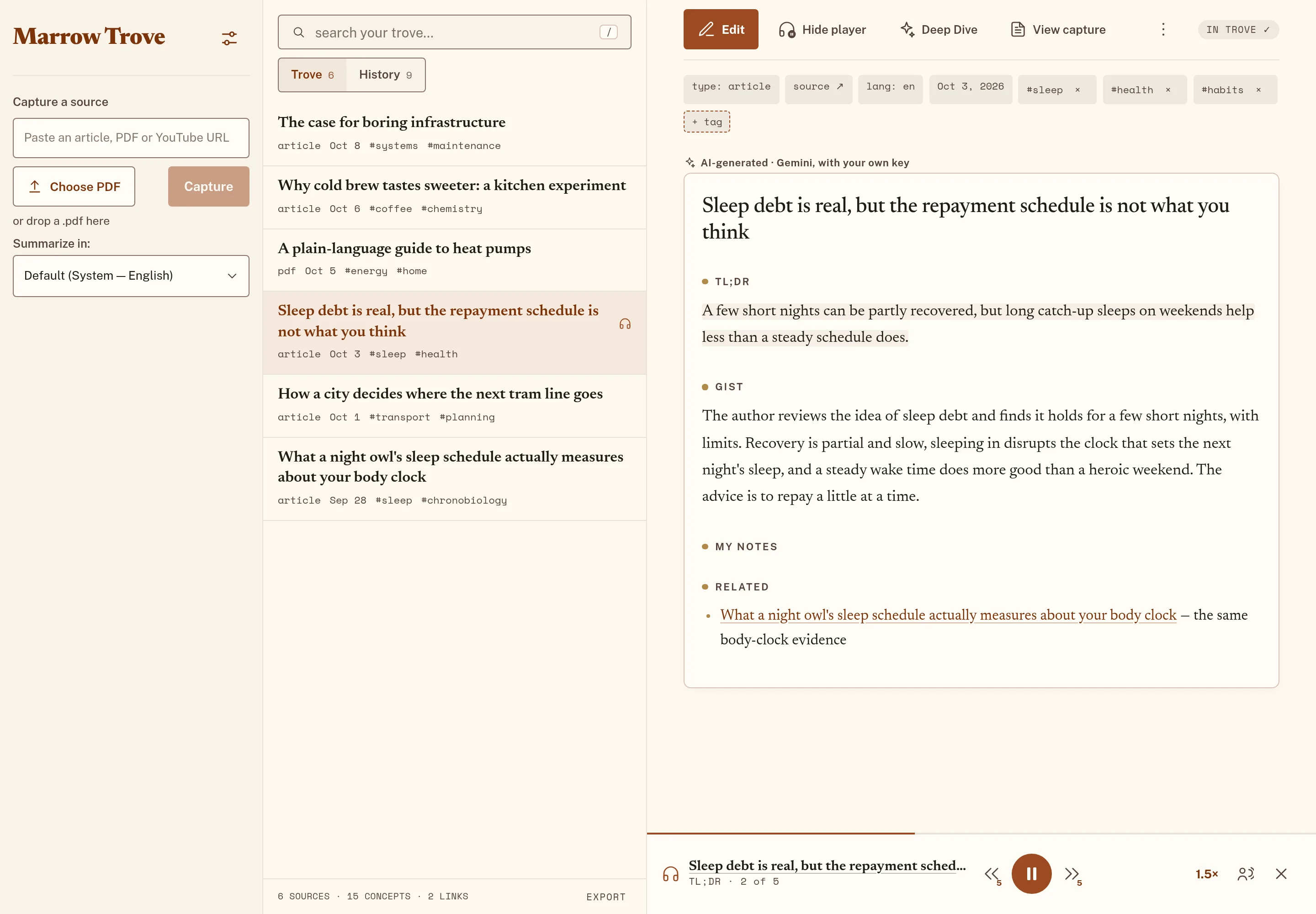
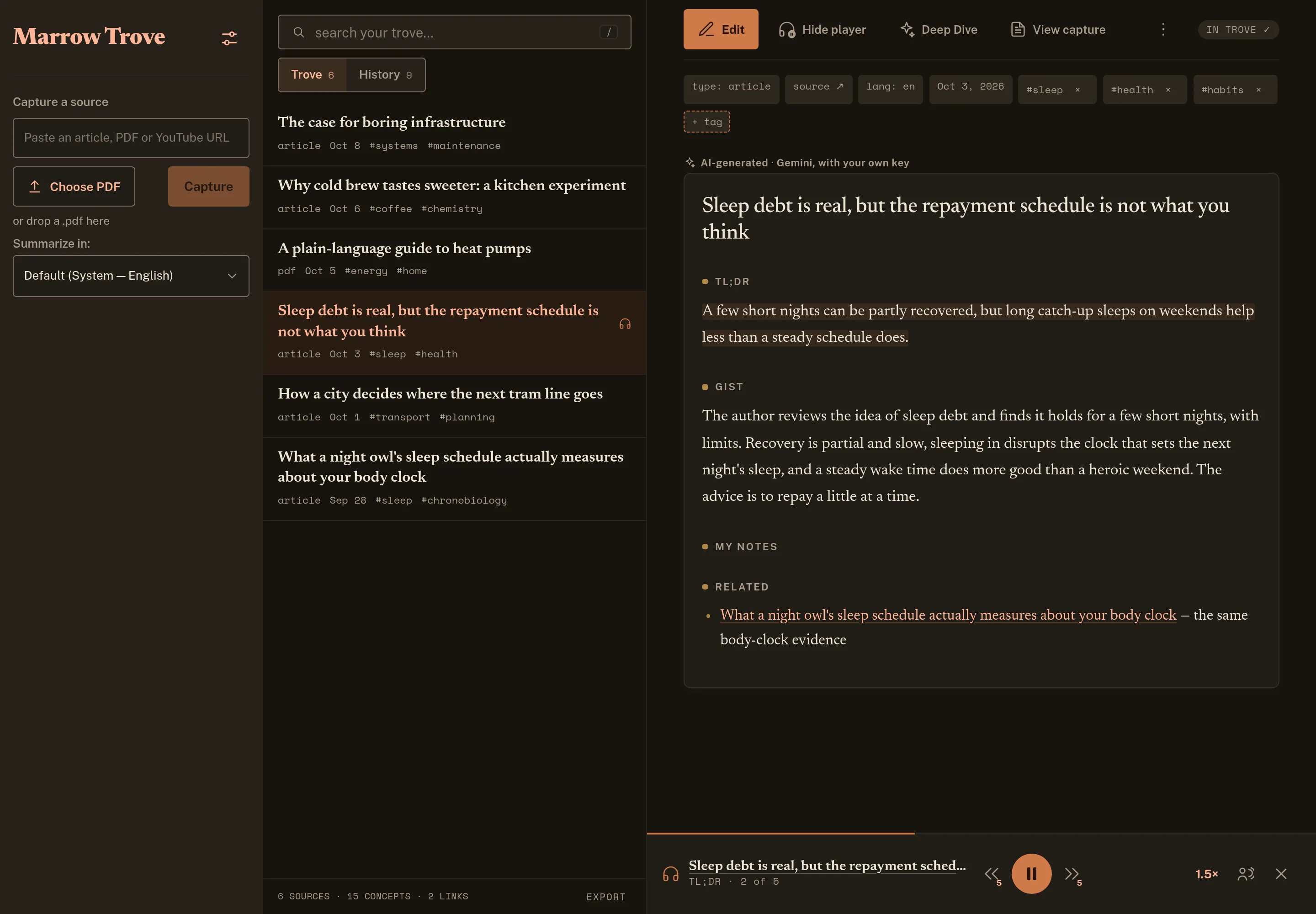
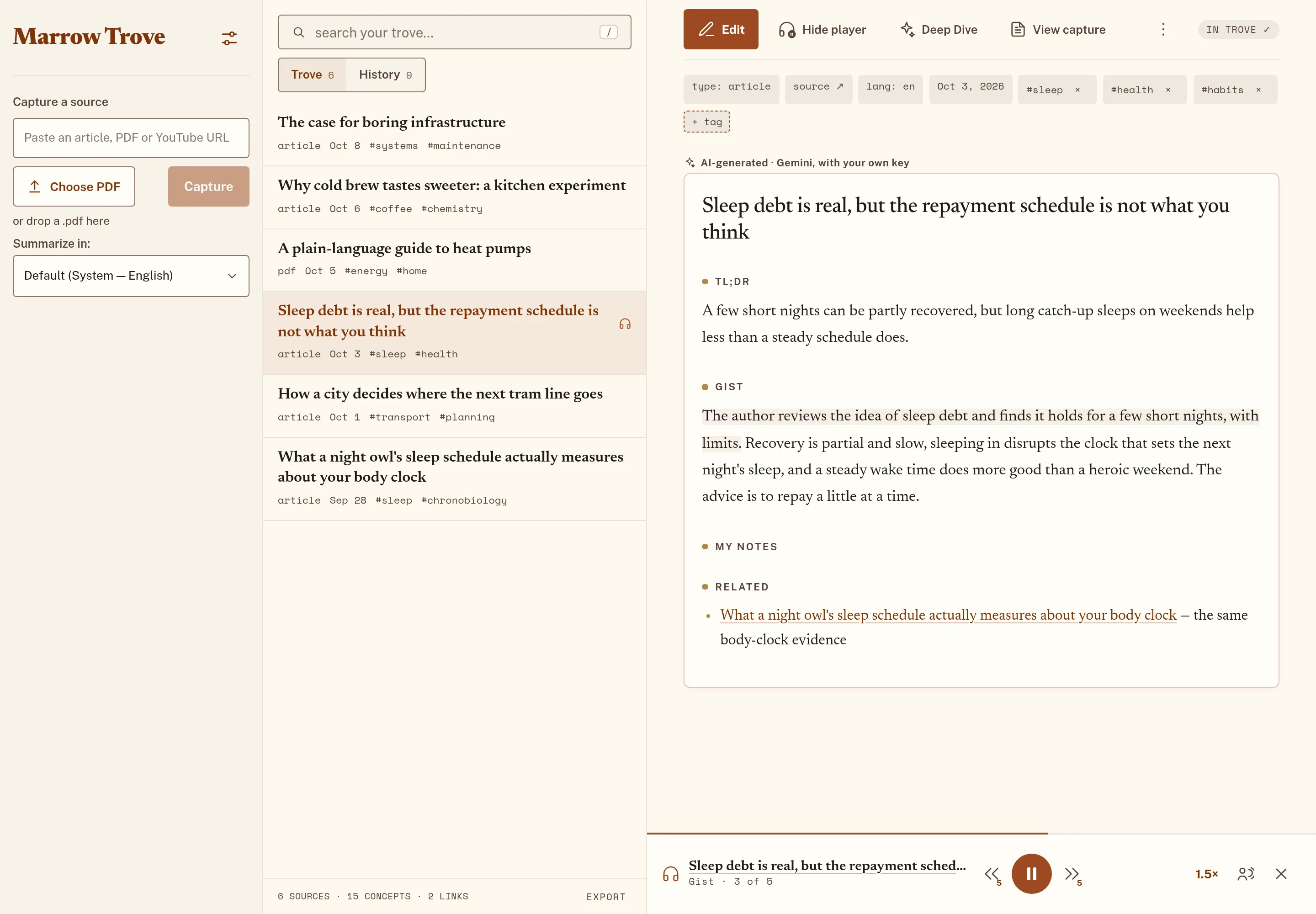
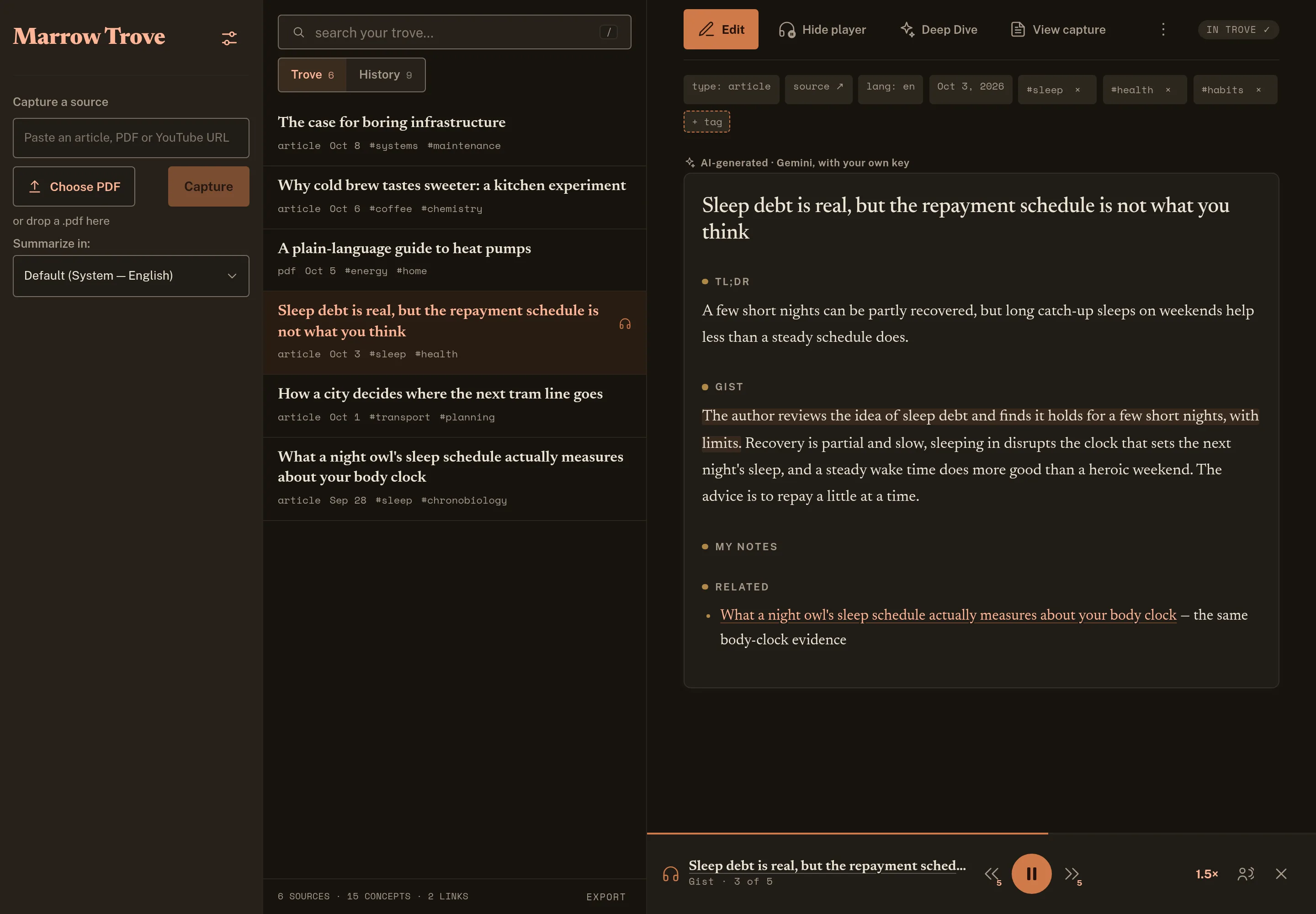
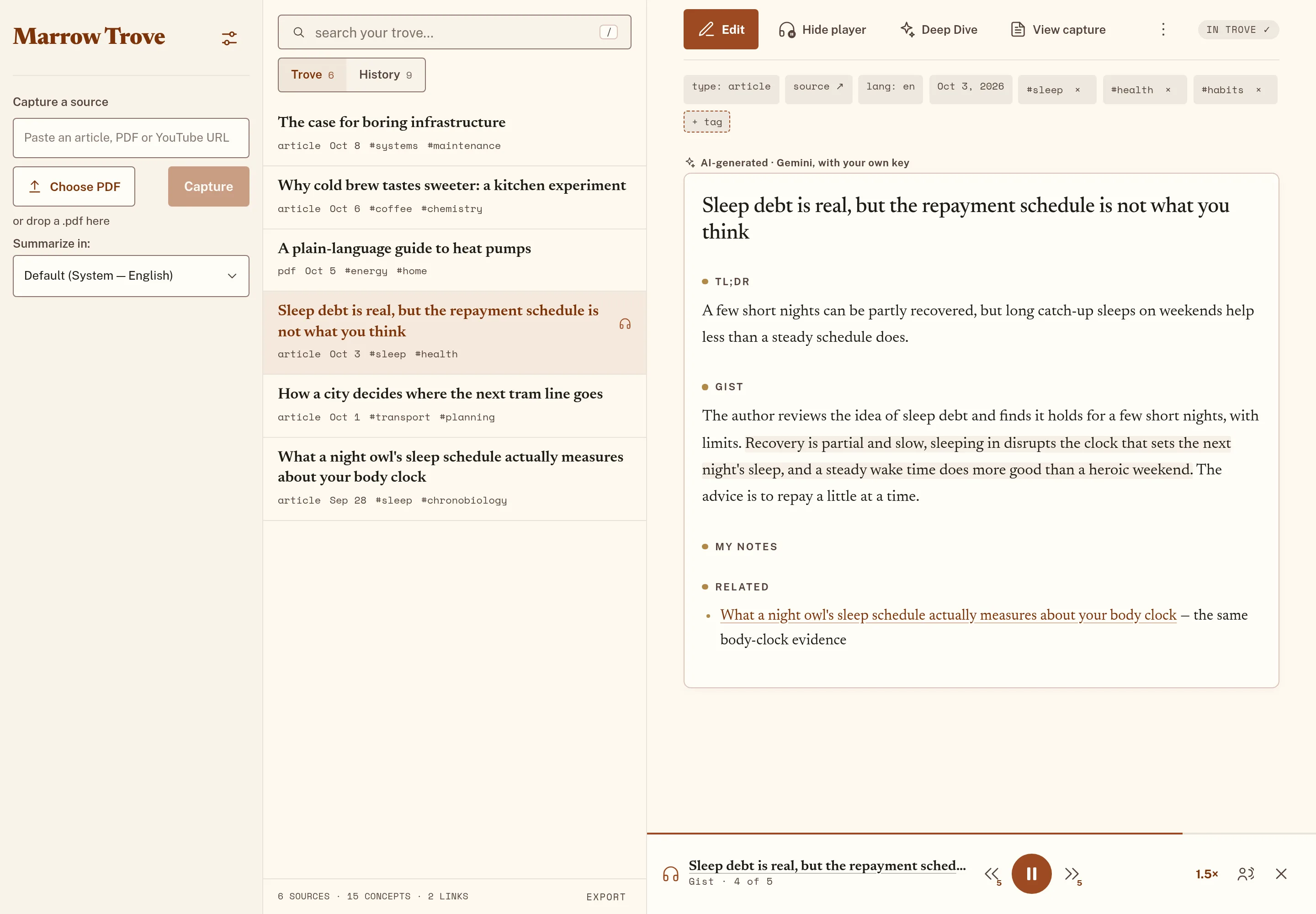
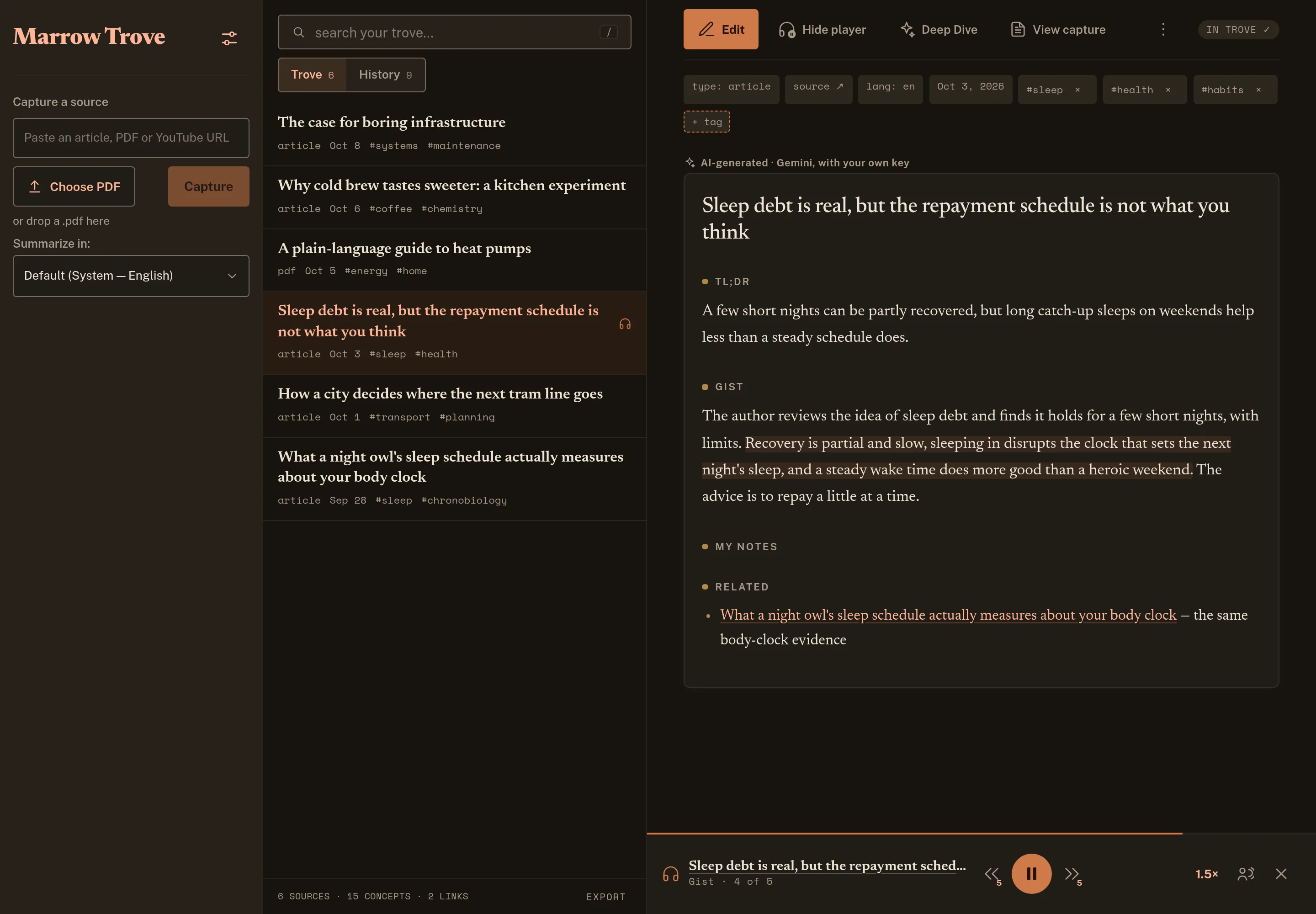
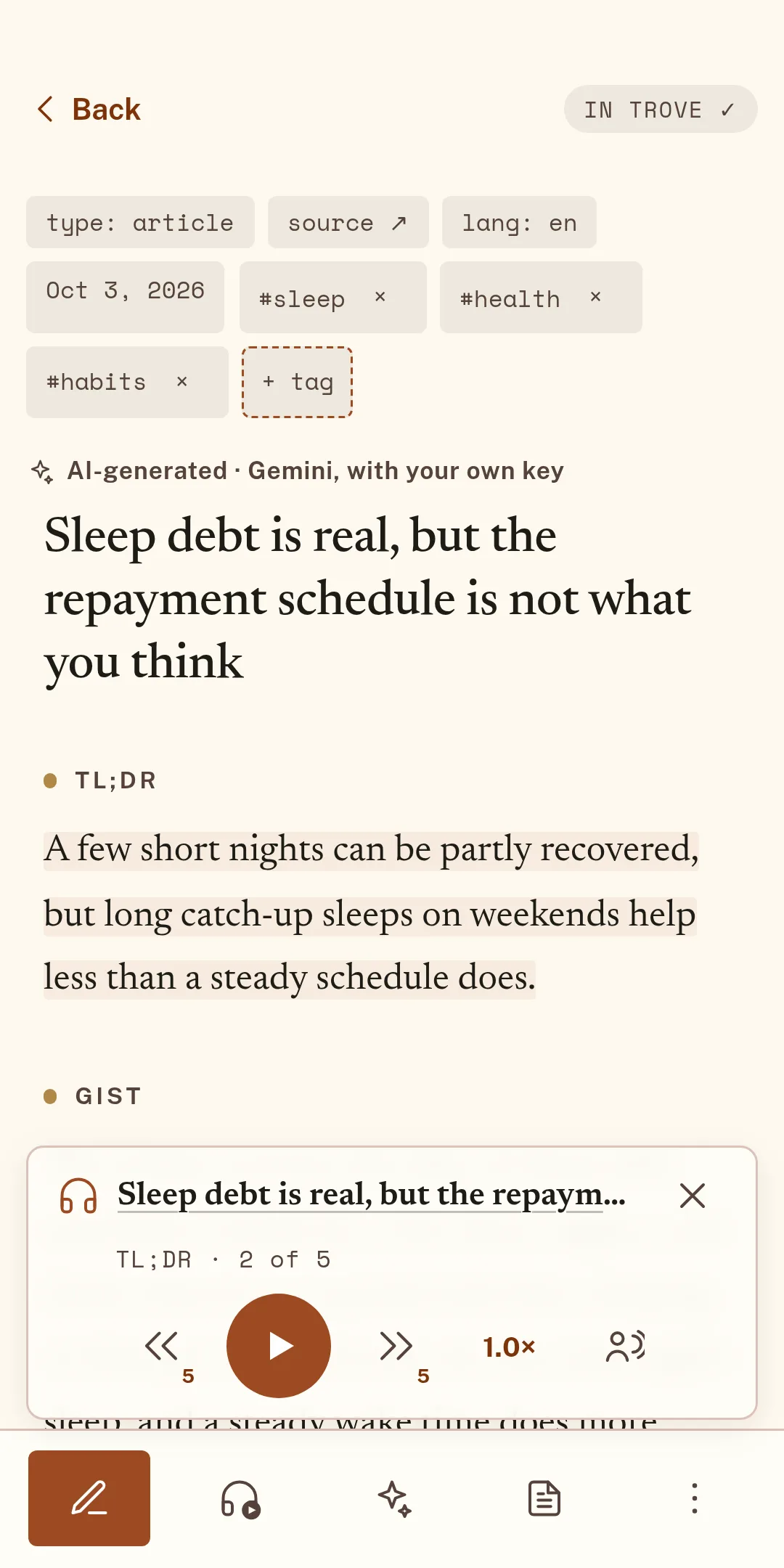
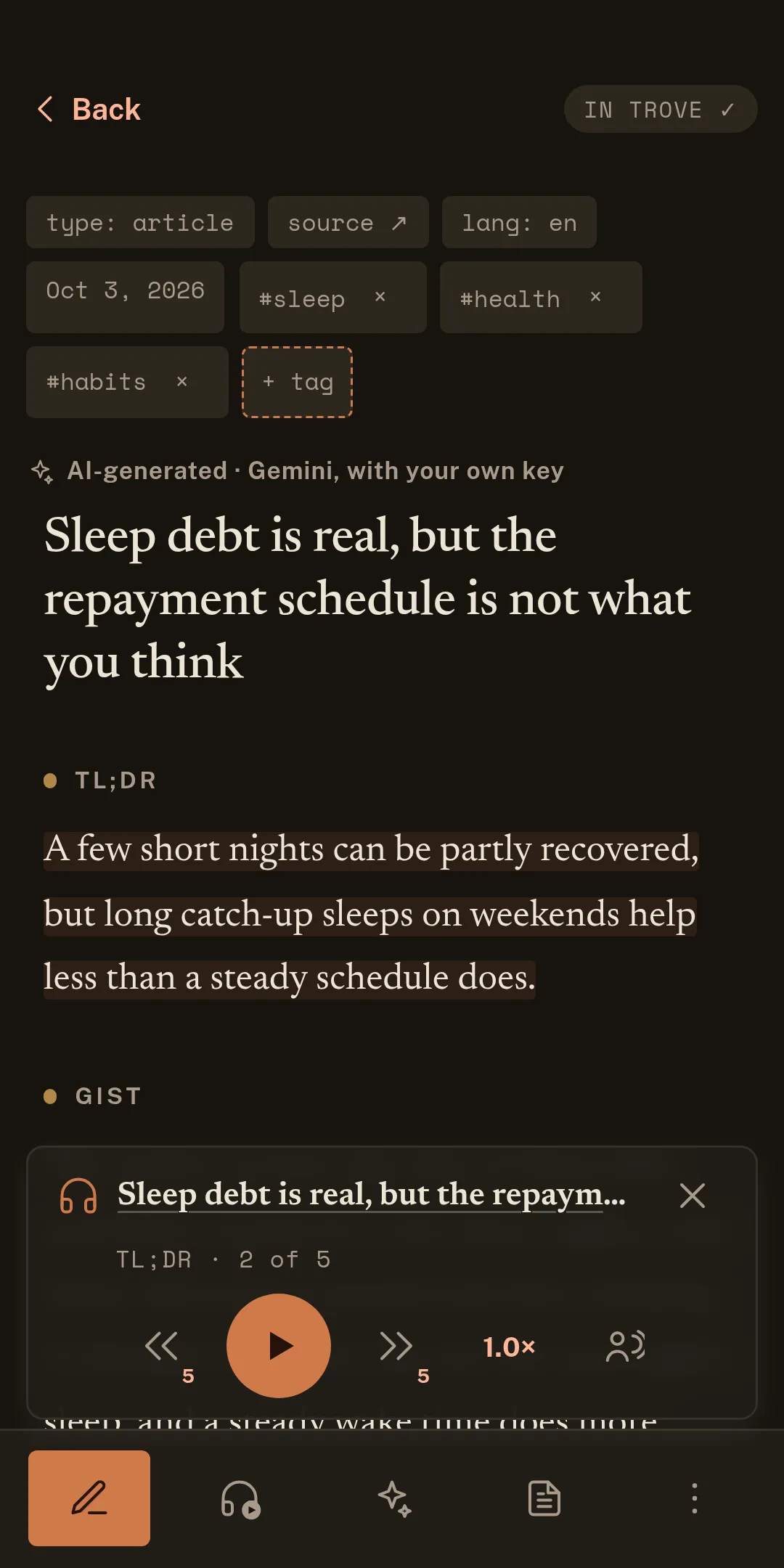
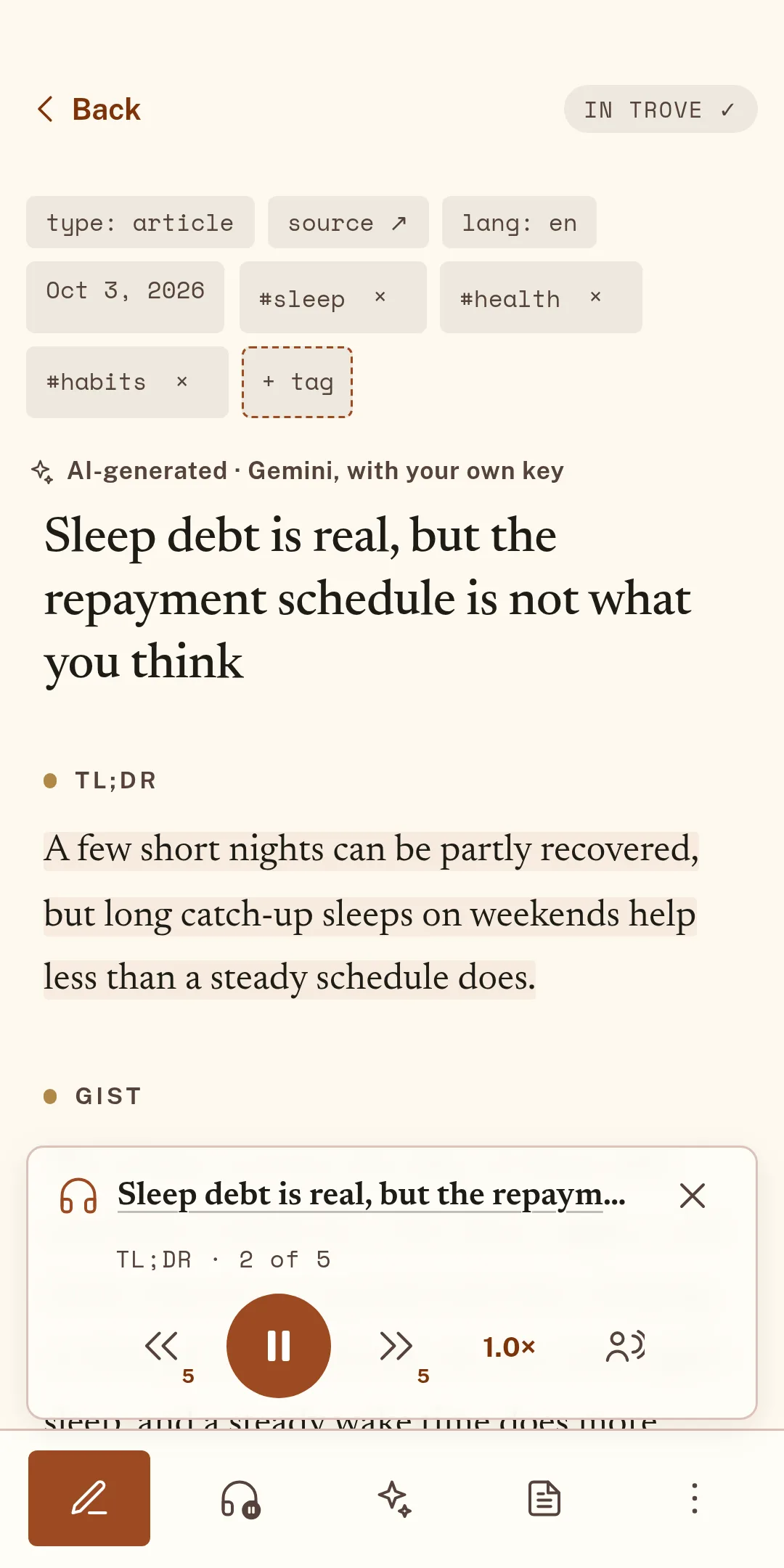
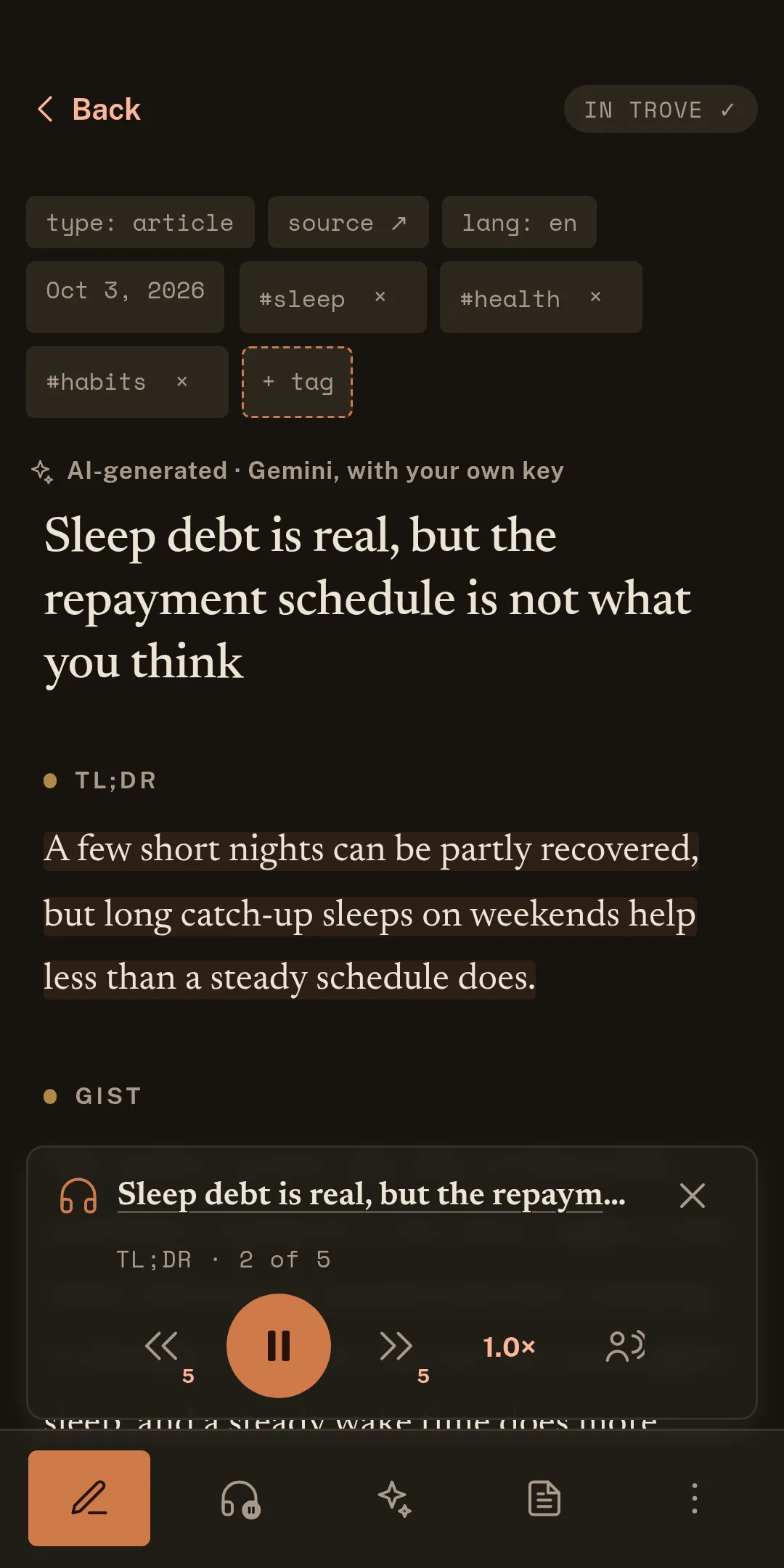
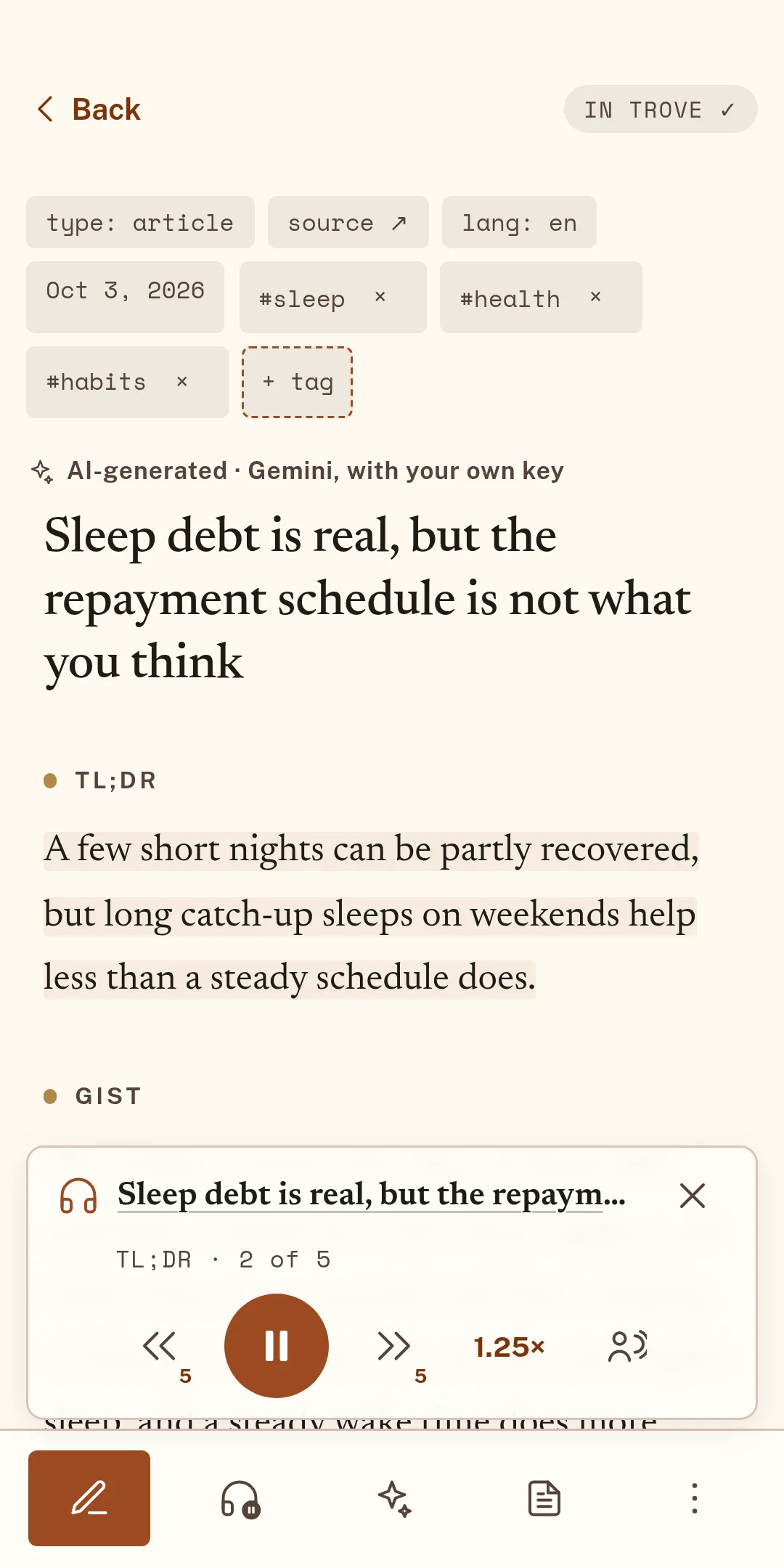
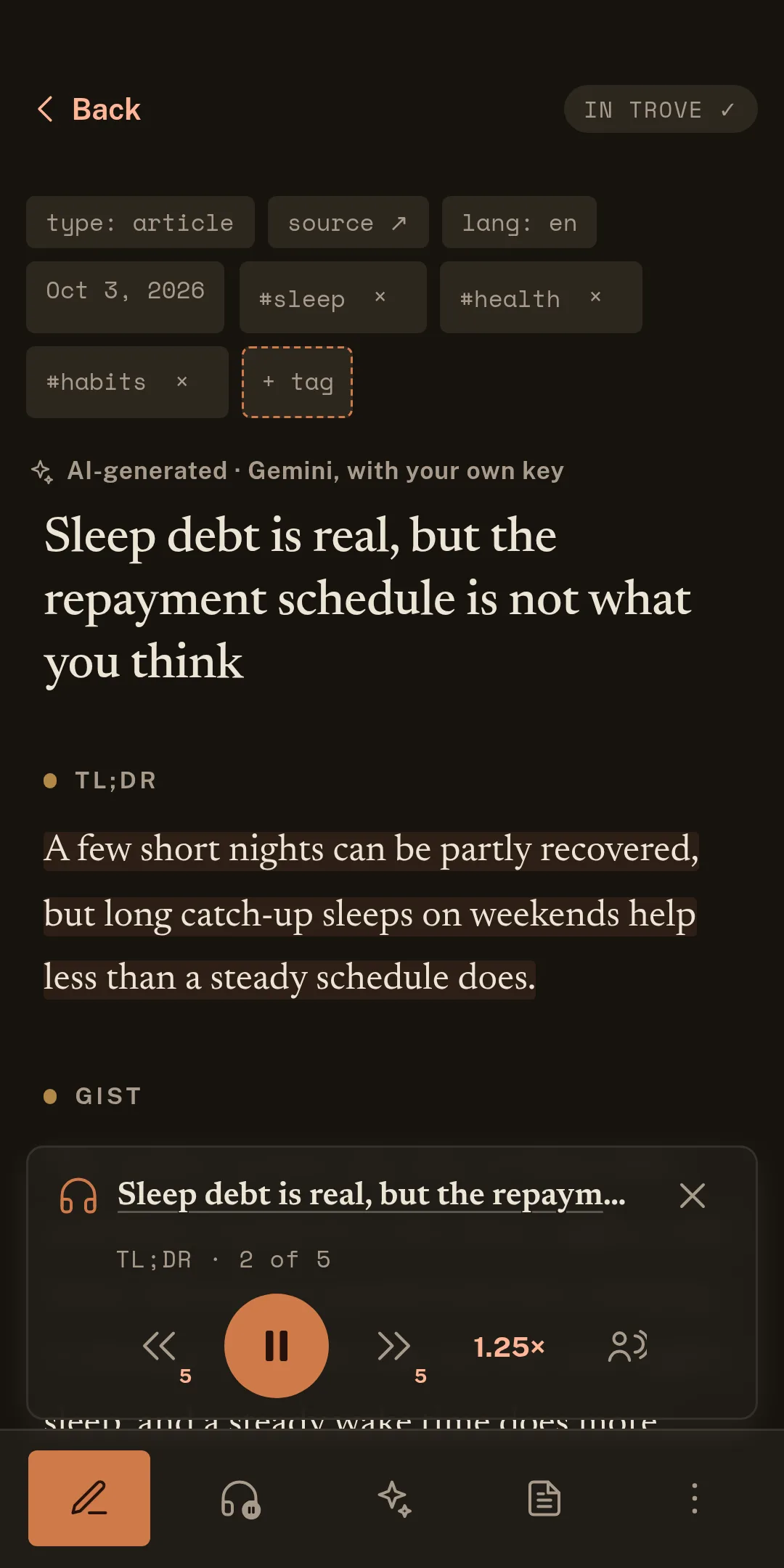
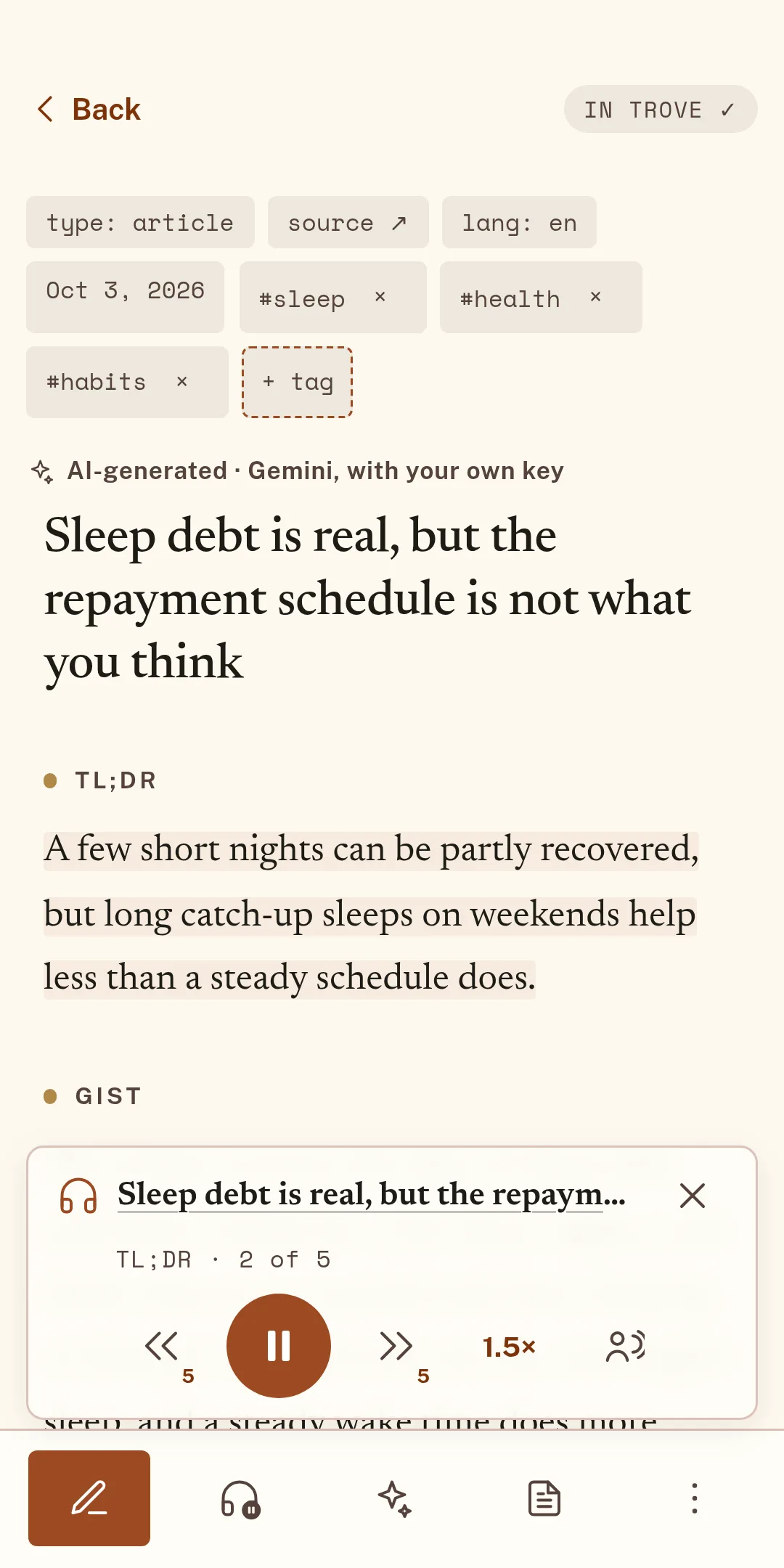
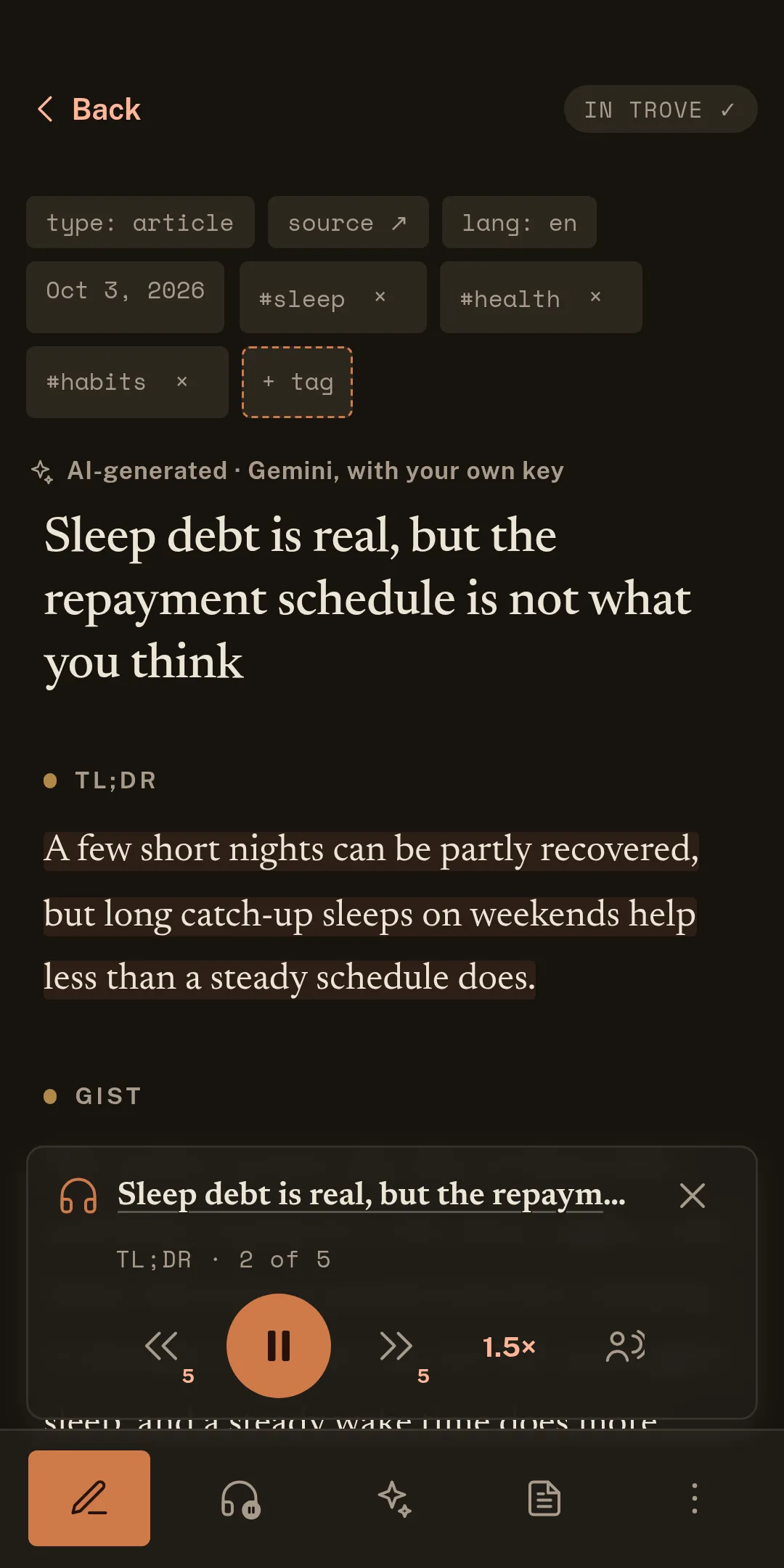
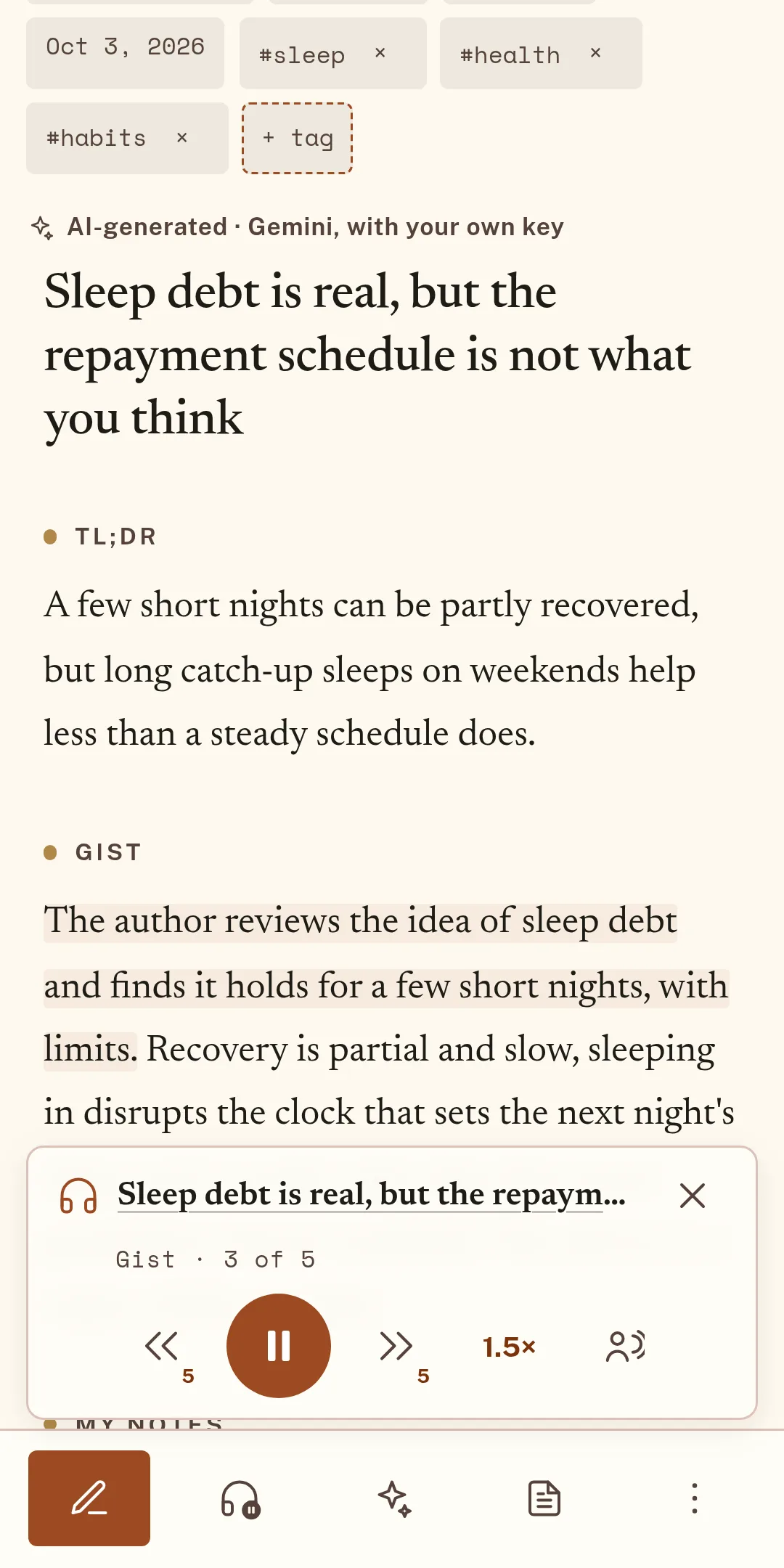
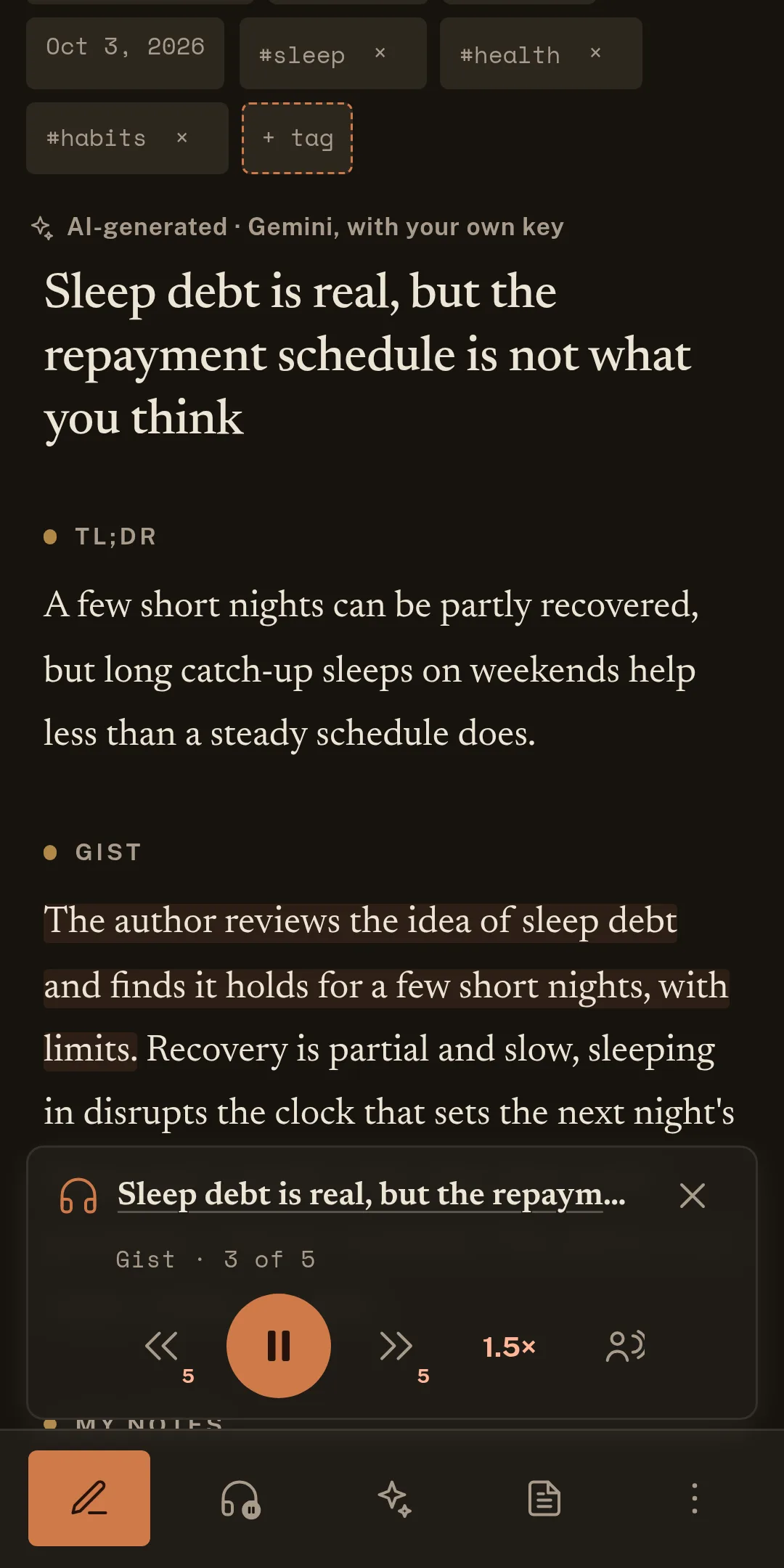
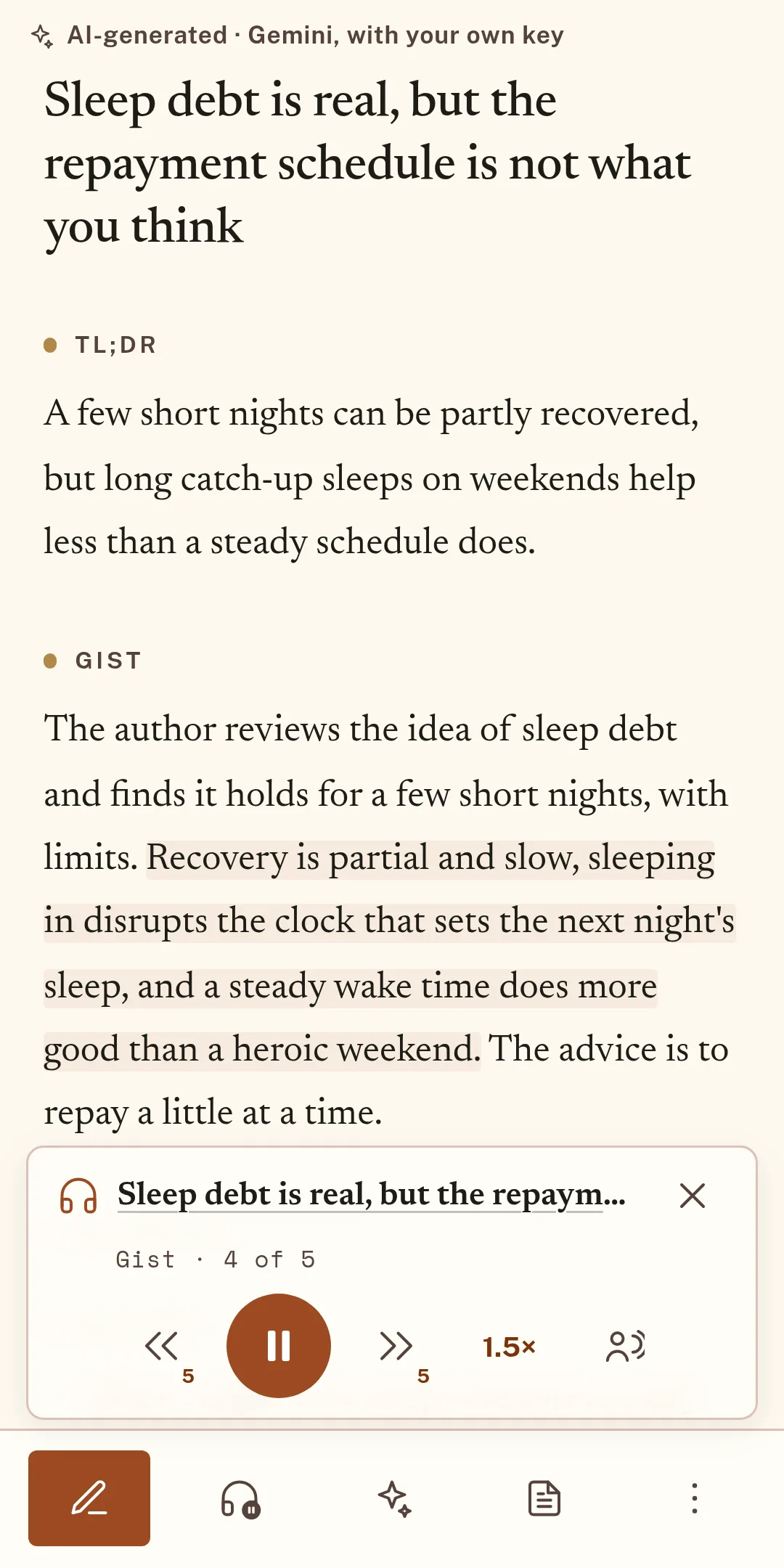
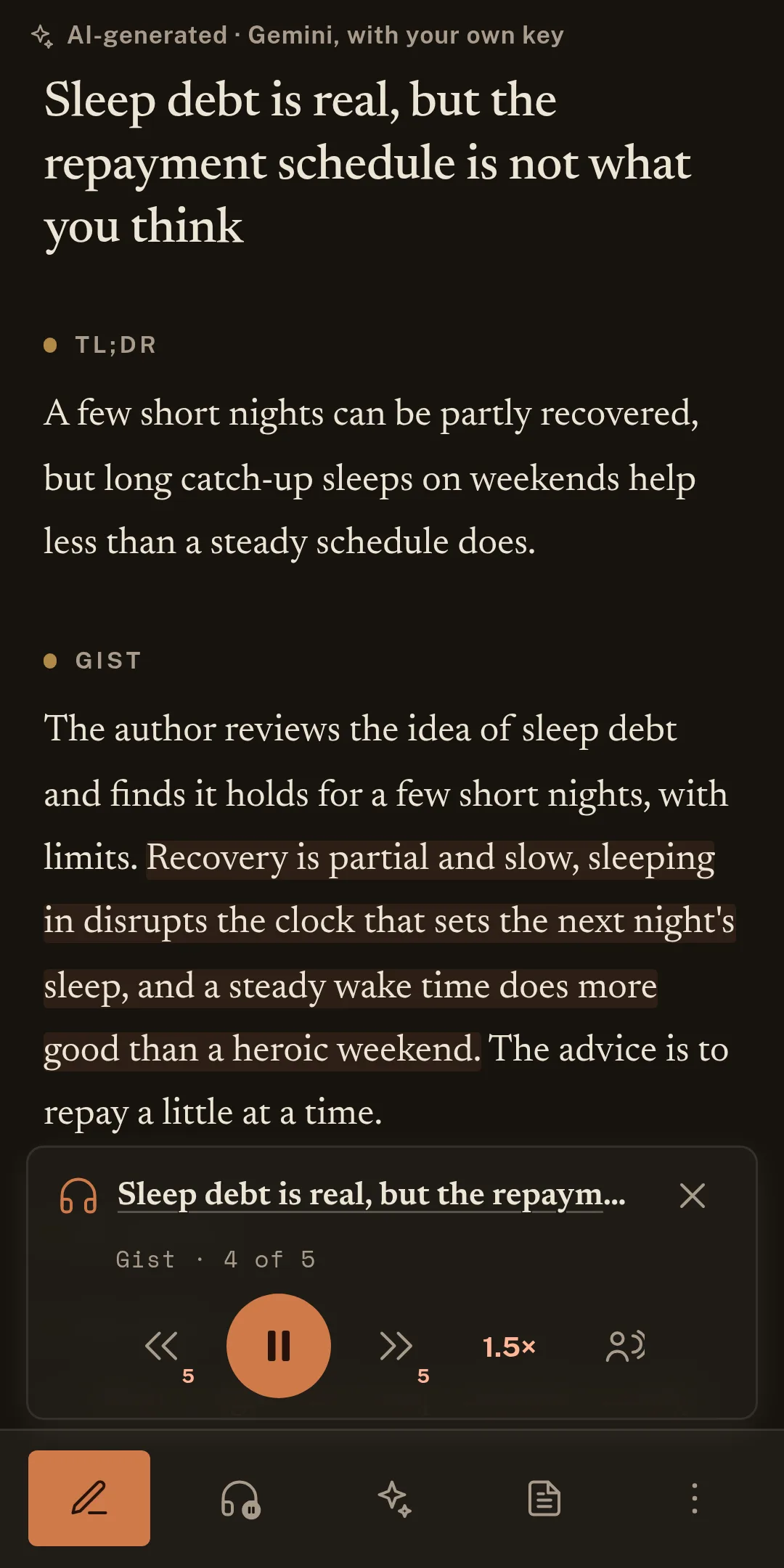
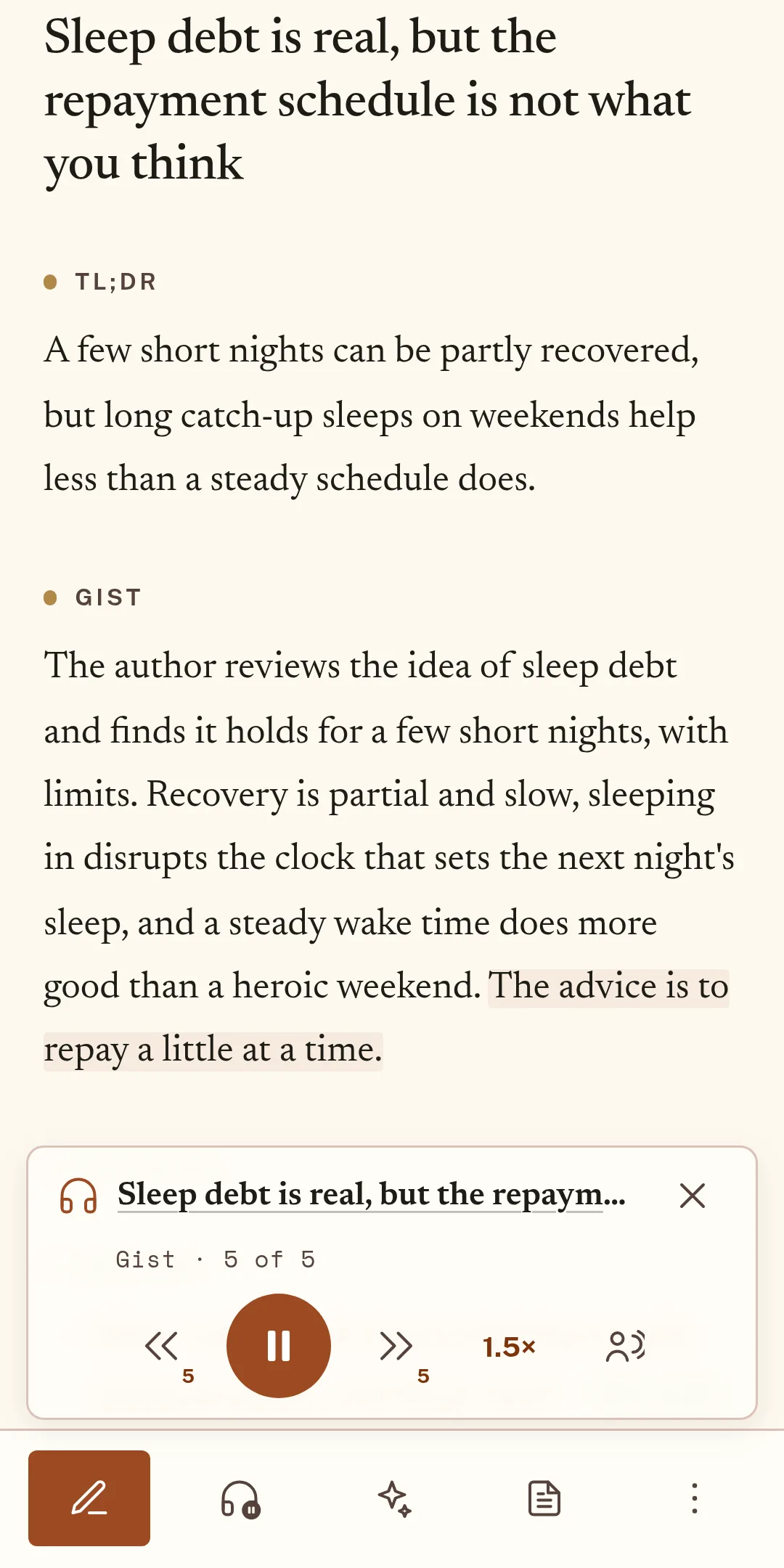
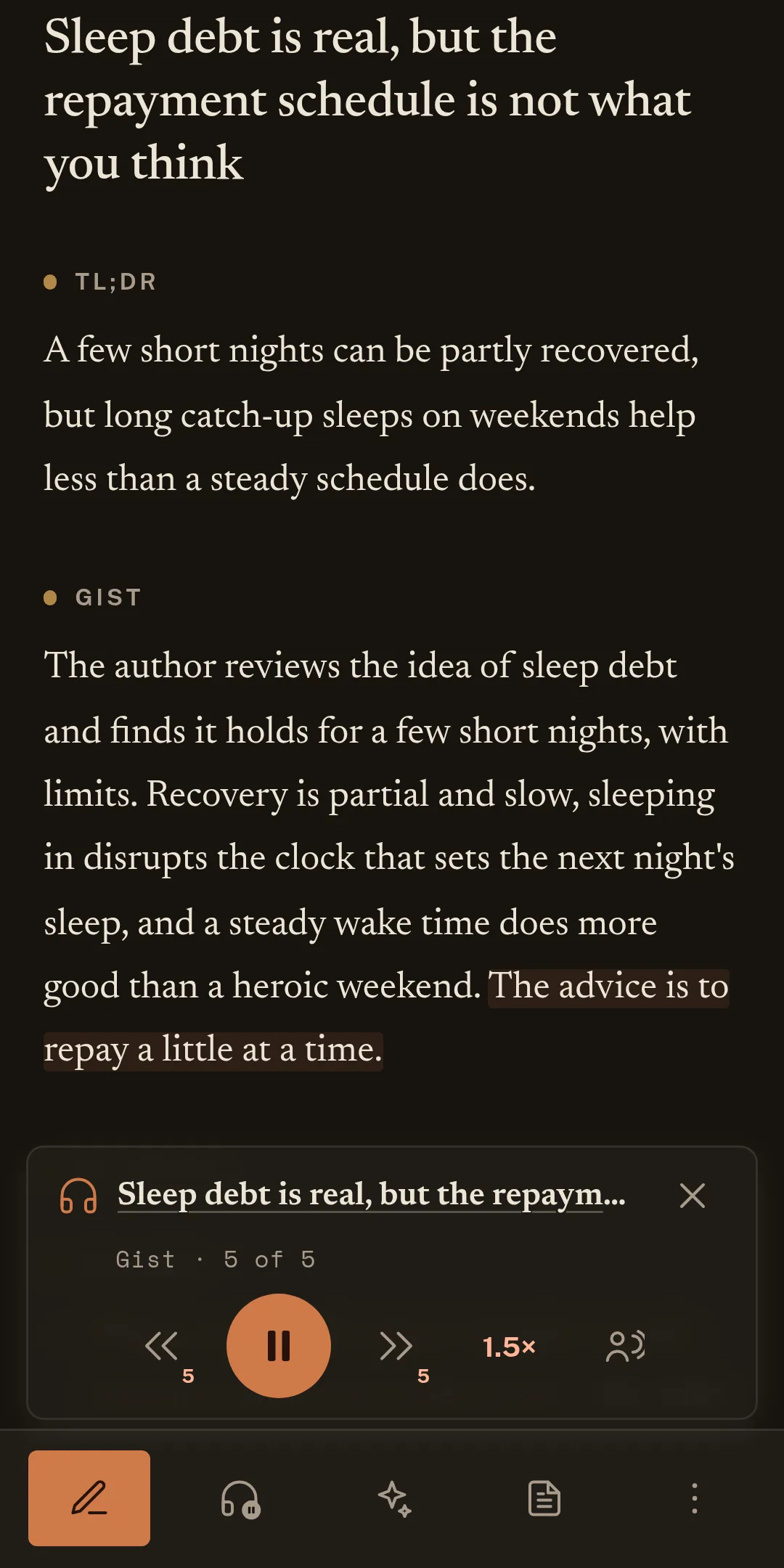
Hear a summary read aloud by a voice on your device, sentence by sentence, at the speed you like, while you do something else.
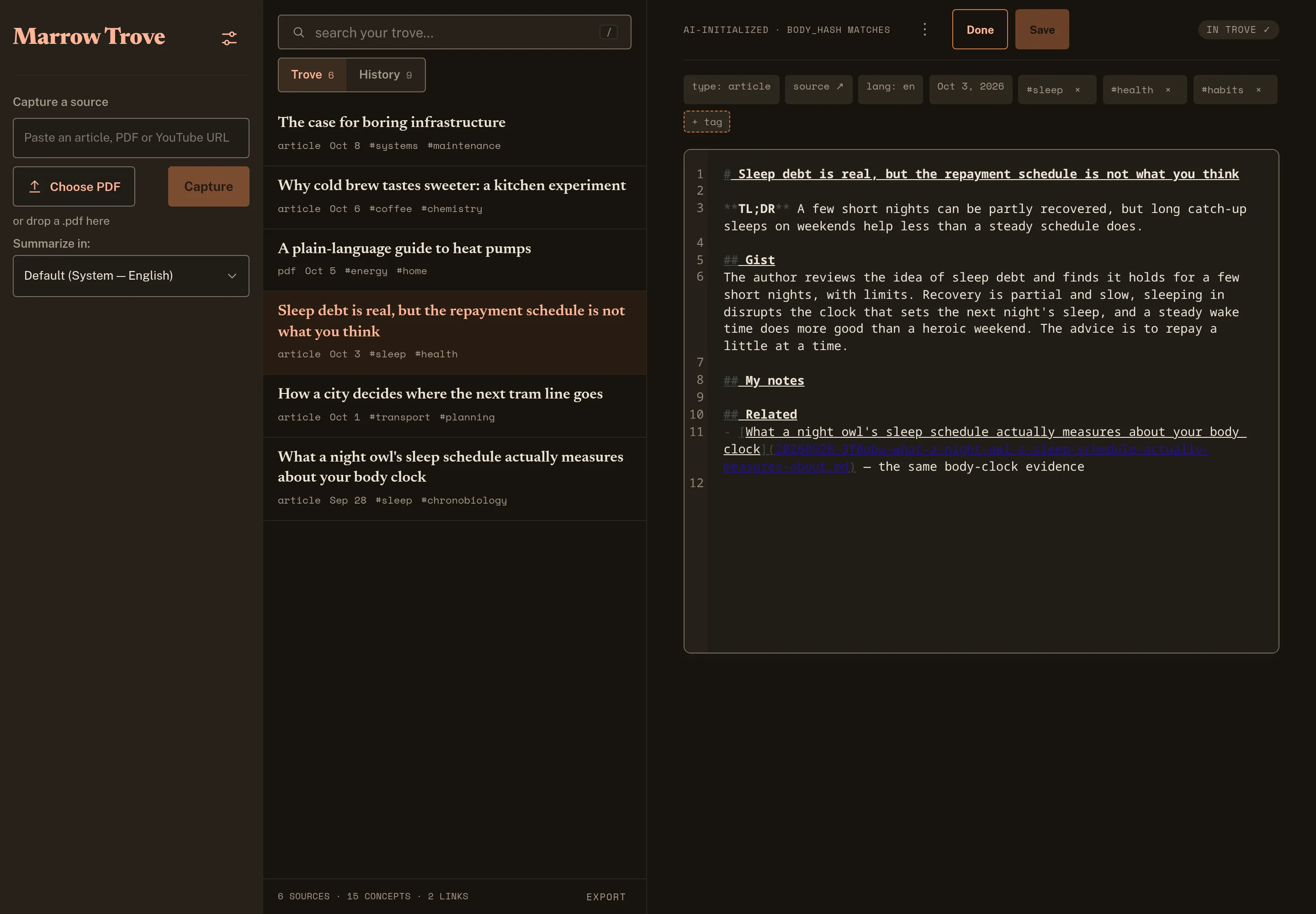
Markdown
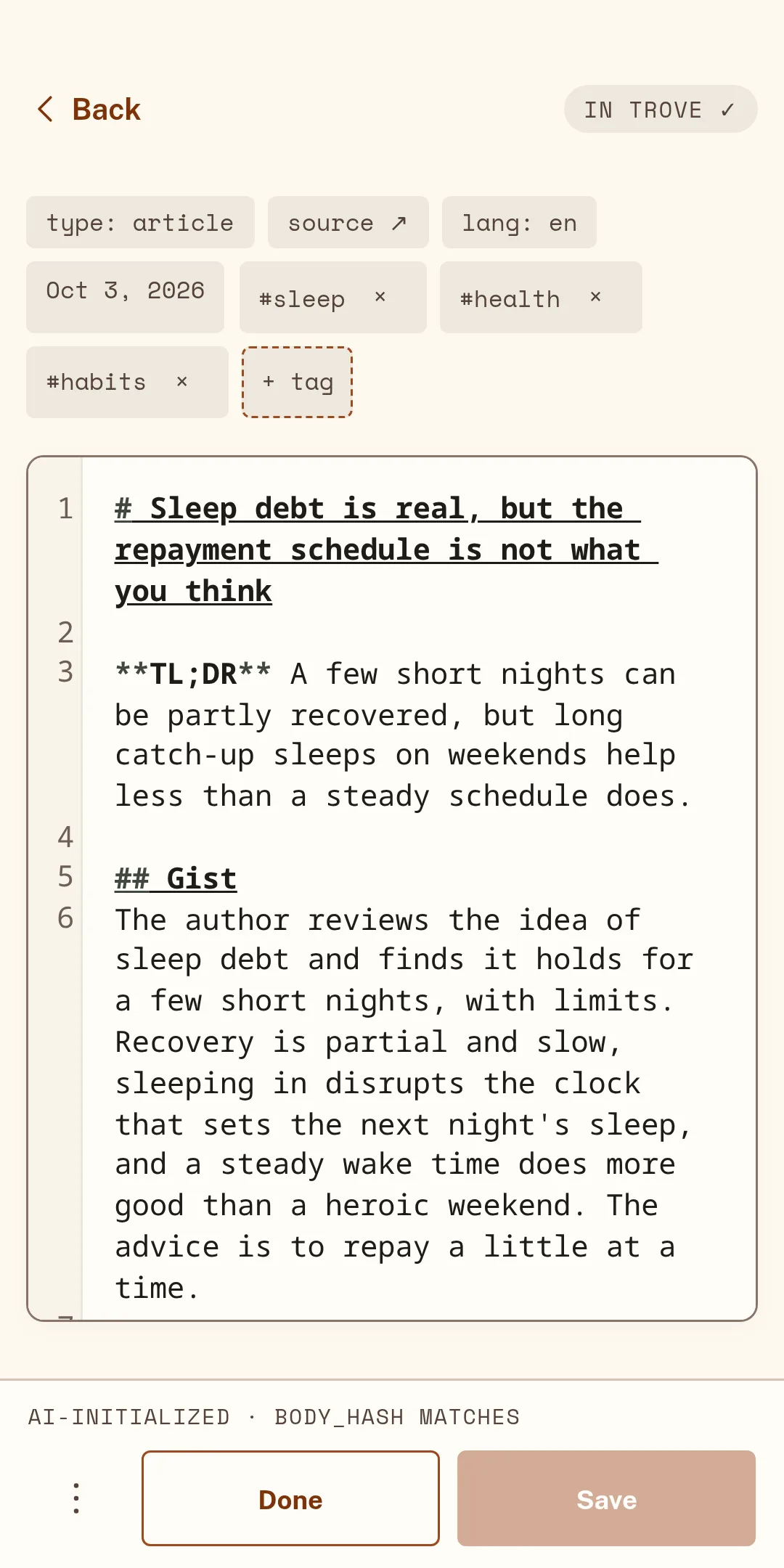
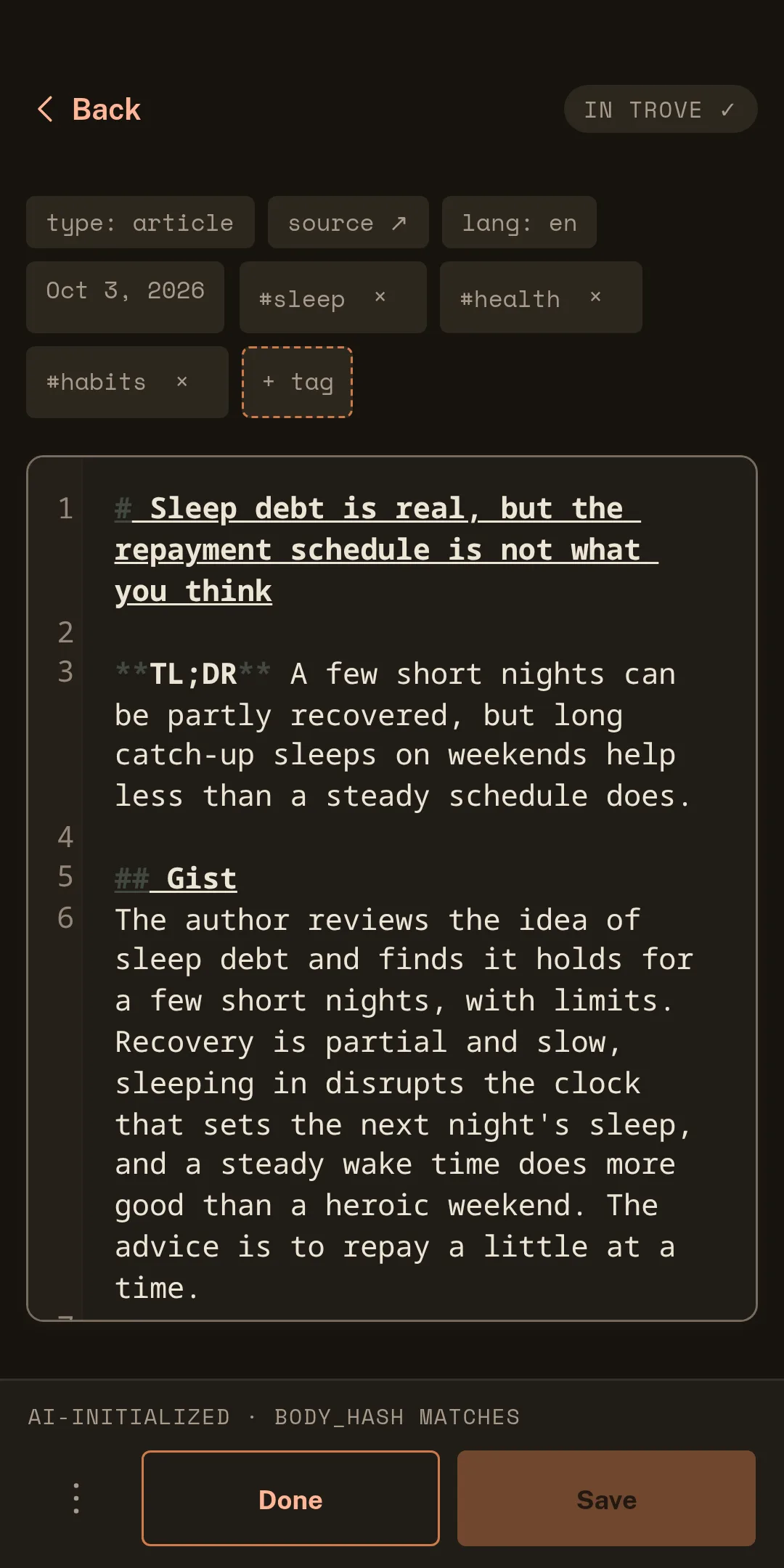
Kept notes are ordinary Markdown files in a folder you choose, ready for Obsidian or any editor, and Export downloads the whole Trove as a ZIP.
What you can capture
Long reads, essays and documentation. The extension and the Android app read the page as it is shown to you; a link pasted into the web app is read for you by Google's Gemini.
Web pages
Papers, reports and manuals with real text, read on your device. Drop one into the web app; the extension can capture the one open in your browser tab.
Scanned pages are not read yet
In the web app and on Android, Google's Gemini summarizes the video from its link, with an outline whose times link back to it. Marrow Trove does not download the video, its audio or a transcript.
Public videos only
If the Gist is not enough, ask for a longer, structured read of the same article.
Re-summarize a capture with a note on what to focus on. Your own notes are never overwritten.
Summaries in your system language, the source's language, or one you pick.
Each capture gets tags, and kept notes link to related ones you kept before.
AI-written text is marked as such, and the captured source stays next to it for checking.
Your library, search and Listen keep working offline. Only new captures need the network.
Platforms
The web app is open now, and an early build of the Chrome extension can be added from the Chrome Web Store. The Android app is with invited testers, and an iPhone app is planned. Ask for a place and we will write when there is a build for you.
Any modern browser, installable
Paste a link or drop a PDF. Nothing to install, though your browser can add it to your home screen or dock.
Marrow Trove Capture
One click on the page you are reading sends it to your web app, including pages you are signed in to.
Android 7.0 or later
Share from any app to Capture with Marrow Trove. The summary is waiting when you come back.
iOS
An early test build exists and there is no release date yet. Until then, the web app can be opened in the phone's browser.
Plans
Everything on this page works now on Free, with your own Gemini key. Plus and Pro will add summaries that need no key.
€0 no card, no account
The whole product, on your device, with your own Gemini key.
€4.99 a month, planned
Summaries without your own key.
€9.99 a month, planned
For people who capture every day.
One credit covers a summary of an article of up to about 7,500 words, or 10 minutes of video. Plus and Pro are not on sale: their prices and contents are our working figures and may change before launch. Your own Gemini key stays free to use on every plan.
Ownership
A reading tool sees what you read. So the library stays with you, in a format that will outlive this app.
Privacy in detailCaptures, notes and settings live on your device. There is no account, and Marrow Trove has no copy.
Kept notes are files you can open, move and back up like any others, in Obsidian or any editor.
A summary sends the text or the link to Google's Gemini with your key. The app says so before the first send; what Google does with it depends on your key.
Usage statistics are off unless you say yes, and never include what you read.
Questions
No. There is no account and no sign-in today. Your library lives on your device, and the app works as soon as you open it.
Summaries are written by Google's Gemini, and today the app calls it with your own API key, straight from your device. You can create a key in Google AI Studio; Google decides what a key costs, and you pay Google directly for what you use.
In the EEA, Switzerland and the United Kingdom, Google's terms allow only paid (billing-enabled) keys. Elsewhere a free key works, with different terms for what Google may do with the content (see the next questions).
Without a key you can still capture, keep, search and export; only the summary waits. Plans that need no key are planned (see Plans).
On your device. The web app keeps it in your browser's storage; the Android app keeps it in the app. Marrow Trove has no copy of your captures, notes, settings or key.
That also means clearing your browser's site data removes the library. Kept notes can be written as Markdown files into a folder you choose (on Android and in Chromium desktop browsers), and every browser can export the trove as a ZIP.
When you ask for a summary, the app sends the text it read from the article or PDF, or the link of the video, to Google's Gemini service, from your device, with your key. Marrow Trove's servers are not involved.
What Google does with it depends on your key. With a free-tier key, Google may use what you send to improve its products, and people may read it. A paid, billing-enabled key comes with different terms. Use a paid key for anything private, and read Google's terms for the key you use. The app shows this notice before the first send.
The Chrome extension and the Android app read the page as it is shown to you, in your own browser, so a page you are signed in to can be captured. A link pasted into the web app is fetched by Google, which cannot sign in for you.
Only what is visible to you is captured. If a page shows you just a preview, the app says the capture is partial. Capture only what you have the right to read.
Today it is free, and summaries run on your own Gemini key (you pay Google for that, if anything). Paid plans that include summaries without a key are planned. The prices shown under Plans are our working figures: nothing is on sale yet, and both prices and contents may change before launch.
Beta access
The Android app is in a private beta, and the iPhone app is on its way. Leave your address and we will write when there is a test build for you.
In the meantime the web app is open to everyone, and the Chrome extension is in early access.